5
Set-Up
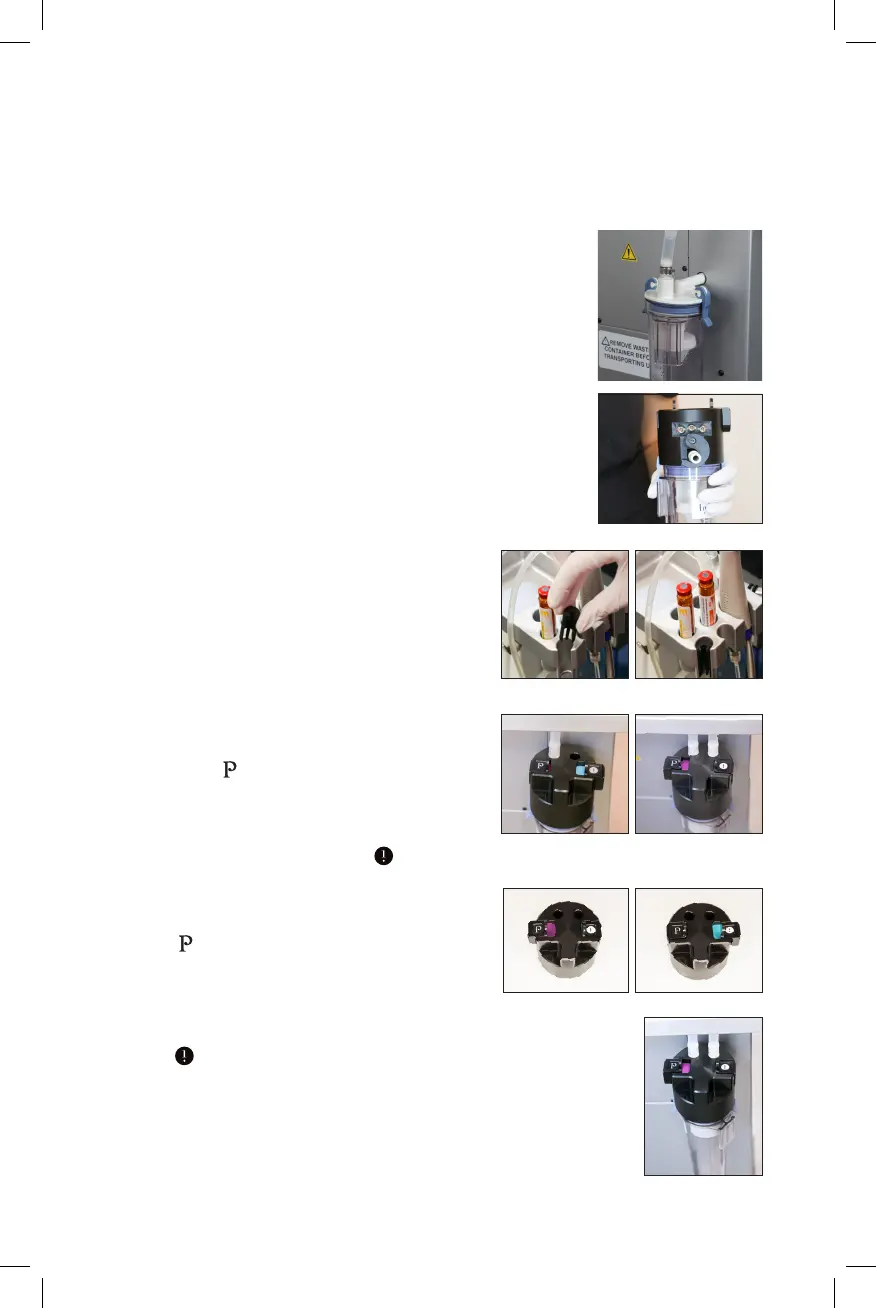
1. Unplug the tubing from the waste canister lid.
2. Remove the waste canister from the back
of the HydraFacial System.
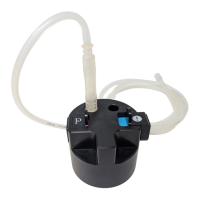
3. Place the Perk Switch on top of the waste
canister lid. Press the hook to the side of
canister lid nozzle. Then plug the waste
canister back in to the HydraFacial System.
4. Make sure to place the Perk Switch
tool holder adapter in the tool holder
in the front left slot.
5. Then plug the Perk handpiece tubing
into the left hand position closest to
the Perk emblem.
6. Plug the HydraFacial handpiece
tubing into the right hand position
closest to the HydraFacial emblem.
7. The Perk handpiece is active when
you see the purple bar next to
the emblem. Make sure to push
all the way to the side.
8. The HydraFacial handpiece is active
when you see the blue bar next to
the emblem. Make sure to push all
the way to the side.
9. When installed correctly, the Perk Switch
should appear similar to image on the right.


 To Next Page