
 Need help?
Do you have a question about the HYDRO-RAIN HRC 100-C and is the answer not in the manual?
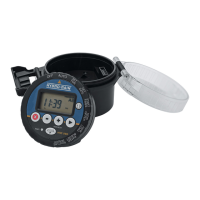
Secures the controller's access panel, ensuring protection.
Protects the controller from environmental elements.
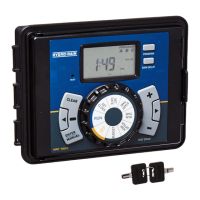
Primary control interface for navigating and setting functions.
Shows current status, settings, and program information.
Houses the backup battery for memory retention.
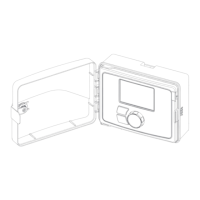
Encloses the control dial and display for protection.
Set the current time of day for the controller.
Configure the current year, month, and day.
Define the time of day for watering programs to begin.
Set the duration for each station's watering cycle.
Determine the watering frequency using days, intervals, or odd/even days.
Temporarily postpone scheduled watering for 24, 48, or 72 hours.
Adjust watering duration for all stations by a percentage.
Manually activate watering for specific stations without altering the program.
Run all stations for a set duration to test system installation or service.
Wire a rain sensor to the controller to automatically suspend watering.
Override the rain sensor function for maintenance or testing.
Operate a master valve or pump relay in conjunction with station watering.
Procedure for installing or replacing the CR2032 backup battery.
Details on UL, ETL, CSA, and CE certifications for the controller.
Information on the intended use and trademarks associated with the product.
Covers product warranty, FCC rules, and potential interference guidelines.
 General
| Voltage | 24VAC |
|---|---|
| Hybrid | No |
| Power Source | 24VAC |
| Watering Schedule | Flexible scheduling options |
| Connectivity | Wi-Fi |
| Transformer | Required |



 To Next Page