EasyManua.ls Logo

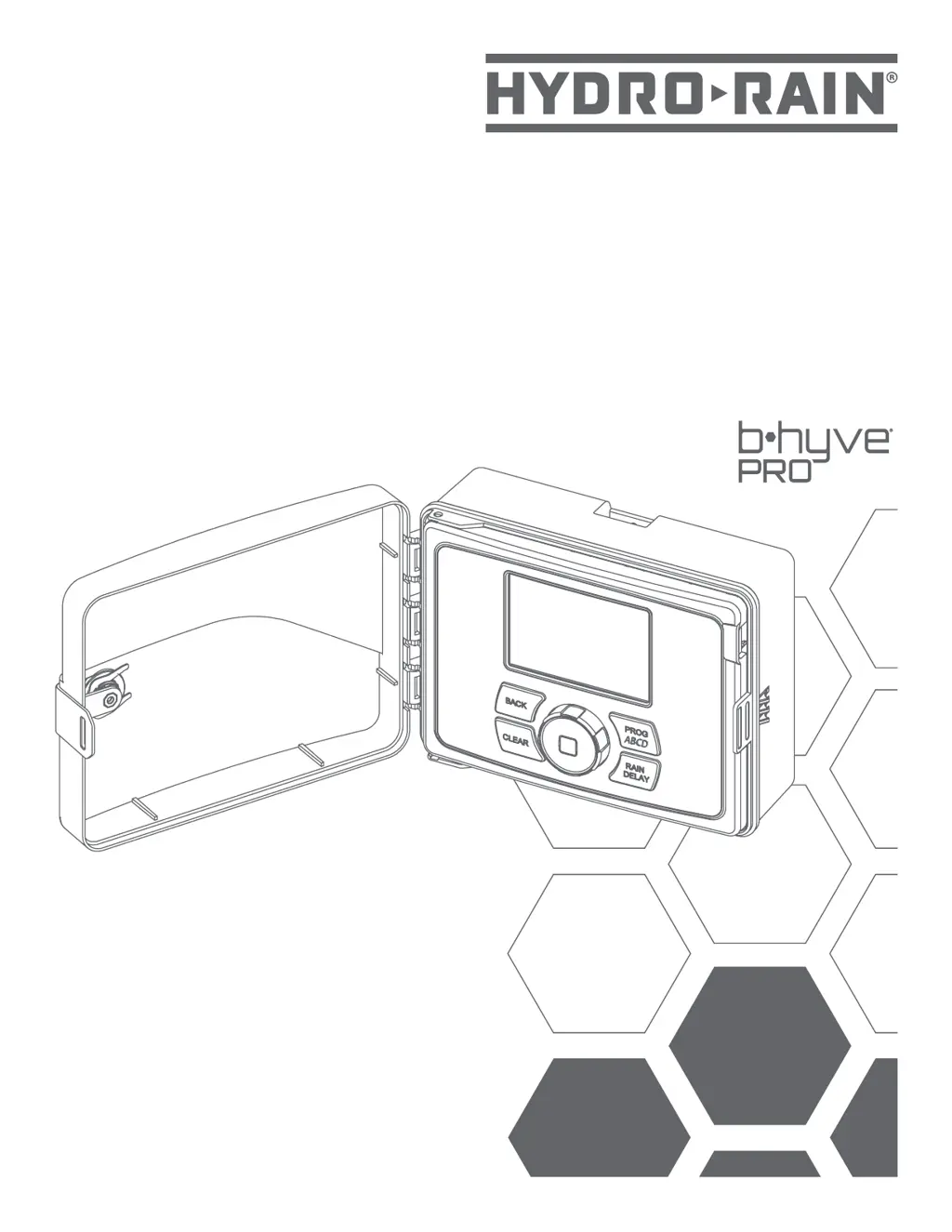
HYDRO-RAIN HRC-400 - User Manual

HYDRO-RAIN HRC-400
15 pages
Print Icon
To Next Page IconTo Next Page
Loading...
User’s
Guide
Welcome to the
HRC 400
Smart Wi-Fi Sprinkler Controller
Printers are responsible
for meeting print
production requirements.
Any changes must be
approved by Orbit
®
.
Printed piece must meet
designated specifications
on this form.
© 2014 Orbit Inc.
This work is the property
of Orbit
®
, and cannot
be used, reproduced or
distributed in any way
without their express
permission.
Dieline
PMS
Gray 10
Fold
PMS
0000
Product
Coverage
PMS
0000
Dims./
Callout
PMS
0000
Orbit
®
1.801.299.5555
orbitonline.com
M
Y
K
Glue
Folded Flat Additional Information
PRINTERS ARE
REQUIRED TO MATCH
ALL SPECIFIED
PMS COLORS.
C
DATE: 01/29/2019
DESIGNER: KM MARKETING: GD
SOFTWARE: Adobe Indesign CC
ARTWORK №: 0408024 rA
L:
W:
H:
- W:
H:8.5"
11"
8.5"
11"
04080-24 Rev A
Powered by

Questions and Answers

  • D
    Diane WilliamsJul 28, 2025
    What to do if my HYDRO-RAIN HRC-400 display says 'Fault' and flashes a zone number?
    • M
      Michael MartinJul 28, 2025
      If your HYDRO-RAIN Controller shows a 'Fault' message and a zone number is flashing, it indicates a short. You should inspect the wiring for shorts and also check the solenoid for shorts.
  • Z
    Zachary MackAug 1, 2025
    Why are all valves not turning on with my HYDRO-RAIN Controller?
    • A
      arayAug 1, 2025
      If all valves are not turning on with your HYDRO-RAIN Controller, it might be due to a defective or disconnected transformer. Check the transformer connection. Incorrect programming can also cause this issue, so review the programming.
  • M
    Molly LambAug 6, 2025
    Why are stations turning on when they are not supposed to with my HYDRO-RAIN HRC-400 Controller?
    • U
      uwalkerAug 6, 2025
      If your HYDRO-RAIN Controller has stations turning on when they shouldn't, it might be due to high water pressure. Reduce the water pressure. Alternatively, you may have programmed more than one start time, so eliminate overlapping start times. Also, ensure that the AM/PM setting is correct.
  • W
    wardmonicaAug 10, 2025
    How to fix one or more valves that do not turn on with my HYDRO-RAIN Controller?
    • M
      matthewrobertsAug 10, 2025
      If one or more valves don't turn on with your HYDRO-RAIN Controller, check the solenoid connection. Inspect the wires for any damage. Ensure the flow control stem isn't screwed down, shutting the valve off; if it is, adjust it. Also, review the programming for any errors.
  • C
    Charles Foster MDAug 14, 2025
    What to do if one station is stuck on and will not shut off on my HYDRO-RAIN HRC-400?
    • B
      brandon29Aug 14, 2025
      If a station on your HYDRO-RAIN Controller is stuck on and won't shut off, the valve may be faulty and needs replacement. Alternatively, particles of dirt or debris might be stuck in the valve, so try cleaning it. The valve diaphragm could also be faulty, requiring replacement.
  • M
    Michael BlackAug 18, 2025
    Why do valves continue to turn on and off when they are not programmed on my HYDRO-RAIN Controller?
    • D
      Debra DanielsAug 19, 2025
      If the valves on your HYDRO-RAIN Controller continue to turn on and off when they are not programmed, it might be because more than one start time is programmed with overlapping schedules; eliminate these overlapping start times. Excessive pressure can also cause this, so reduce the water pressure.
  • J
    joshuaedwardsAug 23, 2025
    How to troubleshoot a HYDRO-RAIN Controller that will not power up?
    • L
      Lauren SanchezAug 23, 2025
      If your HYDRO-RAIN Controller will not power up, ensure the transformer is plugged into a working outlet.

Summary

Installation Guide

Wiring and Electrical Connections

Connecting Sprinkler Valves

Procedure for wiring the solenoid wires from sprinkler valves to the controller terminals.

Controller Wiring

Instructions for connecting the controller to the power supply and valve wires.

Powering Up the Controller

Electrical Power Connection

How to connect the controller to an AC power source using the provided cord.

Initial Wi-Fi Setup

Connecting to Wi-Fi

Steps to connect the controller to a Wi-Fi network via the B-hyve Pro app.

Program Selection and Date;Time

Setting Watering Times

Setting Start Times

How to define the daily start times for watering programs.

Setting Run Times

How to specify the duration each station will water.

Watering Frequency Options

Troubleshooting Common Problems

Technical Specifications

HYDRO-RAIN HRC-400 Specifications

Power IconPower
rated input voltage (Australia)240V AC
rated input frequency (Australia)50/60Hz
rated input current (Australia)0.15A
rated input voltage (Europe)230V AC
rated input frequency (Europe)50/60Hz
rated input current (Europe)0.15A
rated input voltage (USA)120V AC
rated input frequency (USA)60Hz
rated input current (USA)0.15A
max load voltage (AUS & EU)24V AC
max load current (AUS & EU)1 Amp
max load frequency (AUS & EU)50/60 Cycle
max load voltage (USA)24V AC
max load current (USA)750 mA
max load frequency (USA)60Hz
Operating Environment IconOperating Environment
operating temperature range32-158° F (0-70° C)
storage temperature range32-176° F (0-80° C)
operating humidity range0–80%
storage humidity range0–90%
altitude6, 500' (2, 000 meters)
IP ratingIPX5

Related product manuals