7
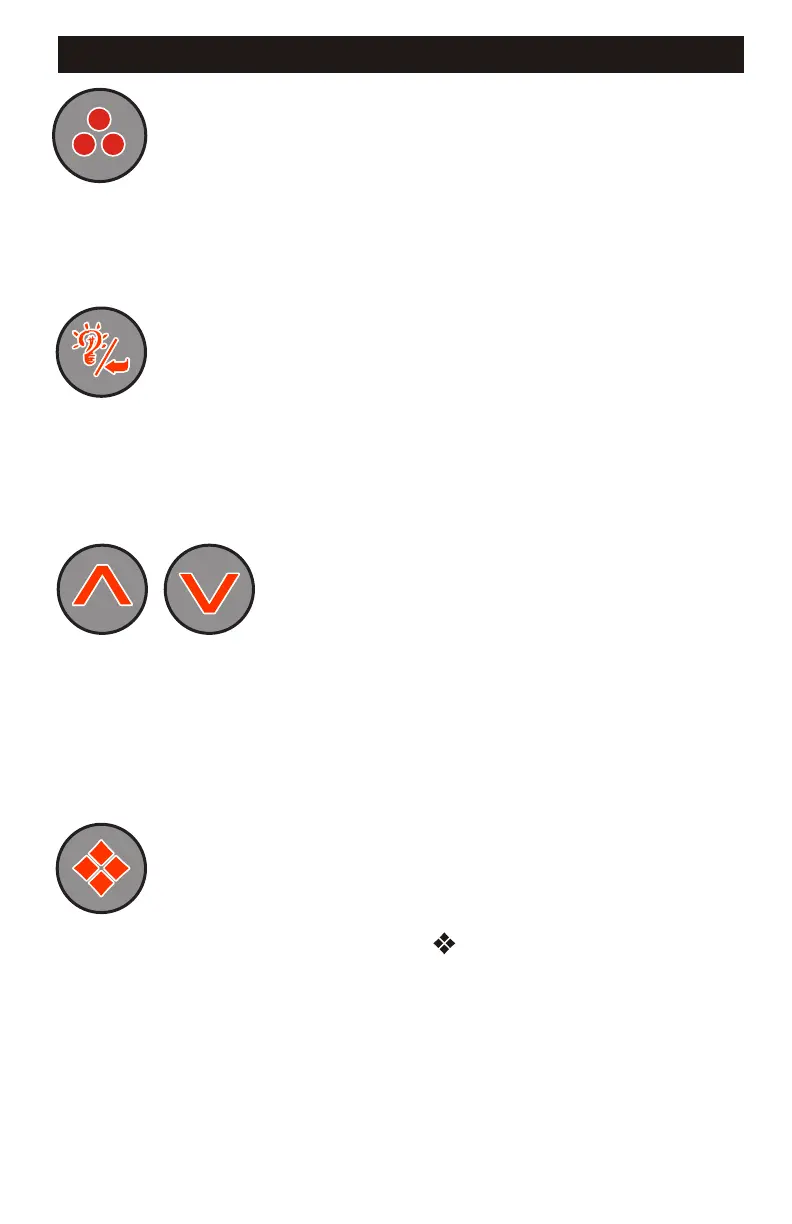
Blower Key:
Light/Enter Key:
Temperature Set Keys:
Press this key to turn the Blower on and off. If equipped with
a multiple speed blower; press this key once to turn Blower onto High speed, a
second press will turn the Blower onto Medium speed, a third press will turn the
Blower onto Low speed and a fourth press will turn the Blower off. A built-in timer will
shut the blower off after 20 minutes of operation unless done so manually. The Blower
Icon will appear while the blower is running in High speed and flash while it is in
Medium and Low speeds.
Press this key to turn the light onto its highest intensity, a
second press will turn the light onto medium, a third press will turn the light onto low
and a fourth press will turn it off. If equipped with Fiber Optic: Press this key once to
show “L1”. Use the Up arrow key to turn the light onto High, Medium, Low and Off.
Press the light key a second time, “F1” will appear. Use the Up arrow key to turn the
Fiber Optic wheel and light on, Fiber Optic wheel off with light on and both Off. The
light will automatically shut off after 2 hours. The Light Icon will appear while the light
is on.
Press the Up Arrow key to increase
the desired temperature. Press the Down Arrow key to decrease the temperature. The
temperature can be adjusted in 1BF increments from 59BF to 104BF (5BC to 40BC). The
new setting will remain on the display for 5 seconds as a confirmation. During this
time the Set Point icon will be appear to let you know this is the desired and not the
actual temperature. After 5 seconds the display will return to the current temperature
reading. When the temperature drops to 1BF below the set temperature, the heater will
be turned on until the temperature is 1BF above the set temperature. The heater icon
will appear while the heater is on and flash when there is a call for heat and the heater
has not yet been activated.
Programming Parameters: There are various parameters that may be
programmed. Follow these procedures to set each parameter: Press and hold the
Program Key for 5-seconds, the program icon ( ) will appear. You may continue to
press the Program key to access the desired parameter to be modified. Once you
have reached the parameter to be modified, press the Enter (Light) key. Use the Up &
Down Arrow keys to adjust the value. If no key has been pressed for 15-seconds the
programming mode is exited. During programming all keys other than the Program,
Enter (Light) and Up & Down Arrow keys will be ignored.
1
SPASIDE CONTROL - Continued


 To Next Page