Surges on AC
mains lines (IEC
61000-4-5)
± 1 kV Mains power quality should be that of a typical clinic,
hospital, athletic training, or home environment.
Power frequency
magnetic field
50/60 Hz (IEC
61000-4-8)
30 A/m Equipment that emits high levels of power line magnetic
fields (in excess of 3A/m) should be kept at a distance to
reduce the likelihood of interference.
Voltage dips
and short
interruptions
on AC mains
input lines (IEC
61000-4-11)
0.5 cycles 1 cycle
25 cycles (50 Hz)
30 cycles (60 Hz)
250 cycles (50
Hz) 300 cycles
(60 Hz)
Mains power should be that of a typical clinic, hospital,
athletic training, or home environment. If you require
continued operation during power mains interruptions,
ensure that batteries are installed and charged. Ensure that
battery life exceeds longest anticipated power outages or
provide additional uninterruptible power source.
Conducted
RF RF coupled
into lines (IEC
61000-4-6)
Radiated RF (IEC
61000-4-3)
3 Vrms
150 kHz to
80 MHz
6 Vrms in ISM
bands
10 V/m
80 MHz to
2.7 GHz
This device is suitable for the electromagnetic
environment of typical clinic, hospital, athletic training or
home environments.
EQUIPMENT CLASSIFICATION
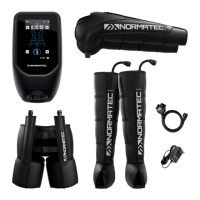
• Protection against electric shock: Class II/internally powered equipment
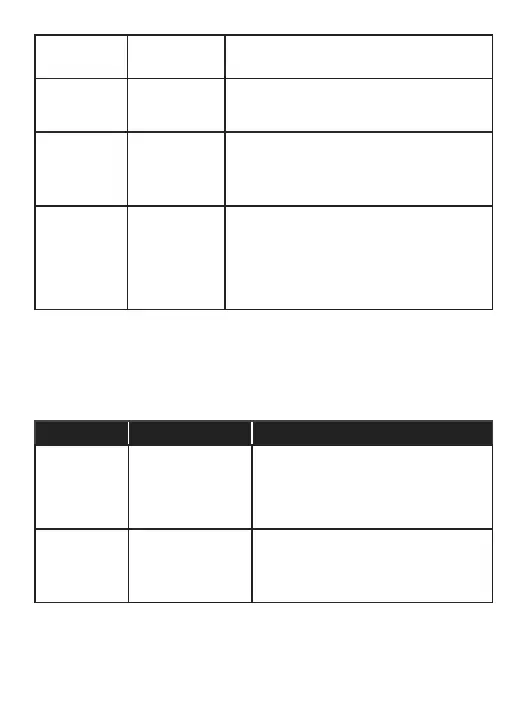
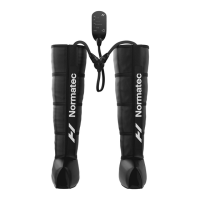
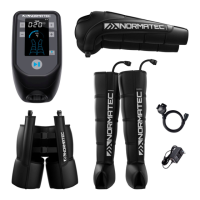
• Degree of protection against electric shock: Type BF applied part (device and inflatable boots)
• Ingress protection: IP22
• Equipment not suitable for use in the presence of a flammable anesthetic mixture with air or with
oxygen or nitrous oxide
• Continuous operation
TROUBLESHOOTING
Problem Possible Causes Solutions
The device does
not start
Power is not turned on
Charger is not securely
connected
Press the power button to turn the control unit on.
Check that the battery is charged or that the
charger is securely connected to the Normatec
Elite control unit and the electrical outlet.
Check that the wall outlet works.
The attachment
does not inflate
The session has not
been started
The attachment has
been damaged
Check that the Start/Stop LED is ON and the timer
is counting down. If not, press Start/Stop button to
start or resume session.
Check that there is no air leak error message on the
display screen.



 To Next Page