Register your device
Activate your warranty and ensure
easy returns, repairs, or refunds at:
hyperice.com/register-product
Apply pad and connect pod
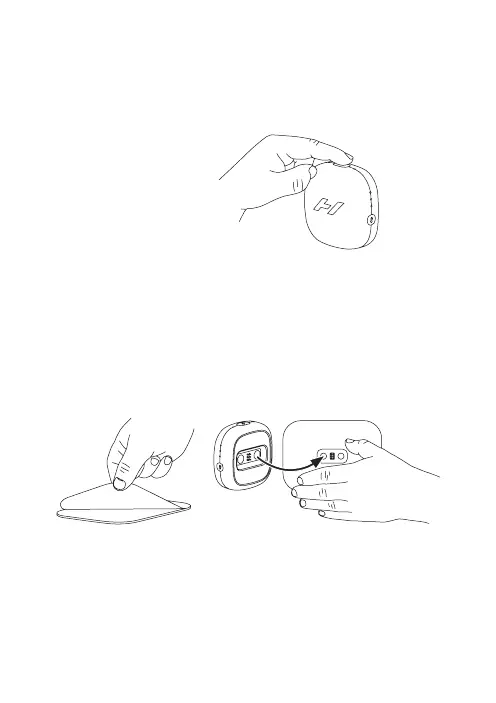
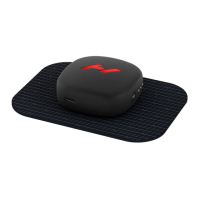
Peel the Venom Go pad from liner and apply to skin. Select heat level
and vibration pattern. Connect pod by using the magnetic connection
(shown below / right).
Note: Heat and vibration will not be felt until pod is connected.
Power up
Turn your Venom Go ON
by pressing the power
button (top) once.
Start your session
WARNING: Only use on clean, dry skin. Do not use while perspiring.
Do not dispose of pad liner. Reapply pad to liner after use and store
in a cool, dry location.


 To Next Page