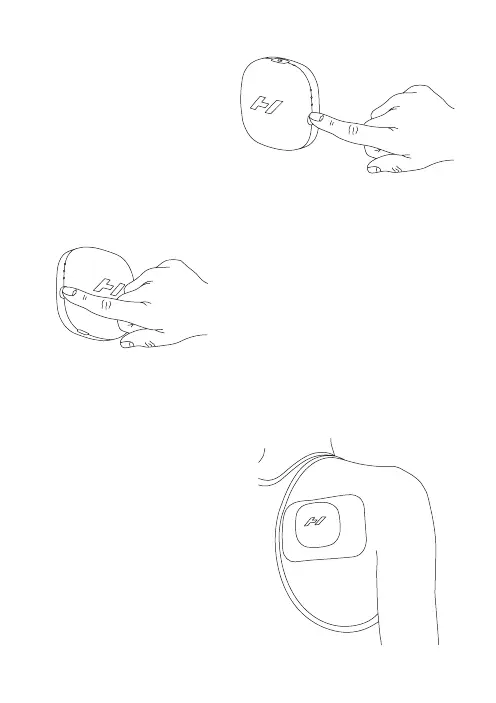
Add vibration
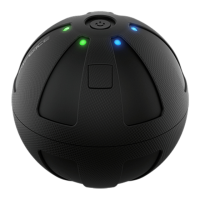
Choose your vibration
by pressing the vibration
pattern button (left side) once
per pattern. The white lights
will indicate the selected
vibration pattern.
Adjust temperature
Choose your desired
temperature by pressing the
heat level button (right side)
once per level. The white
lights will indicate the
selected temperature.
Enjoy your session
Feel the soothing relief of the
Venom Go. Your session will
automatically shut off after
10 minutes. Restart as needed.


 To Next Page