EnCrypt PLUS from Hypertec - User Guide
3
Before Using EnCrypt PLUS
For Windows 2000 users please upgrade to
SP3 or SP4. For Windows XP users XP SP2
and below installations please make sure you
have 2 available drive letters between the
last physical drive on your PC and the first
network drive, this is to avoid possible drive
letter assignment problems.
Installing The Device
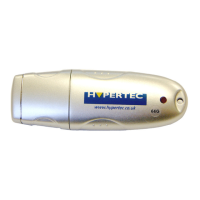
Insert the device into your PC, the drive
should be detected and installed by the
operating system. No drivers are required
for Windows 2000, Windows XP or
Windows Vista.
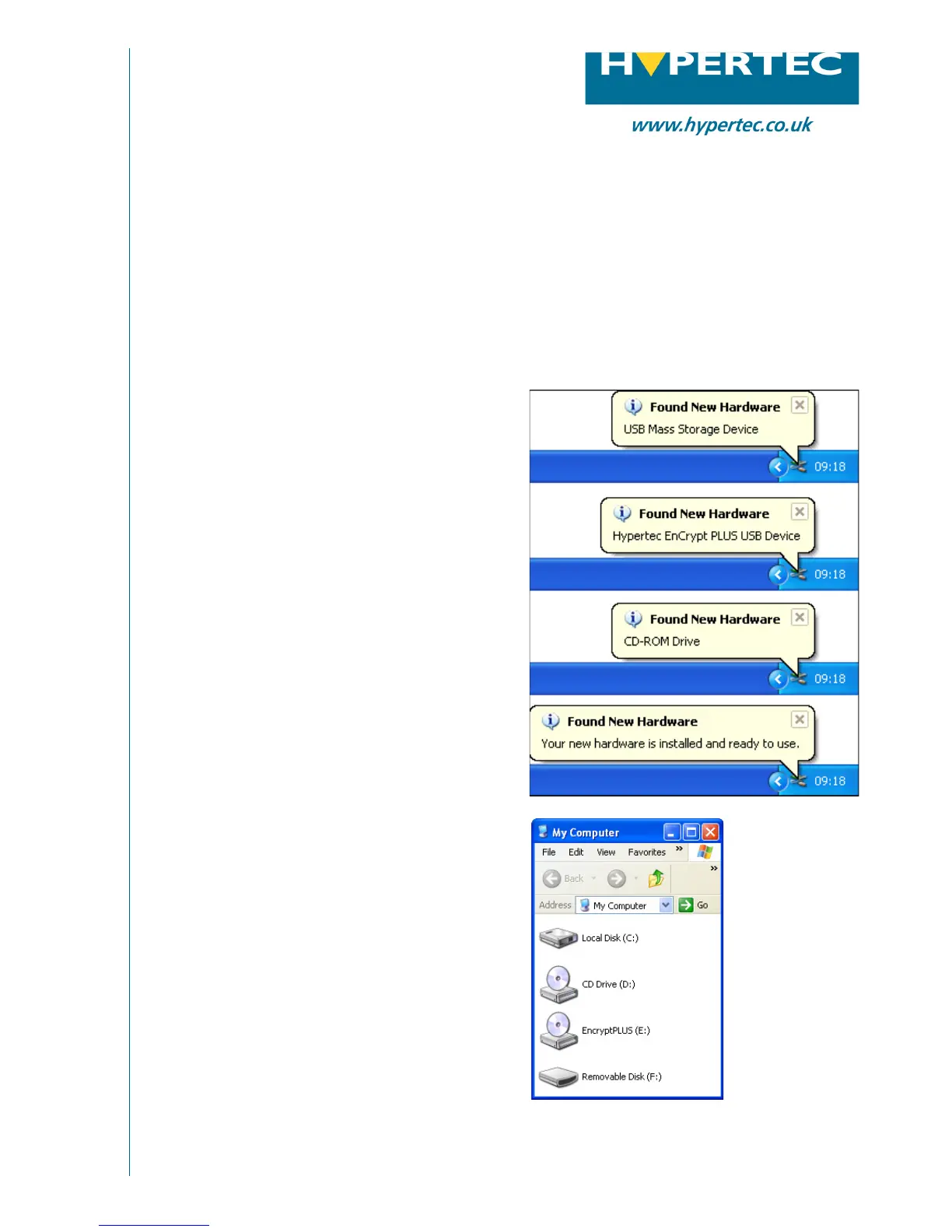
The installation bubbles should show the
progress of Windows installing your device
at the bottom right of the screen.
Once the bubble says the hardware is in-
stalled and ready for use you should be able
to see two new drive letters visible in
‘My Computer’, one is the CDROM section
of the drive and on is the storage area.
You will not be able to access the stor
-
age area until the drive is unlocked. The
CDROM section is capable of the autorun
ability and will launch the EnCrypt PLUS
security Tool if enabled.
USB Flash Memory
Hardware Implemented AES Encryption
Installing the Device in Windows XP
Please contact Hypertec Ltd for more information:
t: 0870 243 5603 e: info@hypertec.co.uk w: www.hypertec.co.uk


 To Next Page