Document No. 480HX-HSCFX.A01
Usage
Using with Xbox One
®
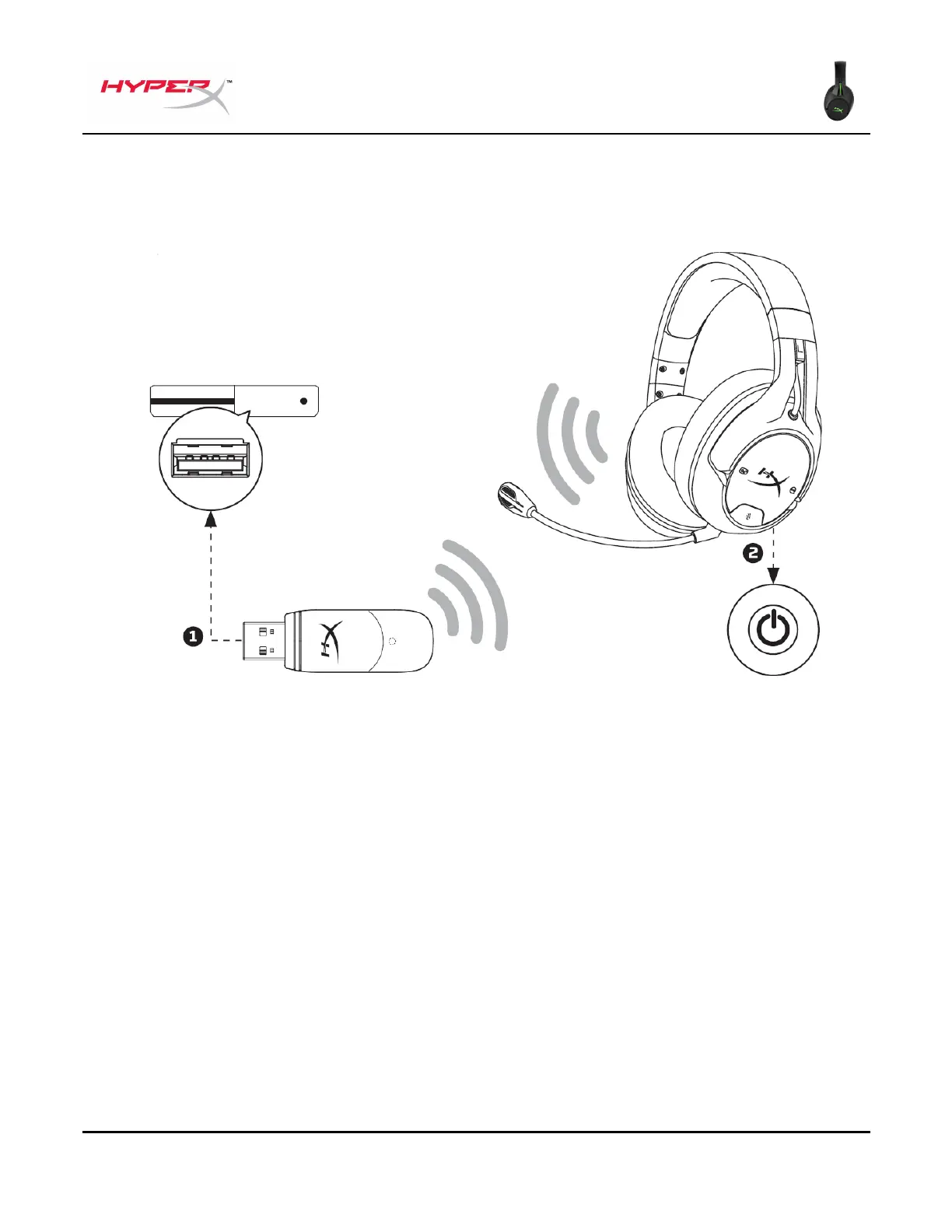
1. Connect the wireless adapter to a USB port on the Xbox One
®
system.
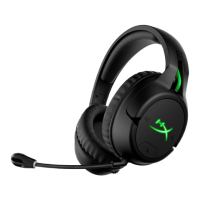
2. Power on the headset.
3. When the wireless adapter status light is solid, the headset is now connected to the adapter.
4. If logged in with an account, the Xbox One
®
will assign the headset to that account and notify the
user.
Note: Connecting the headset to the Xbox One
®
system does not automatically mute or adjust the
sound from the TV.


 To Next Page