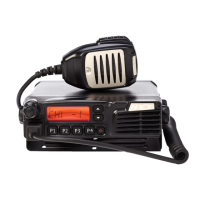
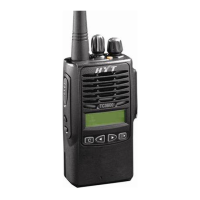
Radio Overview
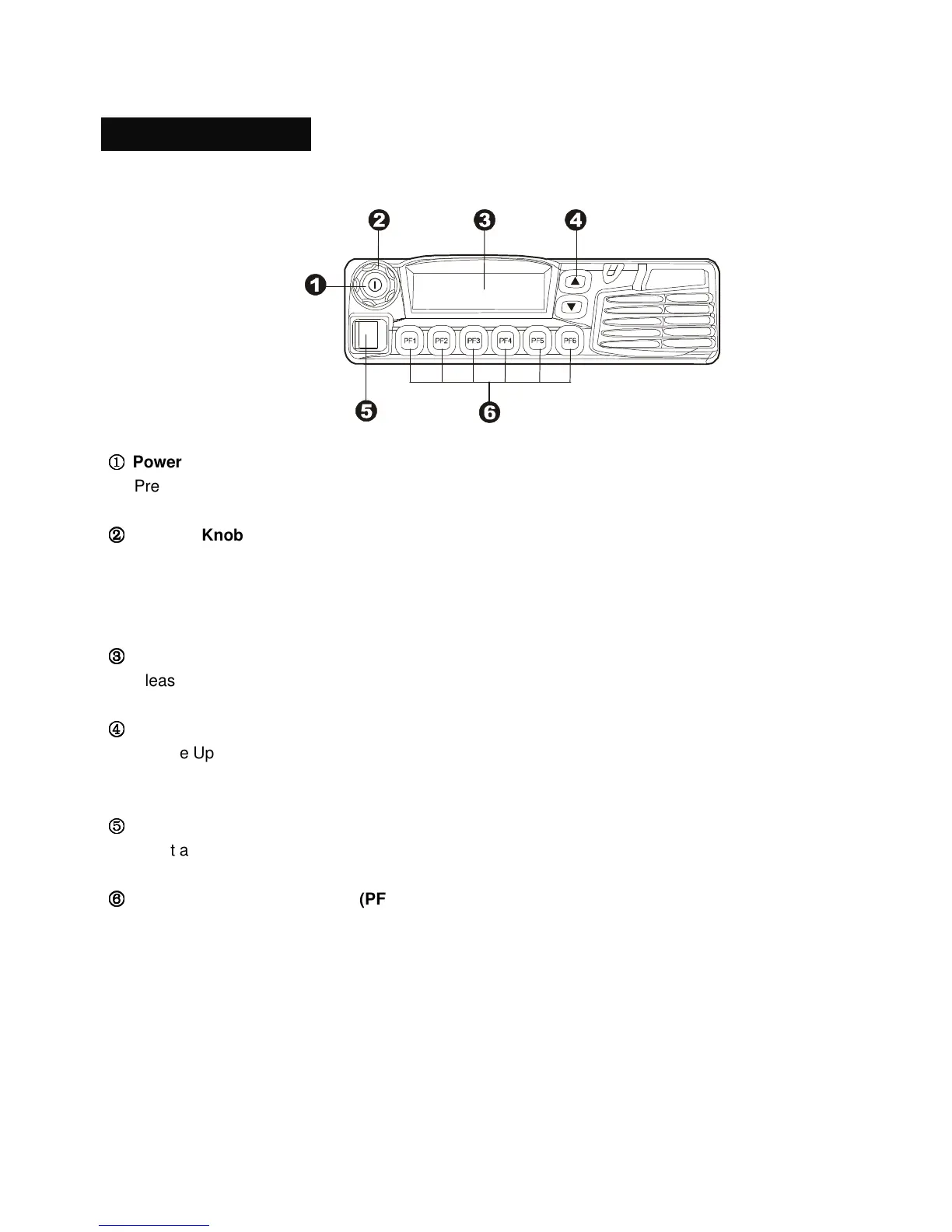
Front Panel View
①
①①
①
Power
Press the power button to switch the radio on/off.
②
②②
②
Selector Knob
Volume Up/Down, Channel Up/Down, Zone Up/Down features can be programmed to this knob
(Set by your dealer).
Turn the knob clockwise to adjust upwards and counter-clockwise to adjust downwards.
③
③③
③
LCD Display
Please refer to “LCD Display” section.
④
④④
④
Up/Down Key
Volume Up/Down, Channel Up/Down, Zone Up/Down features can be programmed to the keys (Set
by your dealer).
⑤
⑤⑤
⑤
Microphone Jack
Insert a 6-pin connector into the jack.
⑥
⑥⑥
⑥
Programmable Function Key (PF1-PF6)
Your dealer can program these keys as shortcuts to various radio features.



 To Next Page