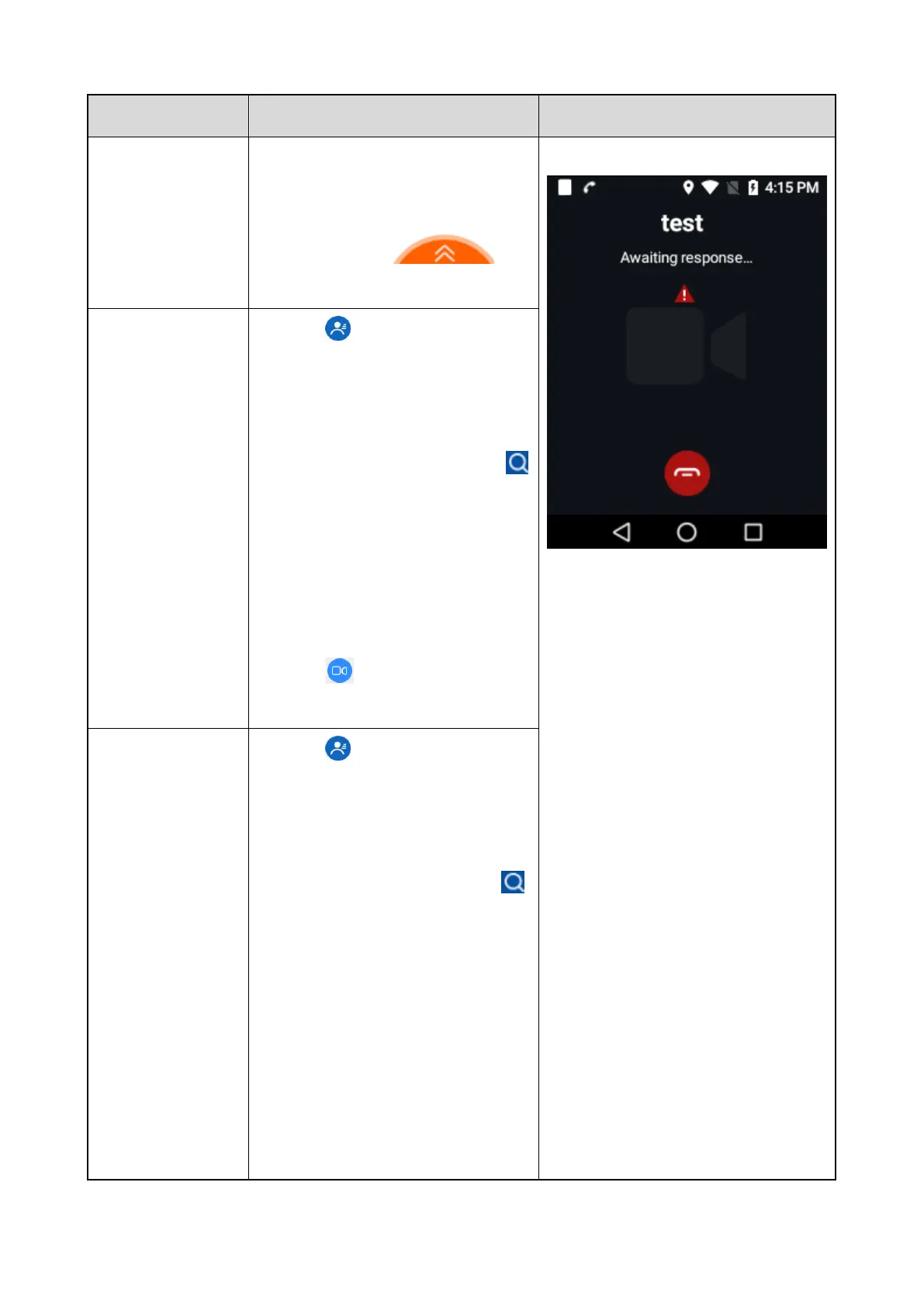
39
Emergency Group Number in the
Call options interface are configured.
See
7.1.4.3 Setting Call Options.
Operation: Swipe
up
to initiate an emergency call.
Initiate from the
group contacts
1. Tap
in the home screen to
enter Contacts, and then tap
Groups.
2. Swipe up or down to find the
desired group contact, or tap
to search for the contact.
3. Tap the contact, and enter the
group call details.
4. Set the Default call level as
Emergency call.
5. Tap
to initiate an
emergency video group call.
Initiate from the
private contacts
6. Tap
in the home screen to
enter Contacts, and then tap
Privates.
7. Swipe up or down to find the
desired private contact, or tap
to search for the contact.
8. Tap the contact, and enter the
local call details.
9. Set the Default call level as
Emergency call.
10. Set the Default video call as
With sound or Without sound



 To Next Page