40
Tap to initiate an
emergency video private call.
Applying for or Releasing the Talk Right
Press and hold the
PTT
key to apply for talk right and speak; release the
PTT
key to release talk right.
Ending an Emergency Video Call
Tap to end the call.
7.3.7 Real-time Uploading
This feature allows the BWC to upload the photos or videos to the designated dispatcher in real-time.
1.
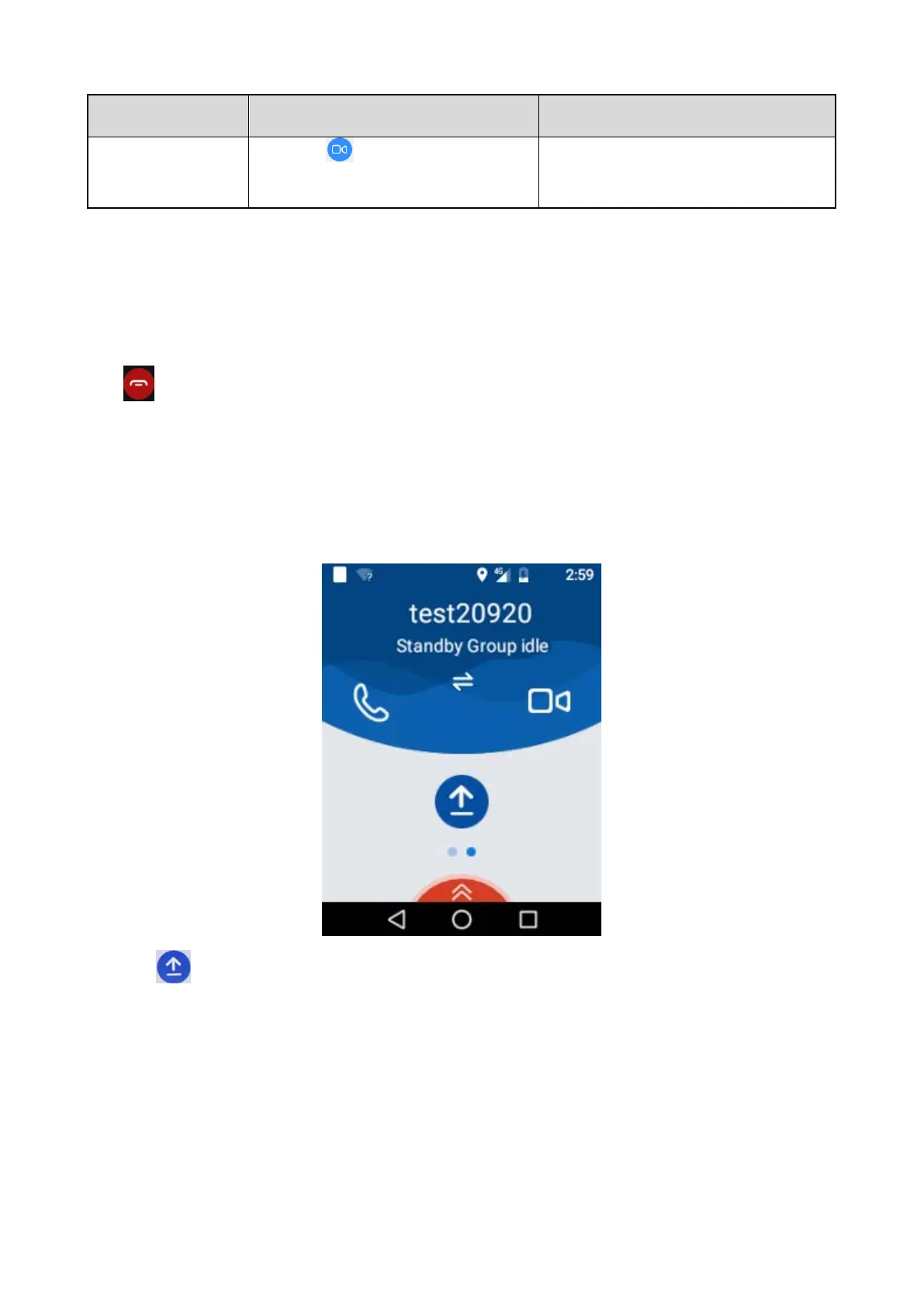
Wipe left from the home page, the following interface appears.
2.
Tap
, and the following interface appears.



 To Next Page