EasyManua.ls Logo

Hyundai BlueConnect - User Manual

Hyundai BlueConnect
28 pages
Print Icon
To Next Page IconTo Next Page
Loading...
Bluetooth® Hands Free
Phone System by
BlueConnect®
USER GUIDE

Questions and Answers

Summary

WARNINGS - PLEASE READ

Getting Started

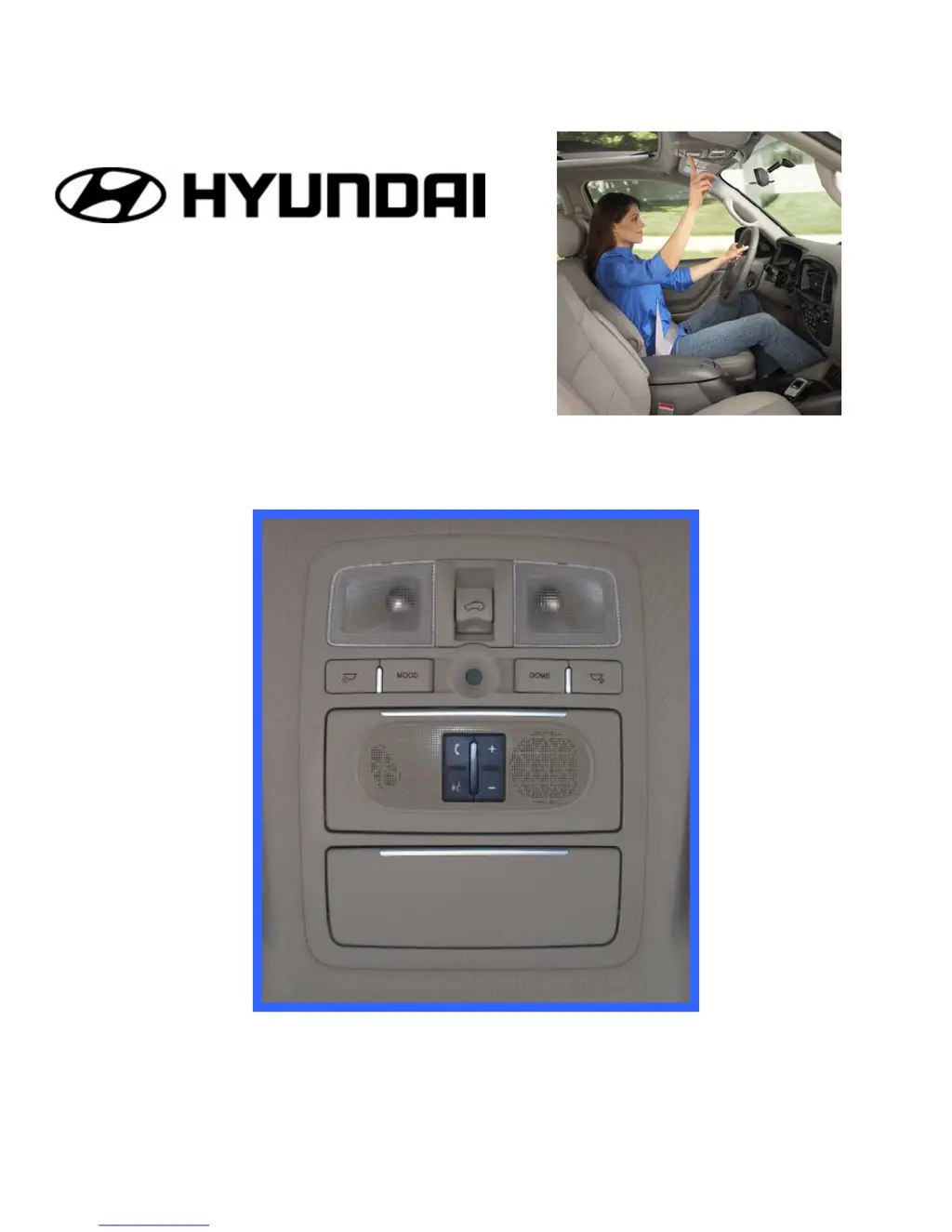
BlueConnect UIB (User Interface Board)

Phone Button or Activation; Deactivation Button

Controls phone setup, call initiation, ending, and acceptance/rejection.

VR (Voice Recognition) Button or Barge-in Button

Activates voice commands, call transfer, muting, and DTMF tone sending.

Function Overview

Phone Pairing

Confirmation Prompts

Select A Phone

Using the Call Feature

Using the Dial Feature

Phonebook

Adding a new name and phone number to your phonebook.

Guides on adding new contacts with names and associated phone numbers.

Phonebook (Continued)

Troubleshooting

My Phone will not pair.

Solutions for issues where the phone cannot be paired with the system.

I Can Hear But They Cant Hear Me

Addresses audio issues where the user can hear but the other party cannot.

The Voice Recognition is Not Working

Solutions for issues where voice commands are not being recognized by the system.

A Paired Phone Will Not Link;Connect

Troubleshooting steps for connection problems after a phone has been paired.

The Audio Goes Mute Both Ways During a Call

Solutions for when audio mutes for both parties during an active call.

I Cant Receive Incoming Calls

Solutions for problems when incoming calls are not received by the system.

I Cant Place a Call

Solutions for issues when unable to make outgoing calls through the system.

Help

Product Functions

Summary

WARNINGS - PLEASE READ

Getting Started

BlueConnect UIB (User Interface Board)

Phone Button or Activation; Deactivation Button

Controls phone setup, call initiation, ending, and acceptance/rejection.

VR (Voice Recognition) Button or Barge-in Button

Activates voice commands, call transfer, muting, and DTMF tone sending.

Function Overview

Phone Pairing

Confirmation Prompts

Select A Phone

Using the Call Feature

Using the Dial Feature

Phonebook

Adding a new name and phone number to your phonebook.

Guides on adding new contacts with names and associated phone numbers.

Phonebook (Continued)

Troubleshooting

My Phone will not pair.

Solutions for issues where the phone cannot be paired with the system.

I Can Hear But They Cant Hear Me

Addresses audio issues where the user can hear but the other party cannot.

The Voice Recognition is Not Working

Solutions for issues where voice commands are not being recognized by the system.

A Paired Phone Will Not Link;Connect

Troubleshooting steps for connection problems after a phone has been paired.

The Audio Goes Mute Both Ways During a Call

Solutions for when audio mutes for both parties during an active call.

I Cant Receive Incoming Calls

Solutions for problems when incoming calls are not received by the system.

I Cant Place a Call

Solutions for issues when unable to make outgoing calls through the system.

Help

Product Functions

Hyundai BlueConnect Specifications

General IconGeneral
CategoryAutomobile Accessories
BrandHyundai
Remote StartYes
Remote Door Lock/UnlockYes
Stolen Vehicle RecoveryYes
Vehicle Health ReportYes
Maintenance AlertsYes
Destination Send-To-CarYes
Voice ControlYes
Smartphone IntegrationYes
ConnectivityCellular
Subscription RequiredYes
Mobile App SupportYes
FunctionalityRemote control, vehicle monitoring, security features, navigation integration

Related product manuals