EENNGGIINNEE SSTTAARRTT//SSTTOOPP BBUUTTTTOONN
5-7
Driving your vehicle
05
Illuminated Engine Start/Stop
Button
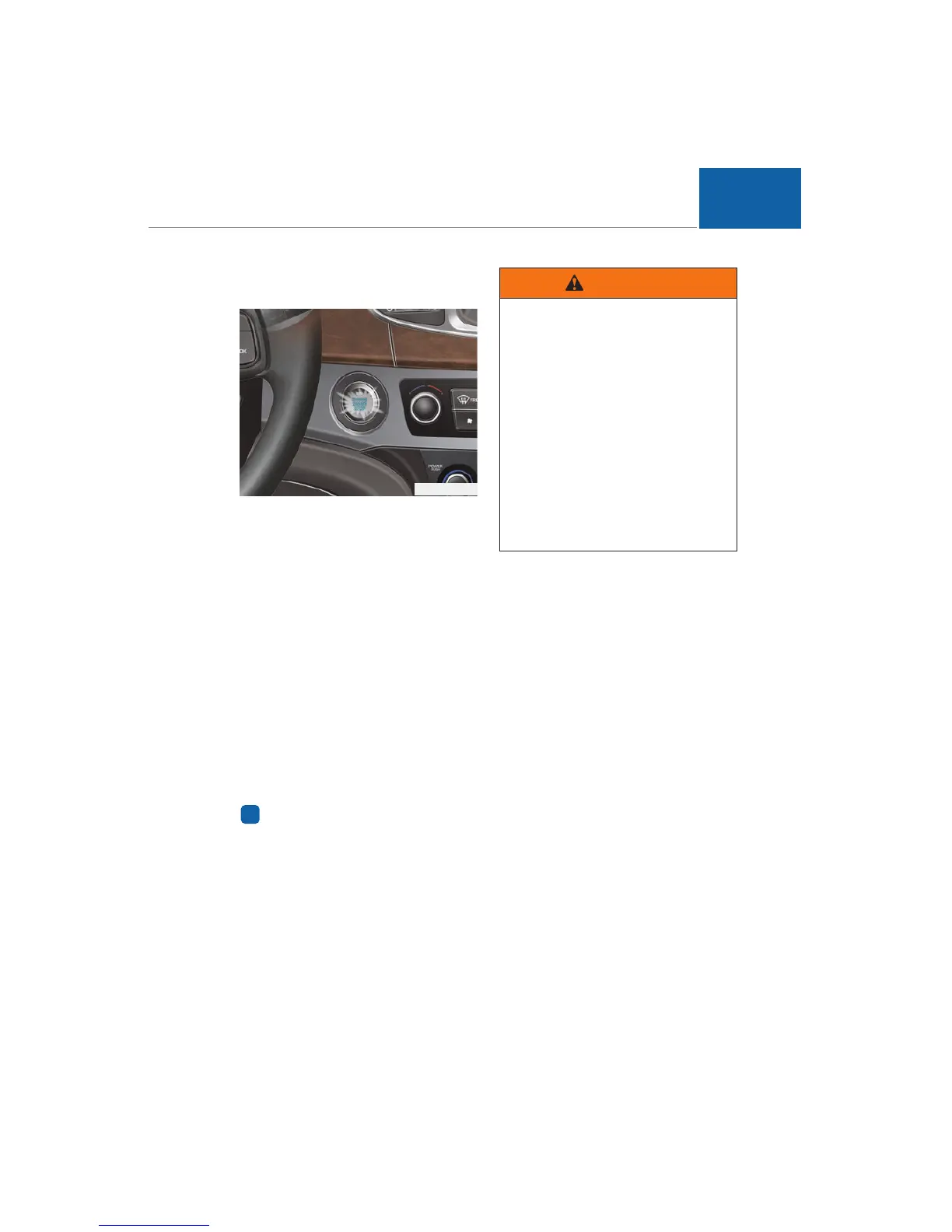
Whenever the front door is opened,
the Engine Start/Stop button will illu-
minate for your convenience. The
light will go OFF 30 seconds after the
door is closed.
Engine Start/Stop Button posi-
tion
OFF
To turn OFF the engine, re-press the
turned-ON Engine Start/Stop button,
when the gear shift in P(Park). When
you turn OFF the Engine Start/Stop
button with the gear shift not in
P(Park), the Engine Start/Stop but-
ton will not be turned OFF, but turns
to the ACC position.
Information
When you turn OFF the engine, the
vehicle should be stopped.
ACC(Accessory)
Press the Engine Start/Stop button
when the button is OFF without
depressing the brake pedal.
The electrical accessories are opera-
tive.
If you leave the Engine Start/Stop
button in the ACC position for more
than 1 hour, the battery power will be
automatically turned OFF to prevent
the battery discharge.
ON
Press the Engine Start/Stop button
when the button is in the ACC posi-
tion without depressing the brake
pedal.
Check the warning lights before
starting the engine. Do not leave the
button turned ON for a long time if
the engine is not running to prevent
battery discharge.
i
OVI055001N
- Emergency situation
In an emergency situation while
the vehicle is in motion, you can
turn the engine in the OFF or
ACC position, by pressing the
Engine Start/Stop button 2 sec-
onds or longer or by pressing it
3 times successively within 3
seconds. If the vehicle is still
moving, you can restart the
engine without depressing the
brake pedal by pressing the
Engine Start/Stop button with
the shift gear in the N (Neutral)
position.
WARNING














 To Next Page