1. Component Names and Functions
6
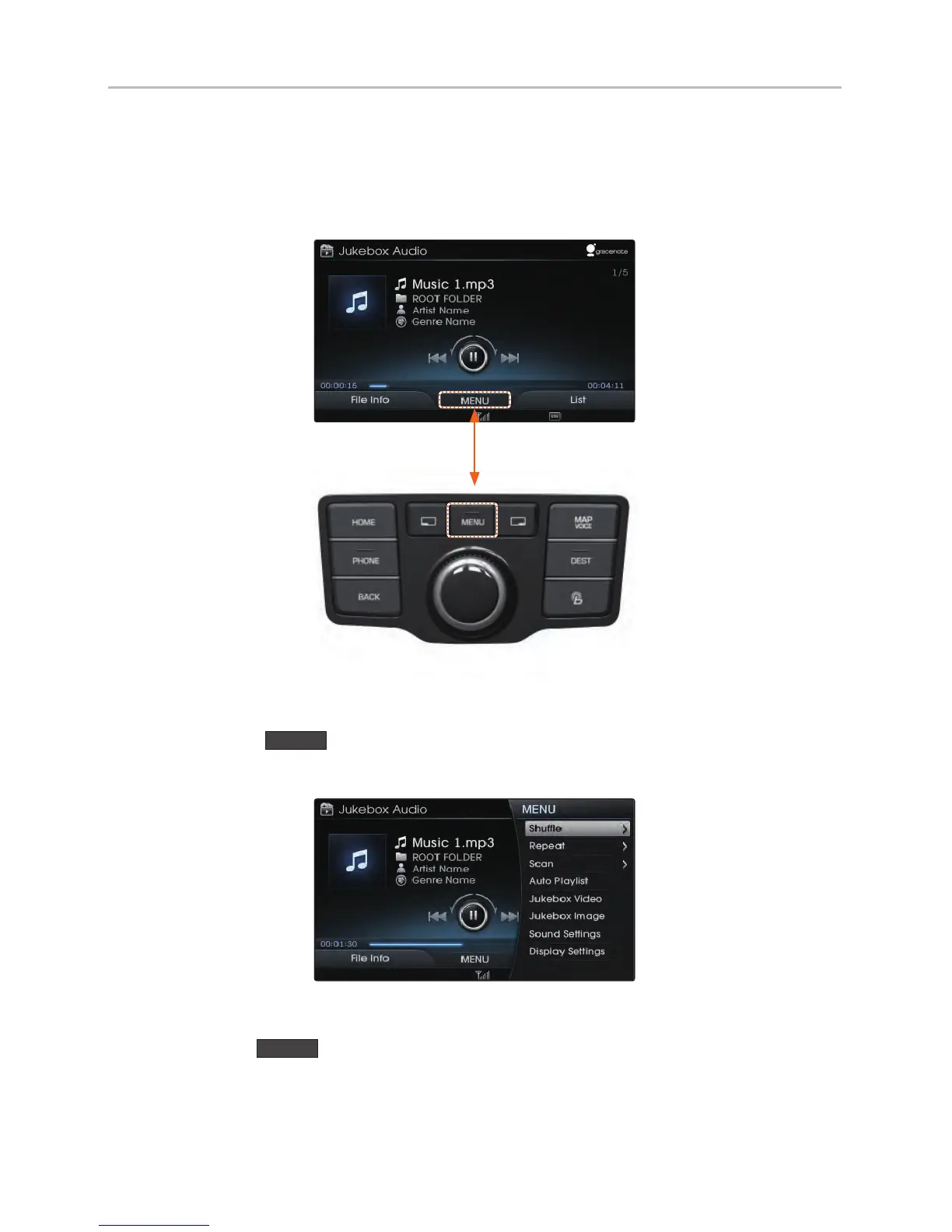
1-4. Using the MENU Key
If an additional function exists in the current screen, a MENU icon is always
displayed at the bottom of the screen.
Press the
MENU
key to view a list of accessible features in the current
screen.
After selecting the desired feature, press the controller to start operating feature.
Press the
MENU
key again to hide the menu window.
H_VI_고급1.0[USA_N] QRG.indd 6급1.0[USA_N] QRG.indd 6 2015-04-07 오전 9:39:332015-04-07














 To Next Page