EasyManua.ls Logo

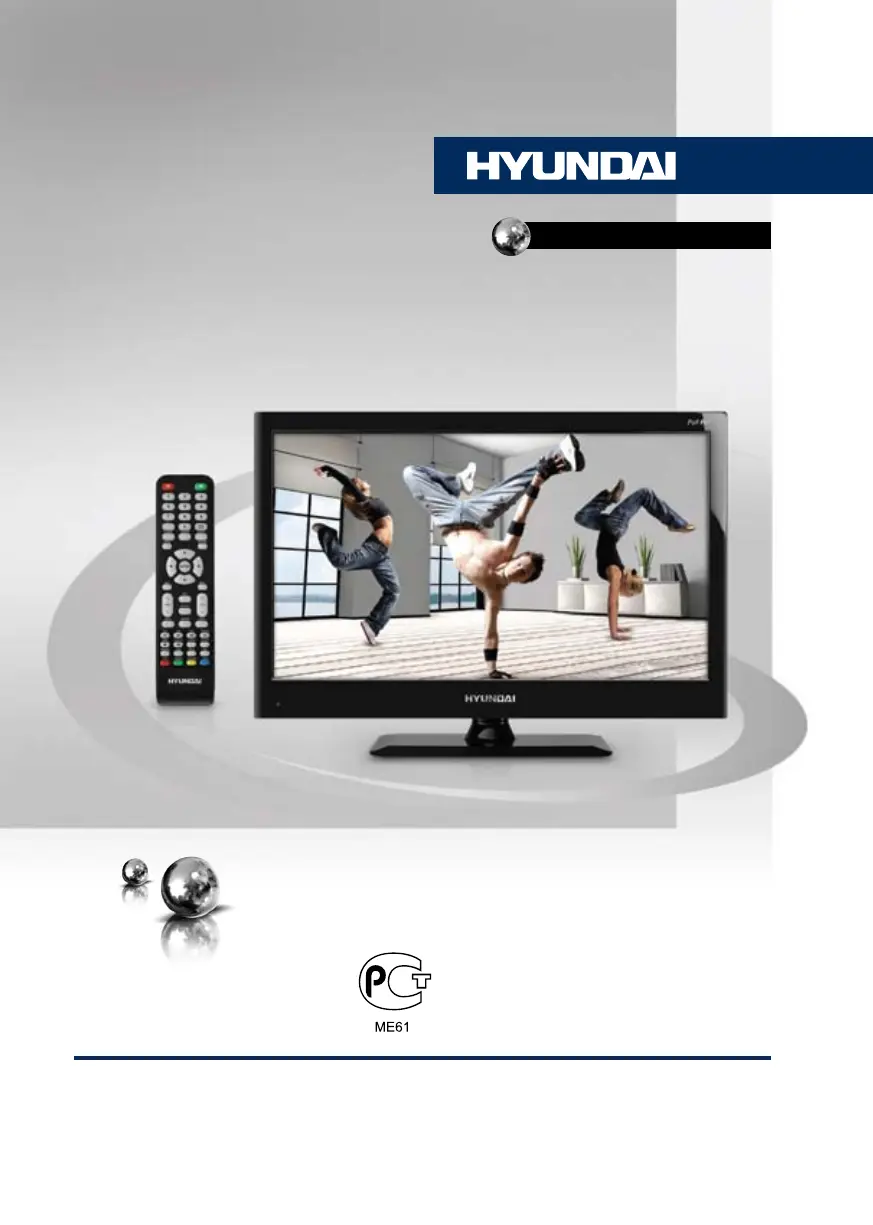
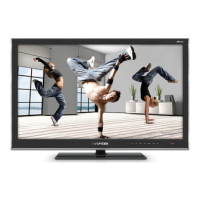
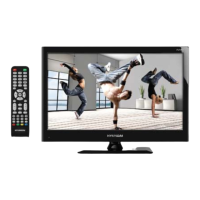
Hyundai H-LED22V13 - User Manual

Hyundai H-LED22V13
31 pages
Print Icon
To Next Page IconTo Next Page
Loading...
LED TV
Руководство по эксплуатации Instruction manual
H-LED22V13
ТЕЛЕВИЗОР
ЦВЕТНОГО ИЗОБРАЖЕНИЯ
ЖИДКОКРИСТАЛЛИЧЕСКИЙ
(LCD)

Table of Contents

Questions and Answers

  • D
    David NunezAug 15, 2025
    What to do if my Hyundai LED TV has no sound?
    • G
      Gail WhiteAug 16, 2025
      If your Hyundai LED TV has no sound, it could be due to a missing audio signal or an improperly connected signal cord. Ensure the audio signal cord is correctly connected. Additionally, verify that the sound system settings are properly configured.
  • J
    James BowenAug 18, 2025
    Why do my Hyundai H-LED22V13 LED TV picture and sound have issues?
    • R
      Ryan MannAug 19, 2025
      If you are experiencing abnormal picture and sound on your Hyundai LED TV, the contrast and color settings may be improperly configured, or the color and sound systems may be incorrectly set. Adjust the contrast and color values to appropriate levels. Also, ensure that the sound system is properly configured.
  • L
    lboydAug 21, 2025
    What to do if my Hyundai H-LED22V13 shows a blue background?
    • P
      Pamela ParrishAug 22, 2025
      If your Hyundai LED TV displays a blue background, it indicates that there is no video signal or the signal cord is not properly connected. Ensure that the signal cord is correctly and securely connected to resolve this issue.
  • R
    Ronald ConnerAug 25, 2025
    How to fix a Hyundai H-LED22V13 remote that is not working?
    • M
      Michael WatsonAug 26, 2025
      If the remote control (RC) for your Hyundai LED TV is not working, the batteries may be improperly installed or exhausted. Ensure that the positive and negative polarities of the batteries are correct. Reattach the battery lid securely. If the issue persists, replace the batteries with new ones.
  • S
    Sara AdamsAug 28, 2025
    Why is my Hyundai H-LED22V13 picture spotted or snowy?
    • A
      Amanda BennettAug 28, 2025
      If the picture on your Hyundai LED TV is spotted or shows snow, the signal source might be low-grade, or the signal quality might be poor. Use a qualified signal cord to improve the signal quality.
  • J
    Justin BowmanAug 31, 2025
    What to do if my Hyundai TV DVD Combo has no sound?
    • G
      Gloria RussellAug 31, 2025
      If there is no sound on your Hyundai TV DVD Combo, it could be due to a missing audio signal or an improperly connected signal cord. Double-check that the audio signal cord is correctly connected. Also, verify that the sound system settings are properly configured.
  • C
    Christian KingSep 2, 2025
    Why do my Hyundai TV DVD Combo picture and sound have issues?
    • M
      Michelle NewmanSep 2, 2025
      If the picture and sound on your Hyundai TV DVD Combo are abnormal, it might be due to incorrect contrast and color settings, or an improperly configured color or sound system. Try adjusting the contrast and color settings to appropriate levels. Also, ensure that the sound system is set up correctly.
  • J
    Jose LoganSep 6, 2025
    Why is my Hyundai TV DVD Combo showing a blue background?
    • J
      Jennifer NguyenSep 6, 2025
      A blue background on your Hyundai TV DVD Combo typically indicates that there's no video signal or the signal cord isn't properly connected. Make sure the signal cord is correctly and securely connected.
  • M
    Michael ArnoldSep 8, 2025
    What to do if my Hyundai TV DVD Combo remote control is not working?
    • W
      walkerdonaldSep 8, 2025
      If the remote control (RC) for your Hyundai TV DVD Combo isn't working, the batteries might be installed incorrectly or they're exhausted. First, ensure that the batteries are installed with the correct positive and negative polarities. Reattach the battery lid securely. If it still doesn't work, try replacing the batteries with new ones.
  • J
    Justin NicholsonSep 12, 2025
    Why does my Hyundai TV DVD Combo picture look spotted or snowy?
    • S
      Sandra HarrisonSep 12, 2025
      If the picture on your Hyundai TV DVD Combo is spotted or snowy, it could be due to a low-grade signal source or a signal of lower quality. Try using a qualified signal cord to improve the picture quality.

Hyundai H-LED22V13 Specifications

General IconGeneral
Screen Size22 inches
Display TechnologyLED
Display TypeLCD
Aspect Ratio16:9
Brightness200 cd/m²
Contrast Ratio1000:1
Viewing Angle178°/178°
Response Time5 ms
Audio Output2 x 3W
HDMI Ports1
USB Ports1
VGA Port1
Resolution1920x1080 (Full HD)

Related product manuals