EasyManua.ls Logo

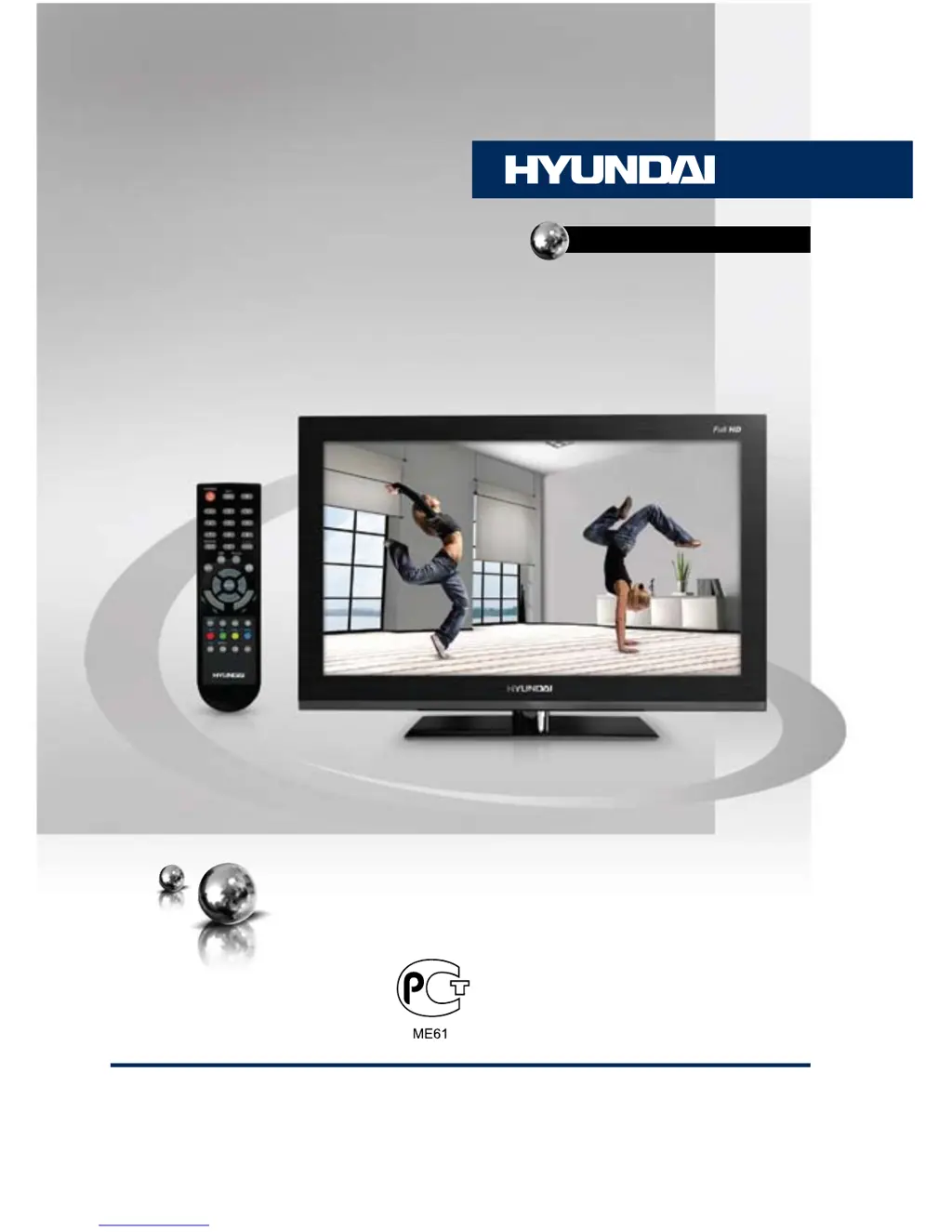
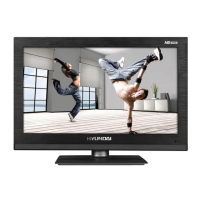
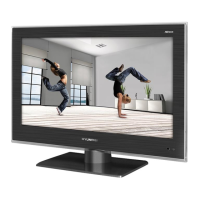
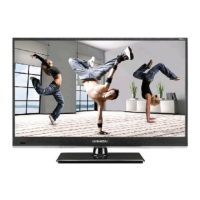
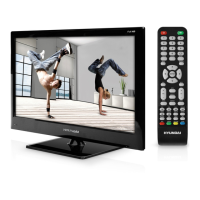
Hyundai H-LED24V6 - User Manual

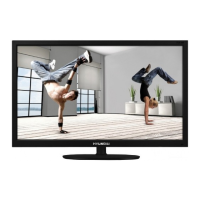
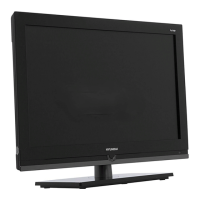
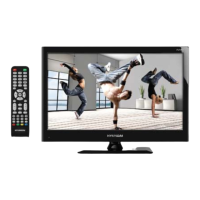
Hyundai H-LED24V6
27 pages
Print Icon
To Next Page IconTo Next Page
Loading...
LED TV
Руководство по эксплуатации Instruction manual
H-LED24V6
ТЕЛЕВИЗОР
ЦВЕТНОГО ИЗОБРАЖЕНИЯ
ЖИДКОКРИСТАЛЛИЧЕСКИЙ
(LCD)

Table of Contents

Questions and Answers

  • L
    Laura OsborneAug 10, 2025
    What to do if my Hyundai H-LED24V6 shows a blue background?
    • D
      Dr. Jessica RussellAug 10, 2025
      If your Hyundai LED TV displays a blue background, this could indicate that there is no video signal or that the signal cord is not properly connected. Ensure that the signal cord is correctly and securely connected.
  • J
    John RowlandAug 15, 2025
    Why is the picture on my Hyundai H-LED24V6 LED TV spotted or snowy?
    • D
      Dawn BishopAug 15, 2025
      If the picture on your Hyundai LED TV appears spotted or snowy, it may be due to a low-grade signal source or a signal of lower quality. Try using a qualified signal cord to improve the picture quality.
  • D
    Daniel GonzalezAug 22, 2025
    Why is there no sound on my Hyundai H-LED24V6?
    • M
      Melinda MarshallAug 22, 2025
      If there is no sound on your Hyundai LED TV, check that the audio signal cord is properly connected. Also, ensure that the sound system settings are properly configured.
  • C
    Cassandra BradleyAug 27, 2025
    Why do my Hyundai H-LED24V6 LED TV's picture and sound have abnormalities?
    • J
      jonjonesAug 27, 2025
      If your Hyundai LED TV's picture and sound are abnormal, it might be due to improperly set contrast and color values. Adjust these settings to their proper levels. Also, check if the sound system is set correctly and adjust it if necessary.
  • M
    Monica PhelpsSep 3, 2025
    How to fix a Hyundai H-LED24V6 LED TV remote that is not working?
    • T
      thomas38Sep 3, 2025
      If your Hyundai LED TV remote control (RC) is not working, first ensure that the batteries are installed correctly, paying attention to the positive and negative polarities. Reattach the battery lid securely. If the remote still doesn’t work, replace the batteries with new ones.

Summary

Before you start

Important safeguards

Crucial safety instructions for operating the TV to prevent hazards and ensure safe usage.

Installation

Connection

Operation

Front Panel Controls

Identifies and explains the buttons and indicators on the TV's front panel.

Back Panel Connections

Details the input/output connections located on the rear of the TV.

Remote Control Operations

Explanation of the remote control buttons and their functions for operating the TV.

Basic TV Operations

Covers power, volume, mute, sleep timer, audio modes, and source selection.

OSD Menu Navigation

Explains how to navigate and use the On-Screen Display (OSD) menus for settings.

Channel Tuning and Management

Details on auto tuning, manual tuning, and program editing for TV channels.

Hyundai H-LED24V6 Specifications

General IconGeneral
Screen Size24 inches
Display TypeLED
Resolution1366 x 768
Aspect Ratio16:9
Brightness200 cd/m²
Contrast Ratio3000:1
Viewing Angle178°/178°
Response Time8 ms
HDMI Ports1
USB Ports1
VGA Port1
Audio Output2 x 3W
Power Consumption36W
Weight2.6 kg
TunerDVB-T/C

Related product manuals