Need help?
Do you have a question about the Hyundai PB-01 and is the answer not in the manual?
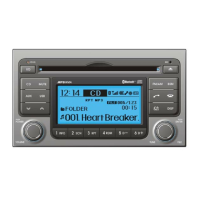
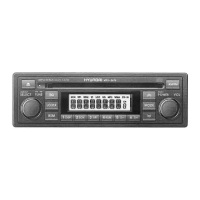
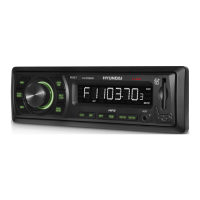
Identification and purpose of all buttons and indicators on the radio's front panel.
Step-by-step instructions for entering the anti-theft security PIN code.
Guide to establishing a wireless connection between a device and the car radio.
Instructions for configuring your phone or music player to pair.
Making, receiving, and ending calls using the hands-free system.
Streaming music from a Bluetooth device using A2DP and AVRCP profiles.
Connecting a mobile phone and music player via Bluetooth at the same time.
Importing contact names and numbers from a mobile phone to the radio.
Turning the radio on/off and adjusting the audio volume level.
Using the EQ button and OFF/ON Hook buttons for audio and calls.
Connecting a USB device and playing MP3/WMA music files.
Connecting an iPod and controlling music playback through the car system.
Connecting portable media players using the AUX input for audio playback.
Step-by-step guide to update the radio's software using a USB drive.
Information on FCC rules, potential interference, and user modifications.
 General
| Brand | Hyundai |
|---|---|
| Model | PB-01 |
| Category | Car Receiver |
| Language | English |

 To Next Page