EasyManua.ls Logo

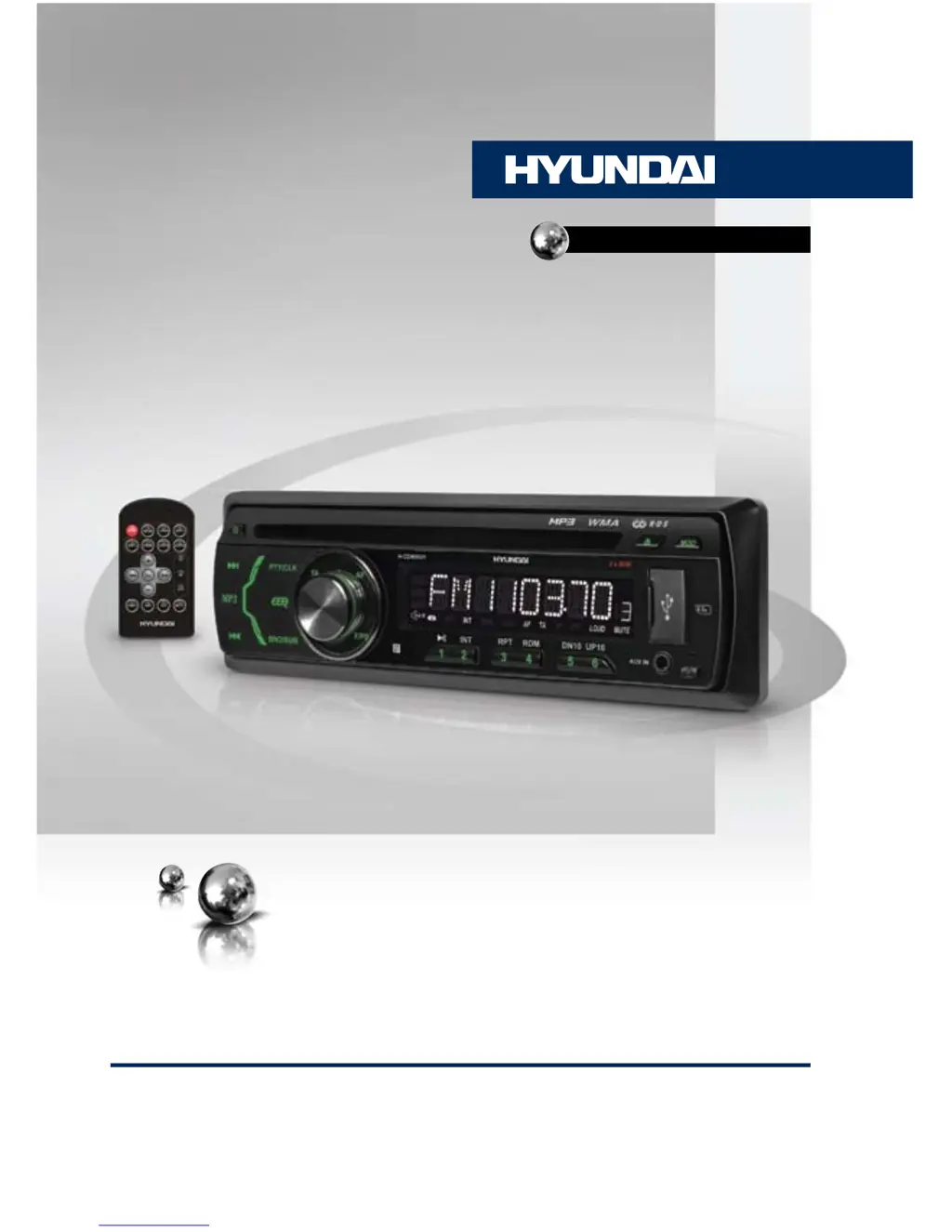
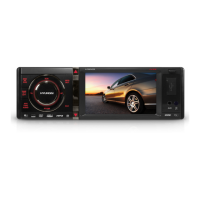
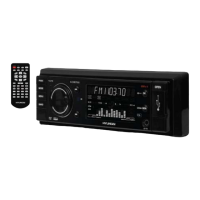
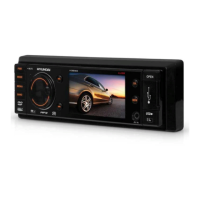
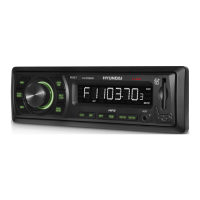
Hyundai H-CDM8021 - User Manual

Hyundai H-CDM8021
39 pages
Print Icon
To Next Page IconTo Next Page
Loading...
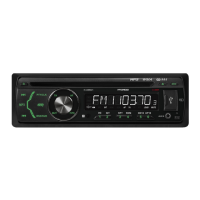
CD/MP3-РЕСИВЕРCD/MP3 RECEIVER
Руководство по эксплуатации Instruction manual
H-CDM8021

Table of Contents

Questions and Answers

  • T
    Tiffany GrayAug 14, 2025
    What to do if my Hyundai Car Receiver has no power?
    • C
      Caitlin LittleAug 14, 2025
      If your Hyundai Car Receiver has no power, there are a couple of potential causes: * The car ignition might not be on. In this case, if the power supply is properly connected to the car accessory switch, turn the ignition key to “ACC”. * The fuse might be blown. If this is the case, replace the fuse.
  • D
    Debra MayAug 17, 2025
    Why Hyundai H-CDM8021 Car Receiver has no sound?
    • F
      Faith HernandezAug 18, 2025
      If your Hyundai Car Receiver has no sound, there could be a few reasons: * The volume might be at its minimum level. Try adjusting the volume to a desired level. * The wiring might not be properly connected. Double-check the wiring connections.
  • S
    Steve BakerAug 20, 2025
    What to do if my Hyundai Car Receiver disc cannot be read?
    • D
      Donald HurleyAug 21, 2025
      If your Hyundai Car Receiver disc cannot be read, consider the following: * The disc might be inserted upside down. Ensure the compact disc is inserted with the label side facing upward. * The compact disc might be extremely dirty or defective. Clean the disc or try playing a new one. * The temperature inside the car might be too high. Allow the car to cool off until the ambient temperature returns to normal.
  • R
    Roy WarnerAug 25, 2025
    How to fix bad sound quality on Hyundai H-CDM8021?
    • V
      vwebbAug 25, 2025
      If you are experiencing bad sound quality with your Hyundai Car Receiver: * The installation angle might be more than 30 degrees. Adjust the installation angle to less than 30 degrees. * The disc might be extremely dirty or defective. Clean the compact disc or try playing a new one.
  • A
    amythomasAug 27, 2025
    What to do if Hyundai H-CDM8021 buttons do not work?
    • H
      Heather RowlandAug 28, 2025
      If the buttons on your Hyundai Car Receiver are not working, here are a couple of things you can check: * The built-in microcomputer might not be operating properly. Try resetting the unit with the RESET button. * The front panel might not be properly fixed into its place. Ensure the front panel is installed properly.
  • G
    George FoxAug 31, 2025
    What to do if disc cannot be loaded or ejected from Hyundai Car Receiver?
    • Y
      Yvonne FreyAug 31, 2025
      If you are having trouble loading or ejecting a disc from your Hyundai Car Receiver: * The unit might already contain a disc. Remove the disc in the player, then insert a new one. * Moisture condensation might be the issue. Leave the unit idle for an hour, then try again.
  • M
    Michael AdamsSep 3, 2025
    Why does the Hyundai H-CDM8021 Car Receiver radio not work?
    • M
      Mark ThomasSep 3, 2025
      If the radio in your Hyundai Car Receiver is not working, the antenna cable might not be connected. Make sure to insert the antenna cable properly.
  • D
    Daniel TerrySep 6, 2025
    What to do if Hyundai Car Receiver display shows error message (ERROR 1 – 11) one time?
    • H
      Holly FreemanSep 6, 2025
      If your Hyundai Car Receiver displays an error message (ERROR 1 – 11) once, it may indicate a disc error. Reset the unit by pressing the RESET hole. Ensure the disc is inserted correctly into the slot. Try cleaning or changing the disc.
  • A
    Albert OchoaSep 10, 2025
    Why Hyundai H-CDM8021 radio station automatic tuning does not work?
    • M
      Maria LeeSep 10, 2025
      If the automatic tuning for radio stations is not working on your Hyundai Car Receiver, it could be that the signals are too weak. In this case, select stations manually.

Summary

Before You Start

Important Safeguards

Crucial safety precautions and warnings for proper usage and handling.

Installation and Connection

General Installation Notes

Guidelines for choosing mounting location and ensuring safe installation.

DIN Front;Rear Mount Installation

Details on installing the unit using standard DIN mounting methods.

Detachable Control Panel

Instructions for detaching and handling the removable front panel.

Anti-Theft System

Information on using the detachable panel for anti-theft purposes.

Connection Diagram and ISO Connector

Visual guide for wiring and instructions for using the ISO connector.

Wiring Harness Table

Detailed table mapping connector pins to vehicle functions and speaker outputs.

Operation

Control Elements: Front and Inner Panels

Identification and function of buttons on the front and inner panels.

Remote Controller Functions

Explanation of buttons and their functions on the remote control.

Changing the Remote Battery

Instructions for replacing the battery in the remote control.

LCD Display Layout

Explanation of the symbols and information displayed on the LCD screen.

General Operations: Power, Mode, Volume

How to power the unit on/off, switch modes, and adjust volume/mute.

Audio Parameter Settings

How to adjust bass, treble, balance, fader, and equalizer modes.

Beep, Loudness, Color, and Clock Settings

Controls for beep, loudness, backlight color, and clock setting.

Subwoofer and AUX Input

Information on connecting a subwoofer and external audio sources via AUX.

Radio Operations: Bands, Tuning, Presets

How to select bands, tune stations, and store presets.

Mono;Stereo, RDS, and TA Functions

Adjusting reception, using RDS, and Traffic Alarm features.

PTY (Program Type) Selection

How to select radio stations by program type (music or speech).

Other Parameter and RDS-EON Settings

Advanced settings like TA SEEK, MASK DPI, and EON control.

Disc;USB;SD;MMC Operations: Notes and Search

Guidelines for storage media, file playback, and track searching.

Playback Controls: Repeat, Random, Notes

Repeat, random modes, multi-session discs, and MP3/WMA file format details.

General Information

Compact Disc Handling and Cleaning

Precautions for handling, storing, and cleaning CDs to maintain quality.

Unit Body Cleaning and Accessories

Instructions for cleaning the unit and a list of included accessories.

Troubleshooting: Common Issues and Solutions

Table of common problems, their causes, and recommended solutions.

Troubleshooting: Error Messages and Specifications

Solutions for error messages and detailed technical specifications of the unit.

Hyundai H-CDM8021 Specifications

General IconGeneral
Power Output4 x 50W
BluetoothYes
USB PortYes
Aux InputYes
Display TypeLCD
Supported Audio FormatsMP3, WMA
TouchscreenNo
GPS NavigationNo
Rear View Camera InputNo
Steering Wheel ControlYes
TunerFM
Type1 DIN

Related product manuals