EasyManua.ls Logo

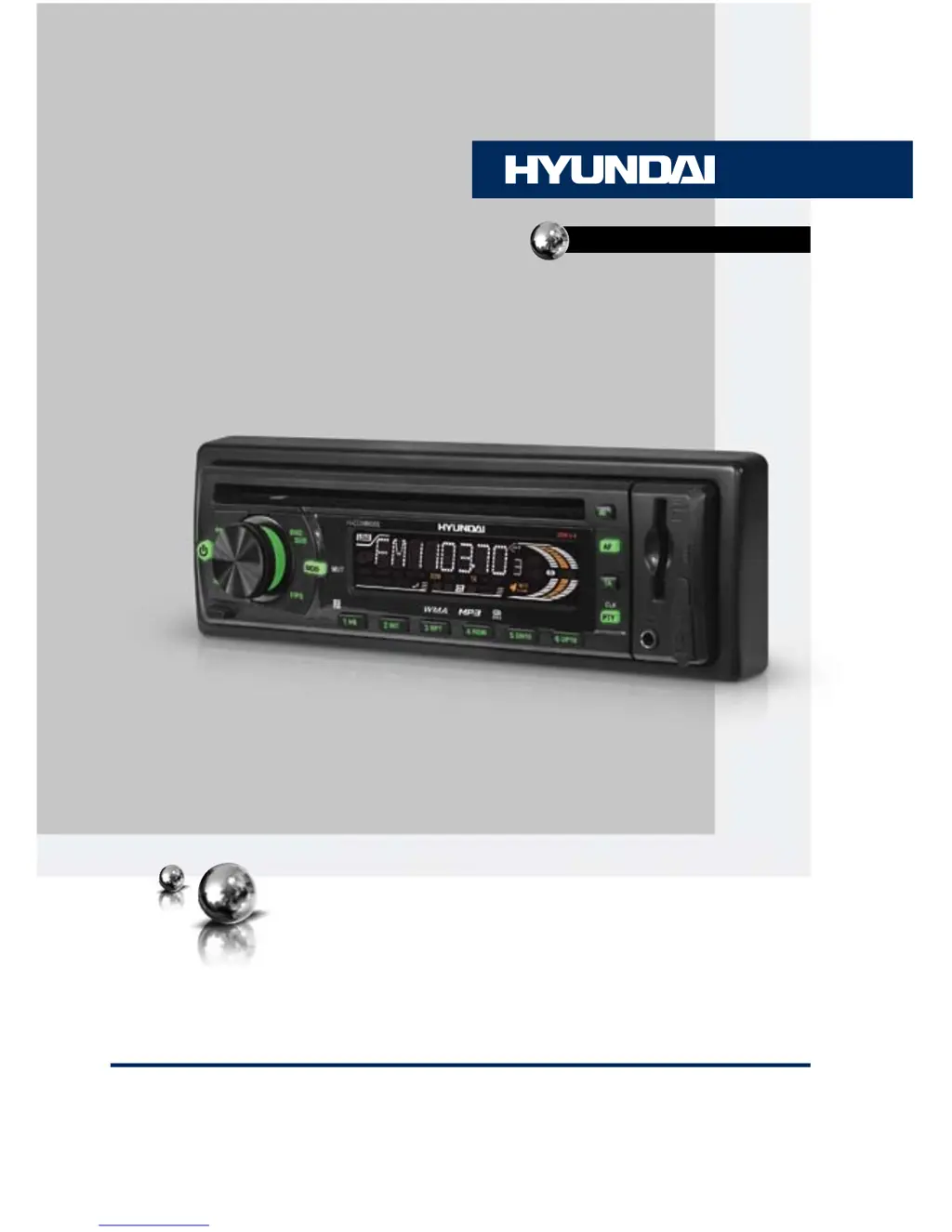
Hyundai H-CDM8065 - User Manual

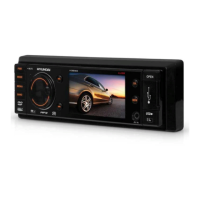
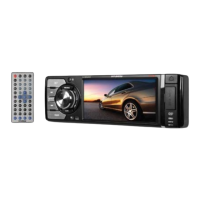
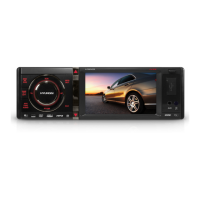
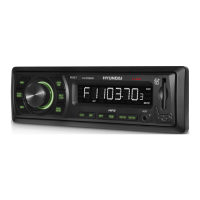
Hyundai H-CDM8065
39 pages
Print Icon
To Next Page IconTo Next Page
Loading...
CD/MP3/WMA-РЕСИВЕРCD/MP3/WMA-RECEIVER
Руководство по эксплуатации Instruction manual
H-CDM8065

Table of Contents

Questions and Answers

  • C
    craigrobertAug 12, 2025
    Why is there no sound coming from my Hyundai H-CDM8065?
    • C
      Cynthia ThompsonAug 12, 2025
      If you're not getting any sound from your Hyundai Car Receiver, it could be due to a couple of reasons. First, check if the volume is set to the minimum and adjust it to a comfortable level. Also, verify that all the wiring connections are properly connected.
  • B
    bryantmadisonAug 16, 2025
    Hyundai H-CDM8065 Car Receiver has no power: what to do?
    • T
      Thomas JonesAug 16, 2025
      If your Hyundai Car Receiver isn't powering on, there are a couple of things to check: * Ensure the car ignition is turned to the “ACC” position if the power supply is correctly connected to the car accessory switch. * Check the fuse and replace it if it's blown.
  • T
    Tonya HarrisAug 20, 2025
    What to do if my Hyundai H-CDM8065 disc cannot be read?
    • N
      Nancy MorrisAug 20, 2025
      If your Hyundai Car Receiver can't read discs, try these steps: * Make sure the disc is inserted correctly, with the label side facing up. * Clean the disc or try a different one, as the current disc may be dirty or defective. * If the car's interior is too hot, allow it to cool down to a normal temperature.
  • J
    James RodriguezAug 23, 2025
    How to fix Hyundai H-CDM8065 Car Receiver buttons that do not work?
    • M
      Mark MillerAug 23, 2025
      If the buttons on your Hyundai Car Receiver aren't working, try these solutions: First, reset the unit using the RESET button. If that doesn't work, ensure the front panel is properly installed.
  • S
    Shane MarquezAug 27, 2025
    Why is the sound quality bad on my Hyundai H-CDM8065 Car Receiver?
    • S
      Stephen RodriguezAug 27, 2025
      Poor sound quality on your Hyundai Car Receiver could stem from a couple of issues. If the installation angle is more than 30 degrees, adjust it to be less than 30 degrees. Also, the disc might be dirty or defective, so try cleaning it or using a new one.
  • H
    hhansenAug 31, 2025
    What to do if disc cannot be loaded or ejected from Hyundai H-CDM8065?
    • W
      william53Aug 31, 2025
      If your Hyundai Car Receiver is having trouble loading or ejecting discs: * First, check to see if there is already a disc inside. If so, remove it before trying to insert another one. * If moisture has condensed inside the unit, leave it turned off for about an hour before trying again.
  • K
    Kathryn TorresSep 3, 2025
    Why doesn't the radio work on my Hyundai Car Receiver?
    • T
      timothy61Sep 3, 2025
      If the radio on your Hyundai Car Receiver isn't working, make sure the antenna cable is properly connected.
  • D
    dalexanderSep 7, 2025
    How to fix automatic tuning on Hyundai H-CDM8065 Car Receiver?
    • S
      Sara WrightSep 7, 2025
      If the automatic tuning feature isn't working on your Hyundai Car Receiver, it might be because the radio signals are too weak. In this case, try selecting stations manually.

Summary

Before You Start

Important Safety Precautions

Essential safety precautions and warnings for operating the unit.

Installation and Connection

DIN Mounting Methods

Details on front-mount and rear-mount installation procedures for the unit.

Detachable Control Panel

Instructions for detaching and reattaching the front control panel.

Wiring Diagram and ISO Connector

Visual guide to wiring connections using the ISO connector and alternative methods.

Wiring Pin Assignments

Detailed mapping of connector pins to functions for proper wiring.

Operation Overview

Front Panel Controls

Identification and function of all buttons and controls on the front panel.

LCD Display Layout

Explanation of icons, indicators, and data displayed on the LCD screen.

General Operations

Power and Mode Selection

How to power the unit on/off and switch between different input modes.

Volume and Mute Control

Adjusting volume levels and using the mute function.

USB and SD;MMC Card Operations

Inserting Devices

Steps for inserting memory cards and USB devices and selecting modes.

Troubleshooting Guide

Common Symptoms and Solutions

Table of common issues with their causes and recommended solutions.

Error Messages and Specifications

Explanation of error messages and detailed technical specifications of the unit.

Hyundai H-CDM8065 Specifications

General IconGeneral
TypeCar Receiver
DIN size1 DIN
Supported audio formatsMP3, WMA
Display typeLCD
Output power4 x 50W
Radio tunerFM/AM
Playback mediaCD, USB
Front panel inputsAUX, USB

Related product manuals