EasyManua.ls Logo

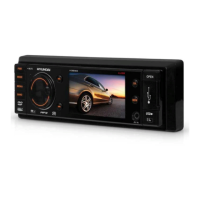
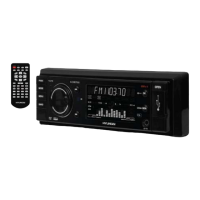
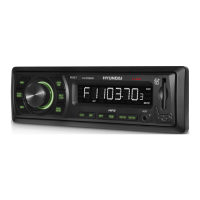
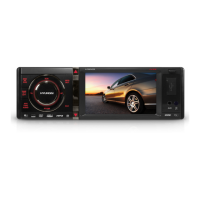
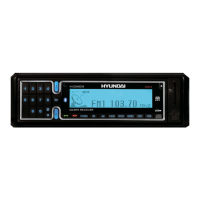
Hyundai H-CDM8036 - User Manual

Hyundai H-CDM8036
77 pages
Print Icon
To Next Page IconTo Next Page
Loading...
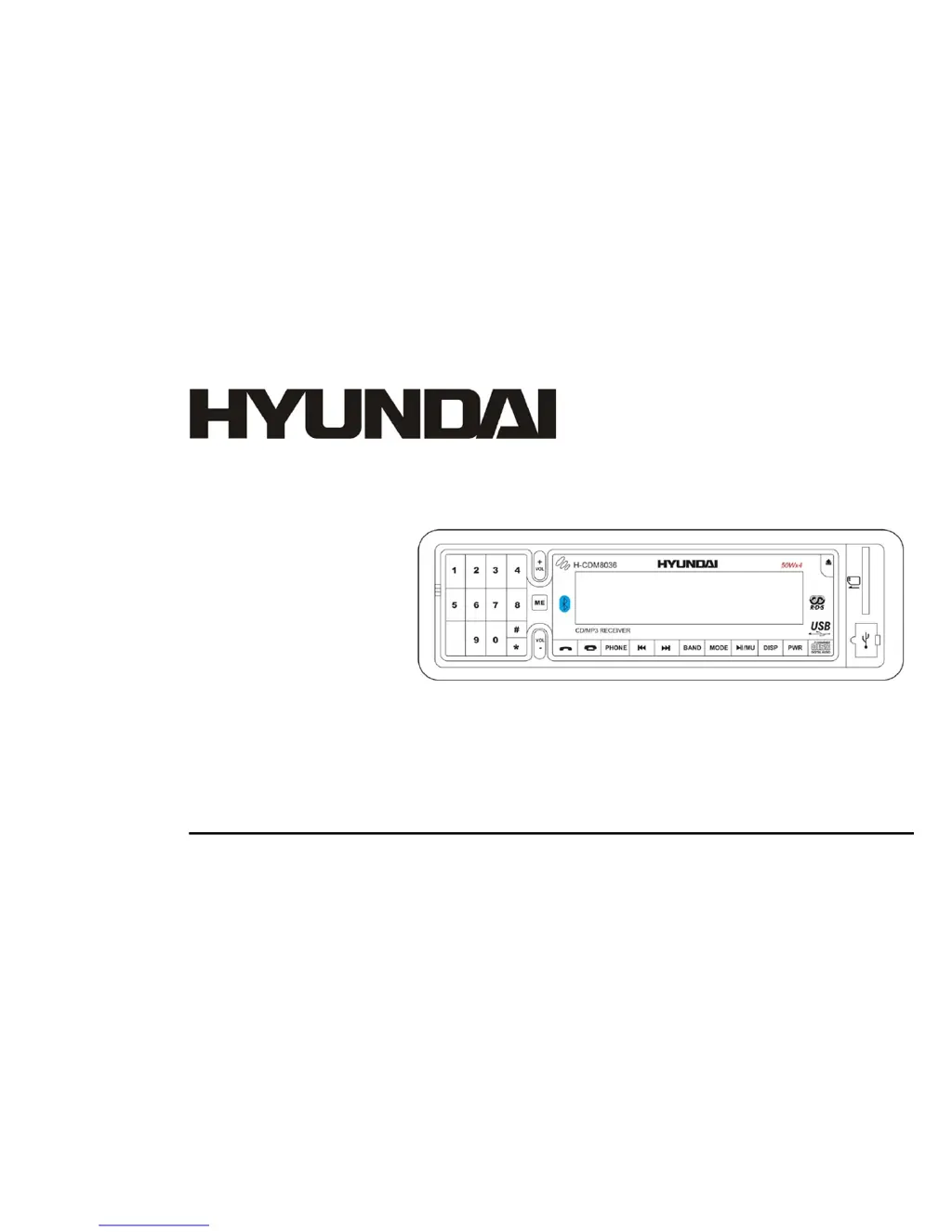
H- CDM8036
CD/MP3 RECEIVER CD/MP3-РЕСИВЕР
Instruction manual Руководство по эксплуатации

Questions and Answers

Summary

Important Safeguards

Installation and Connections

Din Front-Mount Installation

Details the front-mount method for installing the car stereo unit.

Electrical Connections

Using the ISO Connector

Panel Controls Overview

General Operations

Resetting the Unit

Procedure to restore the unit to its original factory settings.

Audio Characteristics Settings

Adjusting audio settings such as Bass, Treble, Fader, Balance, EQ, and Loudness.

Digital Tuner Operations

Manual and Automatic Tuning

Methods for tuning radio stations manually or automatically.

Programming Radio Stations

Storing and recalling favorite radio stations using preset buttons.

RDS Options Configuration

Settings for RDS scan, traffic alerts, region, and masking features.

CD, SD, MMC, USB Operations

Disc Playback Compatibility

Information on supported disc types (CD, CD-R/RW) and formats (MP3, CDDA).

Inserting Media Devices

How to insert SD/MMC cards and USB flash drives into their respective slots.

MP3 File Search Function

Searching for MP3 files using Intelligent or Explorer modes.

MP3 Playback Overview

MP3 File and Folder Notes

Important information and limitations regarding MP3 file compatibility and structure.

Bluetooth Hands-Free Operations

Performing Bluetooth Pairing

Step-by-step instructions for pairing a Bluetooth-enabled phone with the car stereo.

Answering and Ending Calls

How to manage incoming and outgoing calls using the car stereo interface.

Voice Dialing (Keyword Based)

Making calls using pre-recorded voice commands and keywords.

Voice Recognition Setup

Assigning Voice Recognition to Contacts

Linking specific voice commands to contacts for easier calling.

Assigning Voice Keywords

Recording custom keywords and voice commands for the recognition system.

Paired Bluetooth Devices

Connecting Paired Devices

Reconnecting to previously paired Bluetooth devices.

Troubleshooting Common Issues

Power Issues

Solutions for problems related to the unit not receiving power.

Disc Playback Problems

Troubleshooting steps for discs that cannot be loaded or read.

Hyundai H-CDM8036 Specifications

General IconGeneral
Audio formats supportedMP3, WMA
USB portYes
AUX inYes
Output power4 x 50W
Display typeLCD
BluetoothYes
Tuner bandsFM
Preset stations quantity18

Related product manuals