EasyManua.ls Logo

Hyundai H-CMD7080 - User Manual

Hyundai H-CMD7080
49 pages
Print Icon
To Next Page IconTo Next Page
Loading...
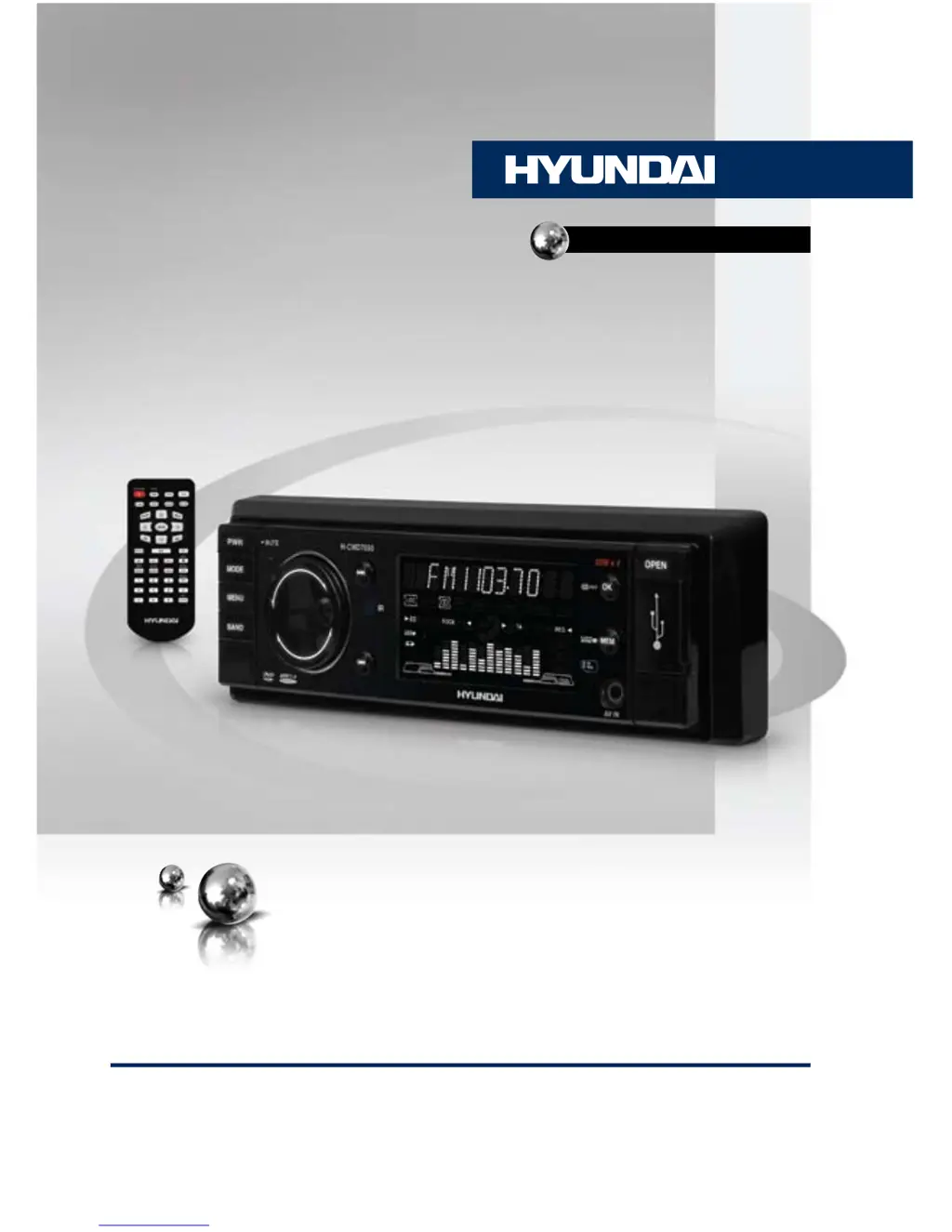
DVD/CD/MP3-РЕСИВЕРDVD/CD/MP3 RECEIVER
Руководство по эксплуатации Instruction manual
H-CMD7080

Table of Contents

Questions and Answers

Summary

Before You Start

Product Utilization and Safety

Discusses proper disposal methods for electronic waste to minimize environmental impact and ensure recycling.

Important Safeguards

Provides critical safety precautions for installation and operation, including laser safety and electrical hazards.

Installation and Connection

General Installation Notes

Covers advice on choosing a mounting location, wiring checks, and avoiding extreme temperatures or dust.

DIN Mount Installation Methods

Details methods for installing the unit using conventional DIN front-mount or rear-mount techniques.

Unit Dismantling and Trim Frame

Explains how to detach the unit from the dashboard and install the trim frame correctly.

DIN Rear-Mount Method B

Describes the specific steps for rear-mount installation using vehicle-specific brackets and screws.

Detachable Control Panel Handling

Provides instructions on detaching, handling, and cleaning the detachable control panel safely.

Anti-Theft System Operation

Explains how to use the detachable front panel as an anti-theft measure by removing it when leaving the vehicle.

Wiring and Connections

Illustrates the unit's connection points and provides an ISO connector pinout for wiring.

Parking Wire Connection

Details the connection of the parking brake wire for safety features, primarily for video playback.

Operation Overview

Front and Inner Panel Controls

Identifies and describes the buttons, knobs, and slots on the unit's front and inner panels.

Remote Controller Functions

Lists and explains the various buttons and their functions on the remote control unit.

Battery Replacement

Provides instructions on how to replace the battery in the remote control, including the battery type.

LCD Display Indicators

Explains the meaning of various icons and indicators displayed on the unit's LCD screen during operation.

General Unit Operations

Power, Volume, and Mute Control

Covers turning the unit on/off, adjusting volume levels, and using the mute function.

Audio Parameter and EQ Settings

Details how to adjust audio settings like bass, treble, balance, fader, and equalizer modes.

Other Operational Settings

Explains Loudness, Beep sound settings, Mode selection, and Dual Zone function.

Radio Operations

Band Selection and Tuning

Describes how to select radio bands (FM1/2/3, AM1/2) and perform manual or automatic station tuning.

Preset Station Management

Covers programming, recalling, and auto-storing radio stations to preset memory slots.

RDS and Radio Features

Explains the RDS function, Alternative Frequencies (AF), and Travel Announcement (TA) features.

Program Type (PTY) and Regional Settings

Details how to select programs by type (PTY) and adjust regional settings (REG) for FM radio.

Mono;Stereo Control and Station Search

Explains how to switch between mono/stereo reception and perform local radio station searches.

Other Radio Parameter Settings

Covers settings like TA SEEK, PI MUTE, RETUNE, MASK DPI, TA VOLUME, and EON TA.

Disc, USB, and SD;MMC Operations

Media Handling and Basic Playback

Instructions for inserting/ejecting discs, inserting SD/MMC cards/USB devices, and basic playback controls.

Advanced Playback Control

Covers FF/RW, A-B repeat, Repeat playback, Intro playback, Random playback, and programming playback.

Media Navigation and Display

Explains OSD function, Zooming, GOTO, Angle, Audio/Subtitle Language selection.

Format-Specific Features

Details MP3/WMA/DivX/JPEG playback, VCD sound channels, PBC function, DVD menu navigation, and ID3 Tag.

Media Compatibility Notes

Provides important notes regarding MP3/WMA files and CD-R/RW disc compatibility and creation.

System Setup and Configuration

System Setup Options

Covers TV system, screen saver, video settings, password, and default settings.

Language and OSD Settings

Details how to set OSD language, audio language, subtitle language, and menu language.

Media Setup and Customization

Audio Setup Options

Allows adjustment of audio parameters like key, dynamic range, and dual mono sound.

Video and Digital Settings

Covers video settings such as brightness, contrast, hue, saturation, sharpness, and digital audio setup.

General Information

Disc Handling and Care

Provides guidelines for safely handling, storing, and cleaning compact discs to prevent damage.

Unit Cleaning and Accessories

Explains how to clean the unit body and lists all included accessories and mounting parts.

Troubleshooting Guide

Common Issues and Solutions

A table listing common symptoms, their causes, and recommended solutions for troubleshooting.

Technical Specifications

General and Radio Specifications

Lists general power, dimensions, temperature range, and FM/MW radio specifications.

Disc Player and Output Specifications

Details specifications for the disc player system, format support, frequency characteristics, ESP, and line out.

Hyundai H-CMD7080 Specifications

General IconGeneral
Display Size7 inch
TouchscreenYes
BluetoothYes
USB PortYes
SD Card SlotYes
Audio Output Power4 x 50W
EqualizerYes
Radio TunerFM/AM
GPS NavigationYes
AUX InputYes
Rear View Camera InputYes
Steering Wheel ControlYes
Supported FormatsMP3, WMA, JPEG
Resolution800 x 480

Related product manuals