Need help?
Do you have a question about the Hyundai PDP 911 U and is the answer not in the manual?
General warnings and precautions for safe operation of the device, including risks of electric shock and fire.
Legal information regarding copying, broadcasting, and intellectual property rights, mentioning Macrovision protection.
Information on locating the unique serial number for the unit, found on the back of the device.
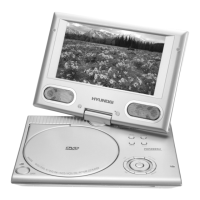
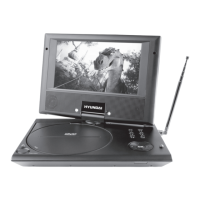
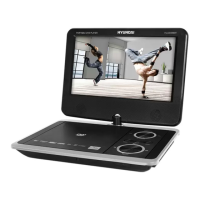
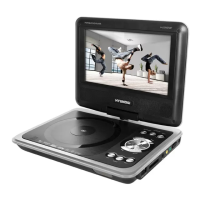
Identification and functions of buttons and ports on the main portable DVD player unit.
Identification and functions of buttons on the remote control unit for operating the DVD player.
Configuration options for TV system, power resume, TV type, password, rating, and default settings.
Settings for OSD, audio, and subtitle languages for DVD discs, and font type for MPEG4 subtitles.
Configuration options for audio settings, including standby mode selection (OFF, 3 HOURS, 4 HOURS).
Adjustments for video output settings like brightness, contrast, hue, and saturation.
Technical specifications for power requirements, consumption, operating humidity, and output signals.
Technical details for laser, signal system, frequency response, signal-to-noise ratio, and dynamic range.
Specifications for battery output, charge/discharge times, and storage/work circumstances.
 General
| Screen Size | 9 inches |
|---|---|
| Playable File Format | MP3, JPEG |
| Built-in Devices | Stereo speakers |
| Screen Resolution | 480 x 234 pixels |
| Region Code | Region 2 |
| Audio Output | Stereo |
| Headphone Jack | Yes |
| Playable Media Format | DVD, CD |
| Connectors | AV output |
| Supported Formats | DVD, CD, MP3, JPEG |
| Power Supply | AC adapter |

 To Next Page