17
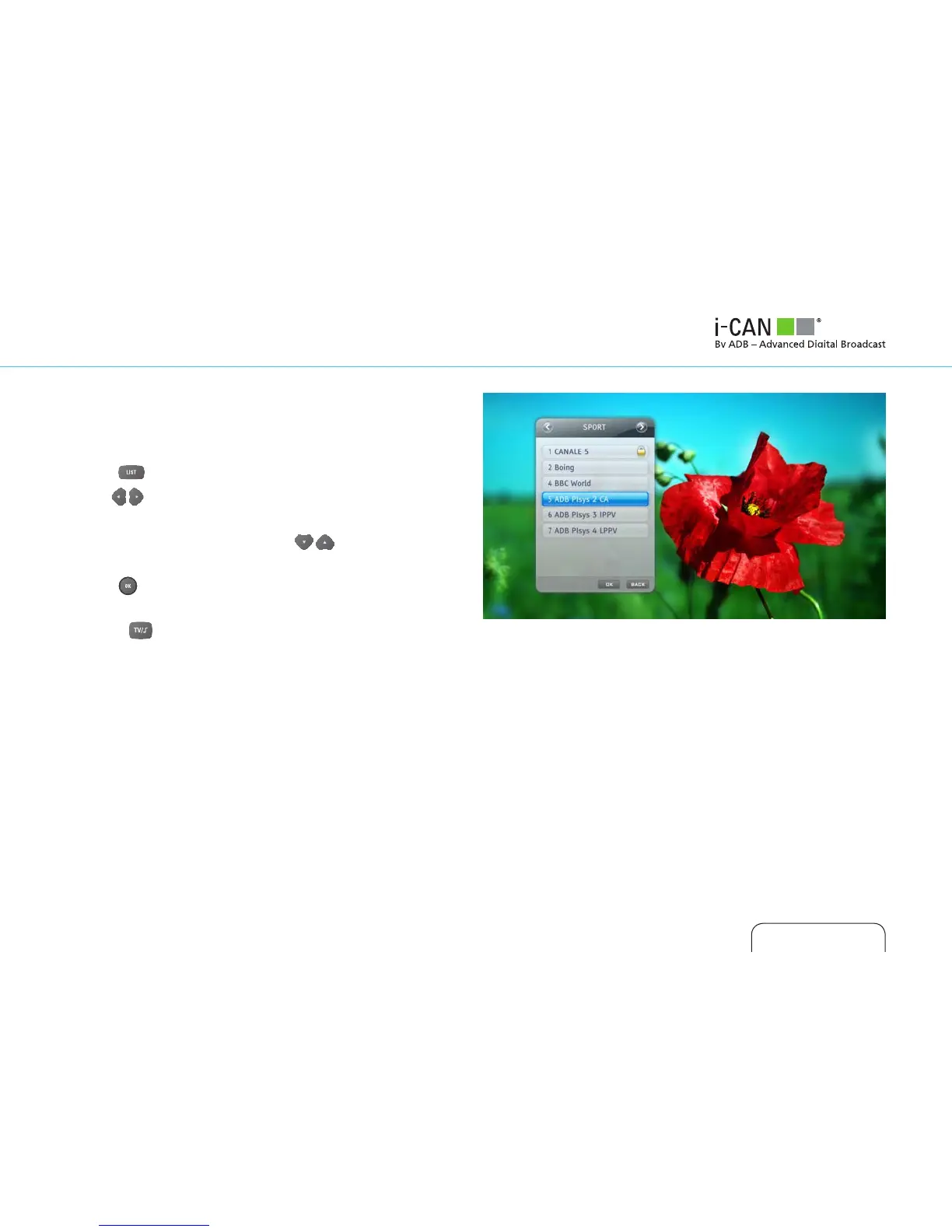
How to select channels from your Channel Lists?
You can move easily between your favorite lists, including radio
and TV lists.
1. Press
.
2. Use to choose the list with the channel you want.
3. Use CH+/ CH- to scroll up or down through pages on the
chosen list if necessary. Then use , or the number keys,
to select a channel from that list.
4. Press
to tune to that selected channel.
Note you can also switch between your All TV and All Radio lists
using the button.



 To Next Page