16
BASIC FUNCTIONALITY
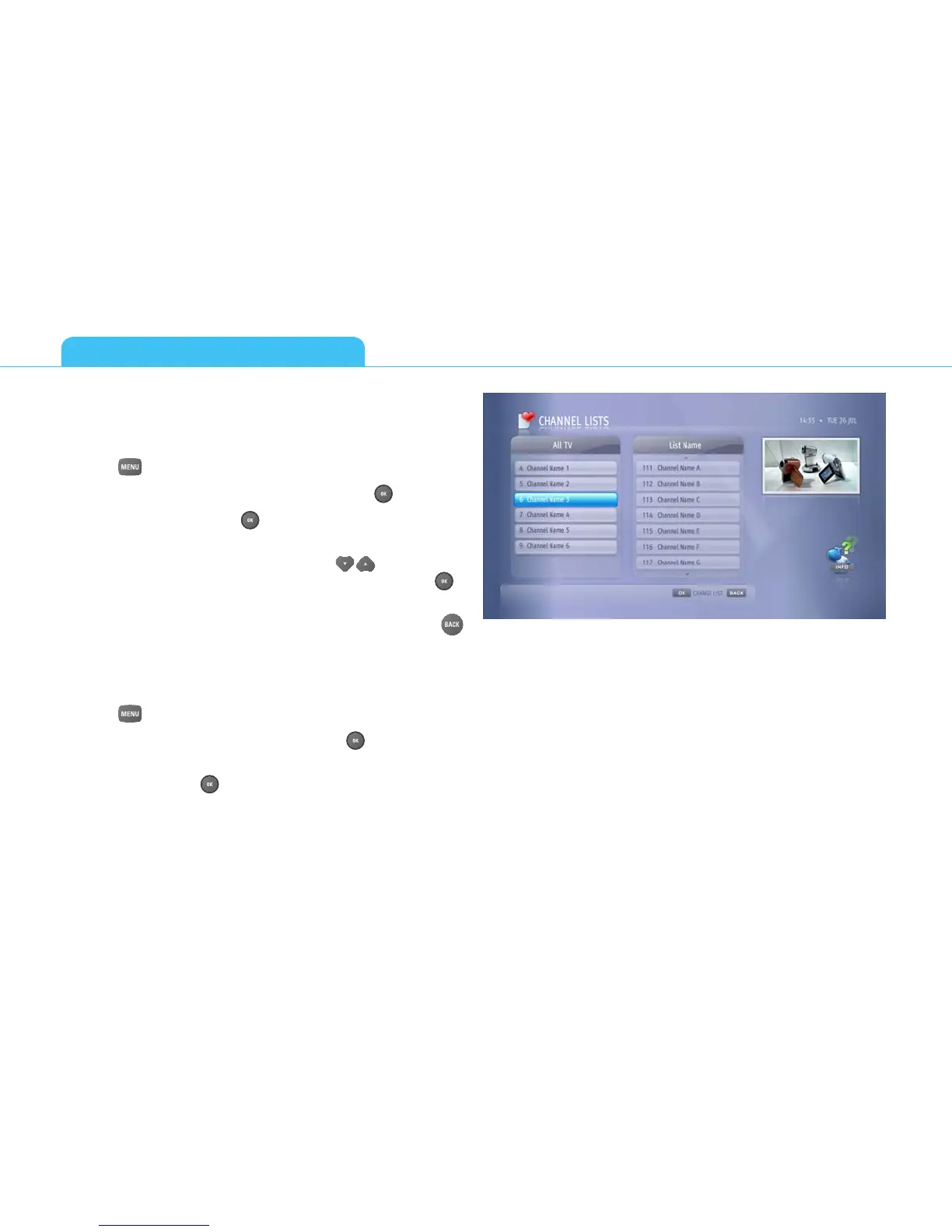
CHANNEL LISTS
How to Create a New Channel List?
You can create up to 20 different lists of your favorite channels.
1. Press
and select Channel Lists.
2. Select New TV List or New Radio List and press .
3. Use arrow keys and press then enter the name for your new
list (for example films, documentaries) and select Accept.
4. When the list of channels appears, use to scroll up or
down and highlight the one you want to add. Then press to
add that channel to that list.
5. When you have finished adding channels to the list, press
.
Note that you cannot mix TV and Radio channels in the same
channel list. You must have separate lists for TV and radio channels.
How to change your Channel Lists?
1. Press and select Channel Lists.
2. Select a list you want to change and press .
3. From the commands list select the action you would like to
perform and press .
4. Your next response will depend on the command you have just
chosen. Please note there are guiding prompts at the bottom
of the screen.



 To Next Page