5
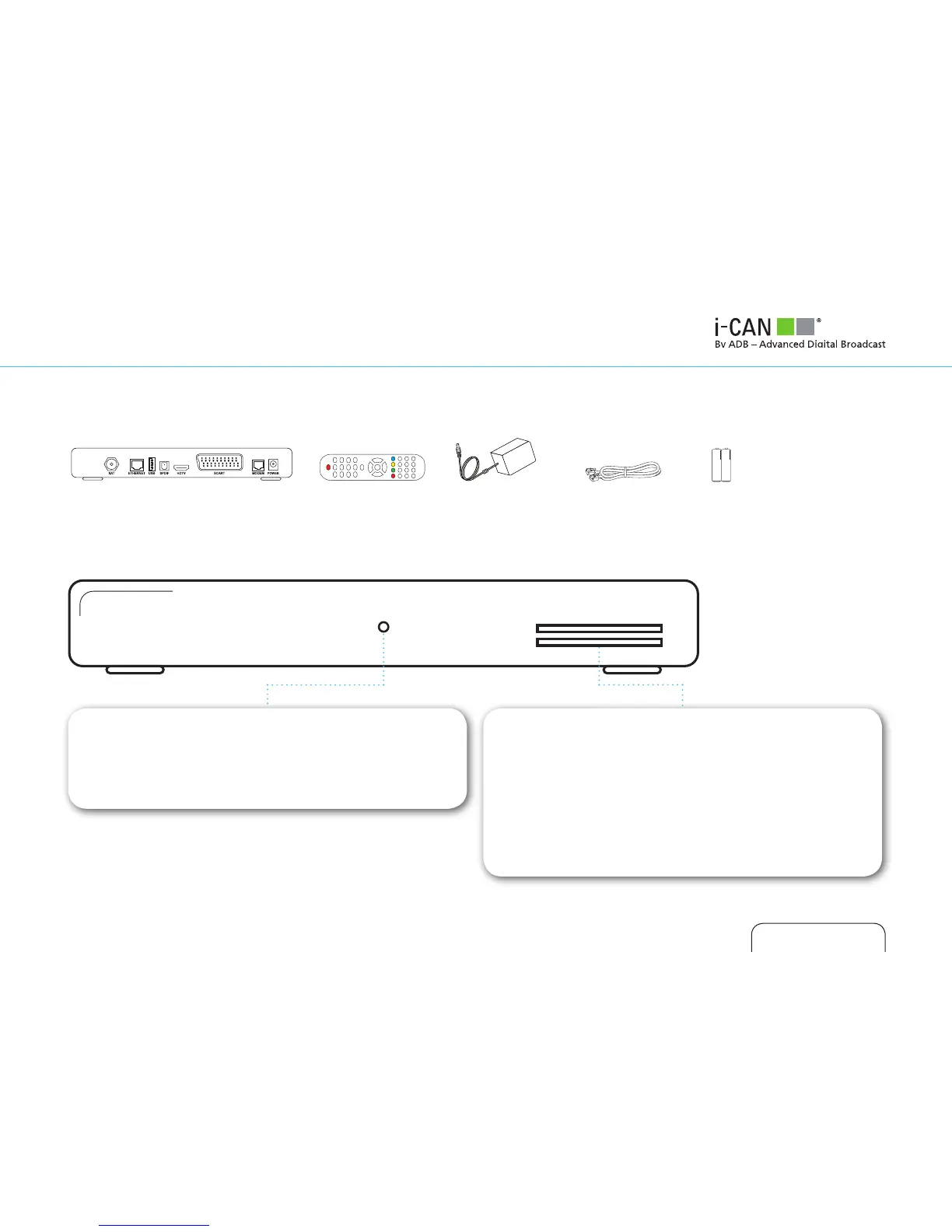
UNPACKING YOUR DIGITAL RECEIVER
FRONT PANEL
LED INDICATOR
White - operating mode.
Red - standby mode.
The LED blinks when your device is receiving signals from the
remote control.
SMART CARD SLOT
Smart Card allows you to view scrambled TV channels. Gently
push the card into the slot. Its chip should face downwards
and the symbol of an arrow should face inwards.
Two Nagra Smart Cards can be used at the same time. If you
are using two Cards, it does not matter to which slot you
place a Card first.
If you are using just one Card, it does not matter which slot
you use.
Receiver Remote Control Power Supply BatteriesTelephone Cable



 To Next Page