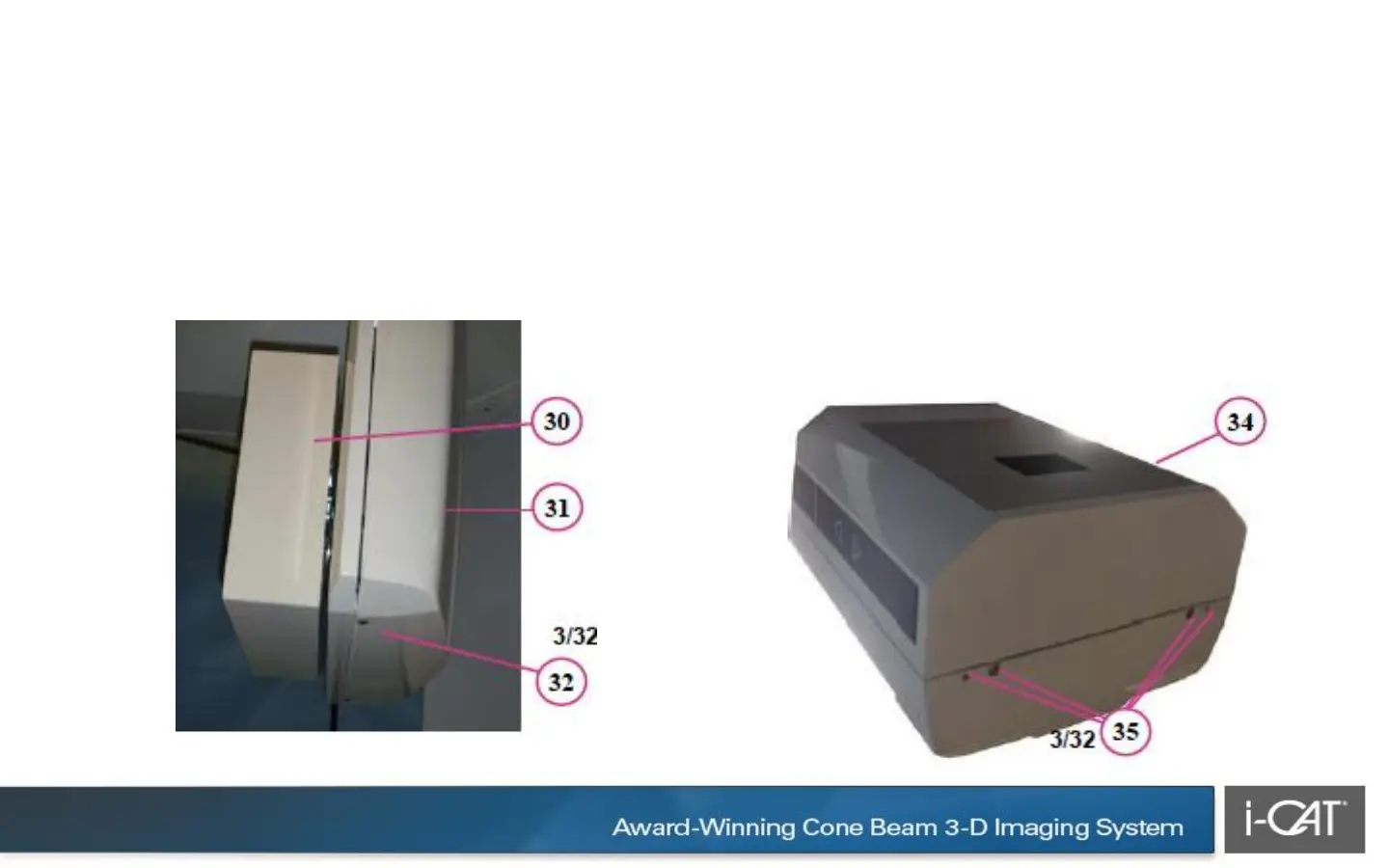
30. Snap receptor panel cover into place.
31. Install receptor assembly cover.
Ensure mounting tabs are seated in top
of cover.
32. Attach mounting screws.
33. Locate X-ray source assembly and remove
from packing material.
34. Place assembly on clean surface. Remove
and set aside the magnetic mounted X-Ray
source window panel from the cover.
35. Remove cover mounting screws from top
and bottom of scanner (quantity 4 outer cover
and 4 inner source cover).


 To Next Page
 Loading...

