19
6.1 Open pictures
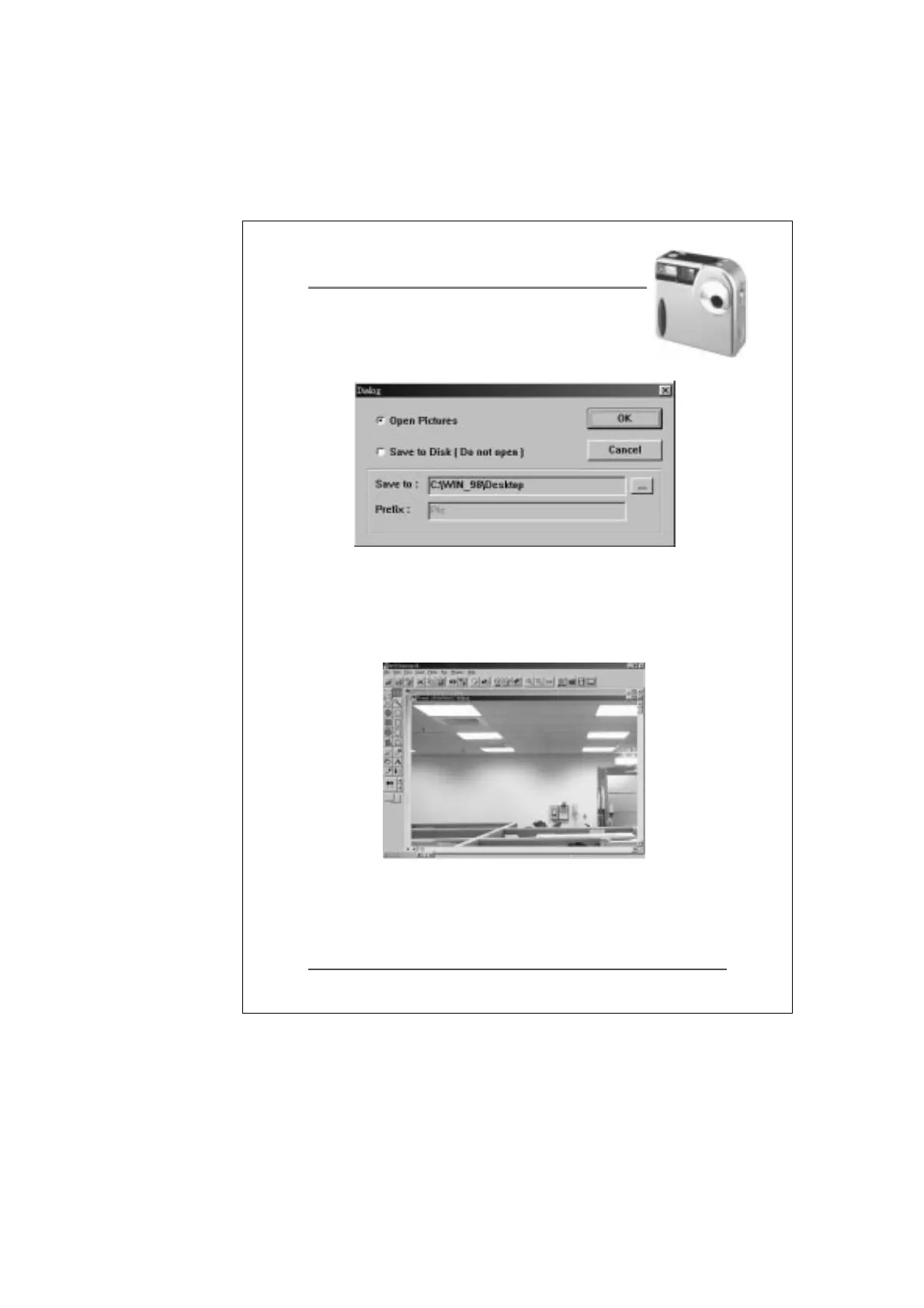
If you want to view the full-size picture before
saving it to disk, select the “Open Pictures”
6.2 After you pressed the “GET Picture“ button, the full-size
picture will popup and the thumbnail window will be mini-
mized to the bottom-left corner.
6.3 Save to disk [Do not open]
If you want to save the pictures to disk directly, please
select the “Save to Disk [Do not open]”.


 To Next Page