5
3
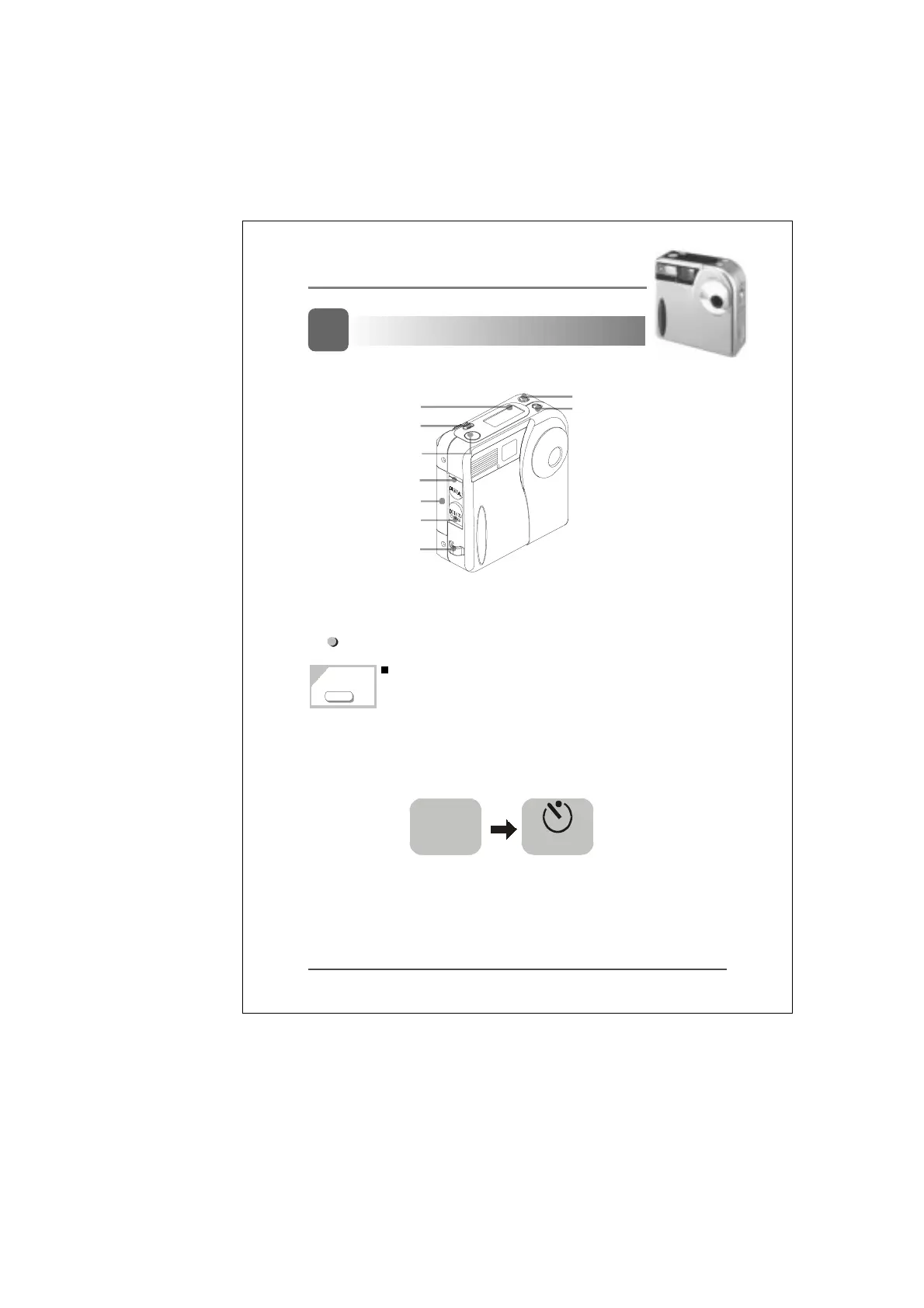
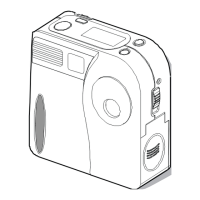
Camera Buttons / Functions:
Button operation / Functions:
4 different modes will appear on the panel in
following sequence when you press the mode
button.
Nomal/Self-timer mode: Press the mode button
once to switch from Normal to Self-timer mode.
Note:” 1 ” is normal condition
Note: The Self-timer gives you 10 seconds
before it captures the image
Self-timer
1
2
Picture deletion button
(DEL)
Mode selection
button
LCD Panel
Shutter release
button
Computer
connection port
Memory card
cover
DC 3V input
terminal
Strap eyelet
Flash Mode button
1
MODE


 To Next Page