9
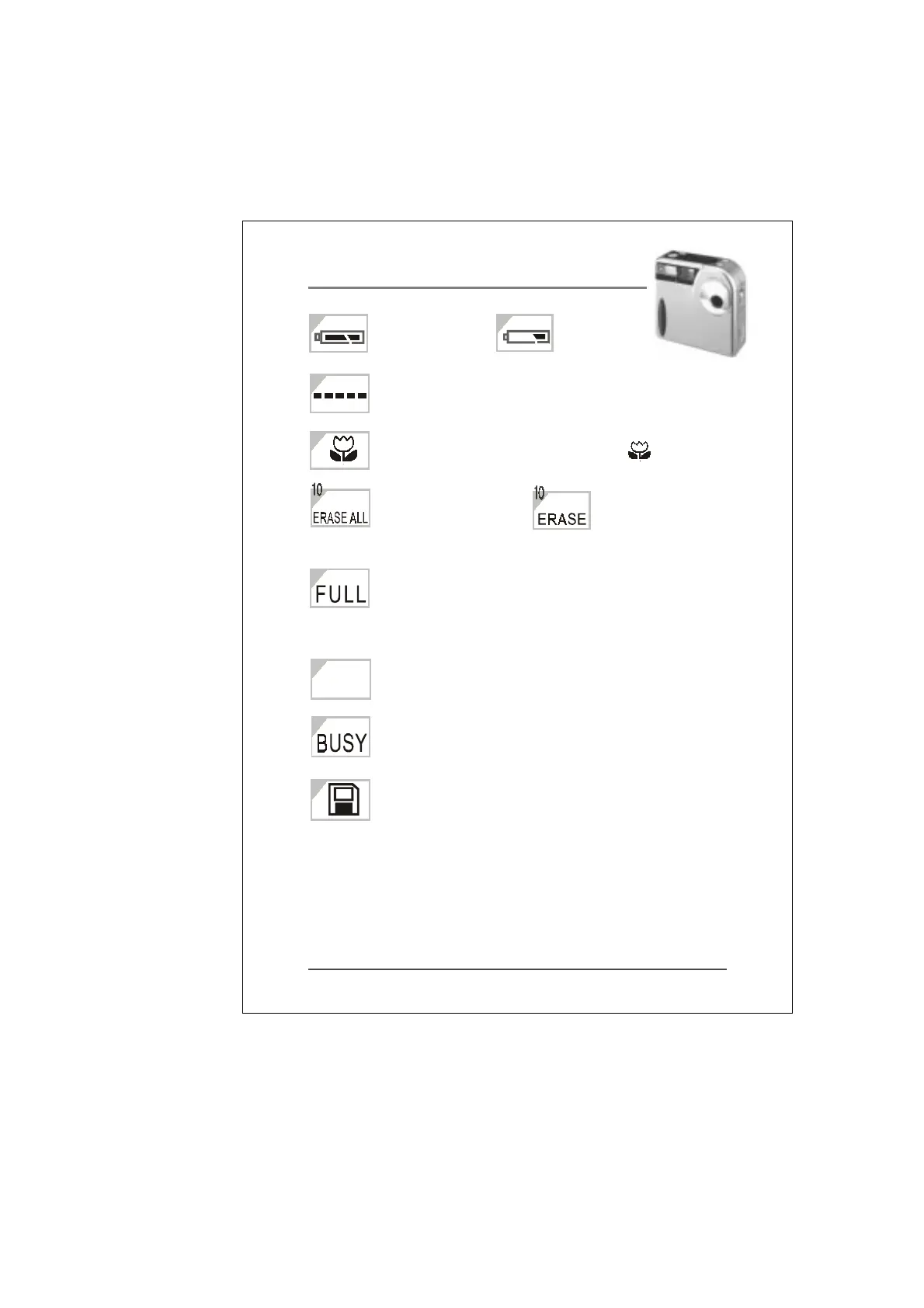
a.Batteries are b.Batteries are
fully charged. drained.
Memory card storage condition (from zero to
full marks)
MACRO mode (push MACRO switch to )
1. Delete all saved Delete last
image data. picture
2. Format memory card
(Please refer to P.12, P.15)
Memory card is full. Delete unwanted images or
replace memory card with an empty one. If possible,
transfer the images to your computer and clear the
memory.
Image is in 1280x960 pixels resolution.
The camera is saving the picture just taken. Take
the next picture when the message disappears.
Memory card is properly inserted. Blinking
indicates there is no memory card inserted.
8
9
11
13
14
7
7
12
H


 To Next Page