I.A.C.E.R. Srl 18 MNPG262-02
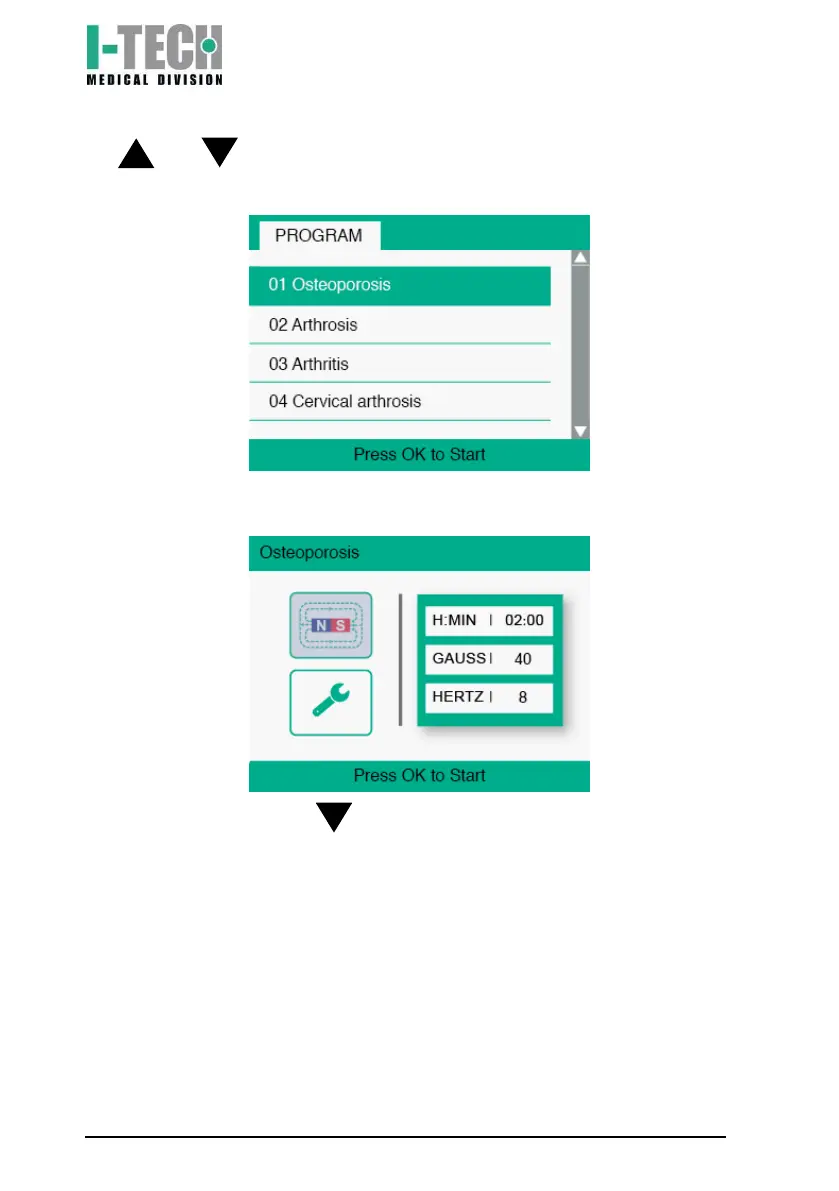
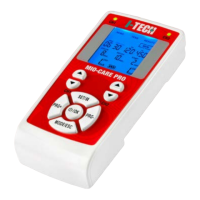
5. Select "Single Patient" and scroll through the programs using the
and buttons and select the desired program
6. Press OK. The display will show the basic setting of therapy time (2
hours) and intensity of magnetic field that we will modify;
a) Press the button so that the spanner is highlighted. At this
point press OK: the display shows a moving spanner icon on
the left-hand side;


 To Next Page