I.A.C.E.R. Srl 29 MNPG262-02
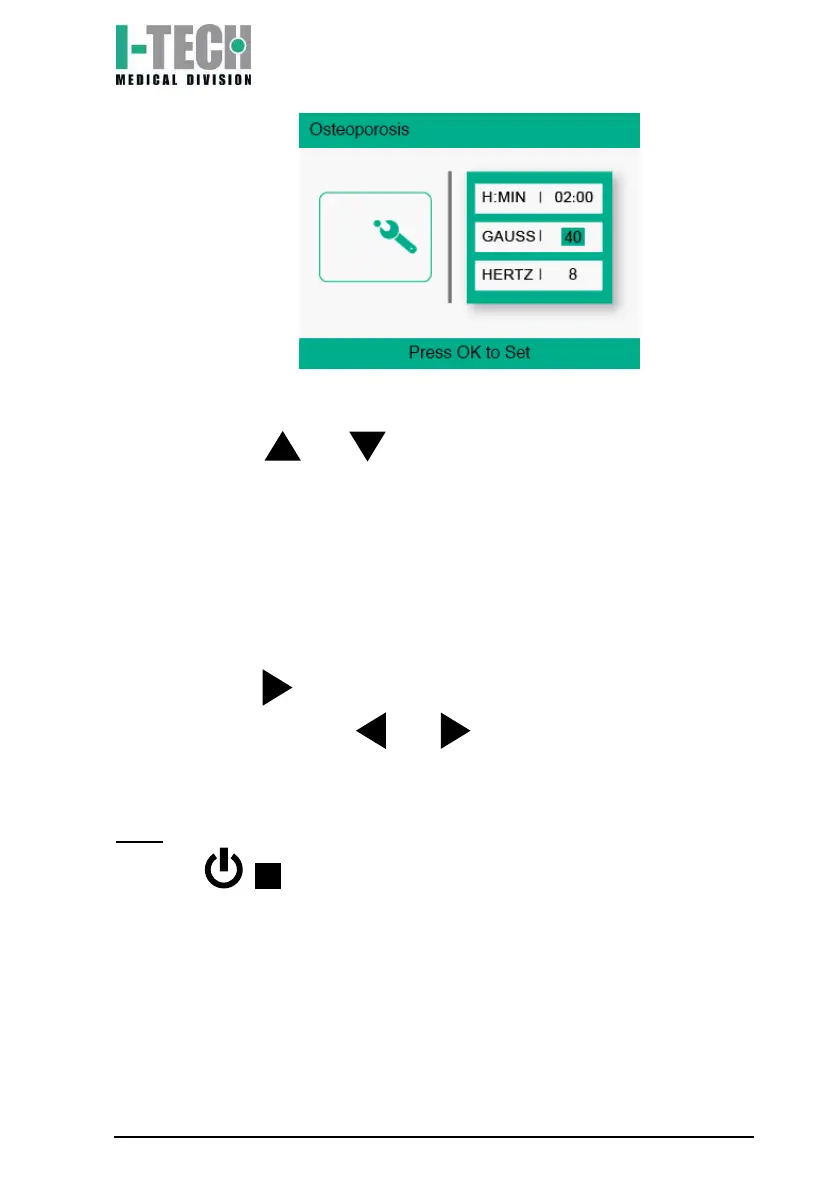
c) Use the and buttons to set the treatment intensity and
confirm by pressing the OK button.
Settings (language selection)
Press the ON/OFF switch located on the small panel in the upper part
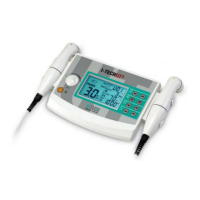
so it is in the ON position. After the I-TECH MEDICAL DIVISION logo
appears, press and select the "Settings" menu. At this point select
"Language" and use the and buttons to select the desired
language.
N.B.: to turn off the device, press the ON/OFF switch on the back or
press the / button until the screen turns off.


 To Next Page