I.A.C.E.R. Srl 21 MNPG262-02
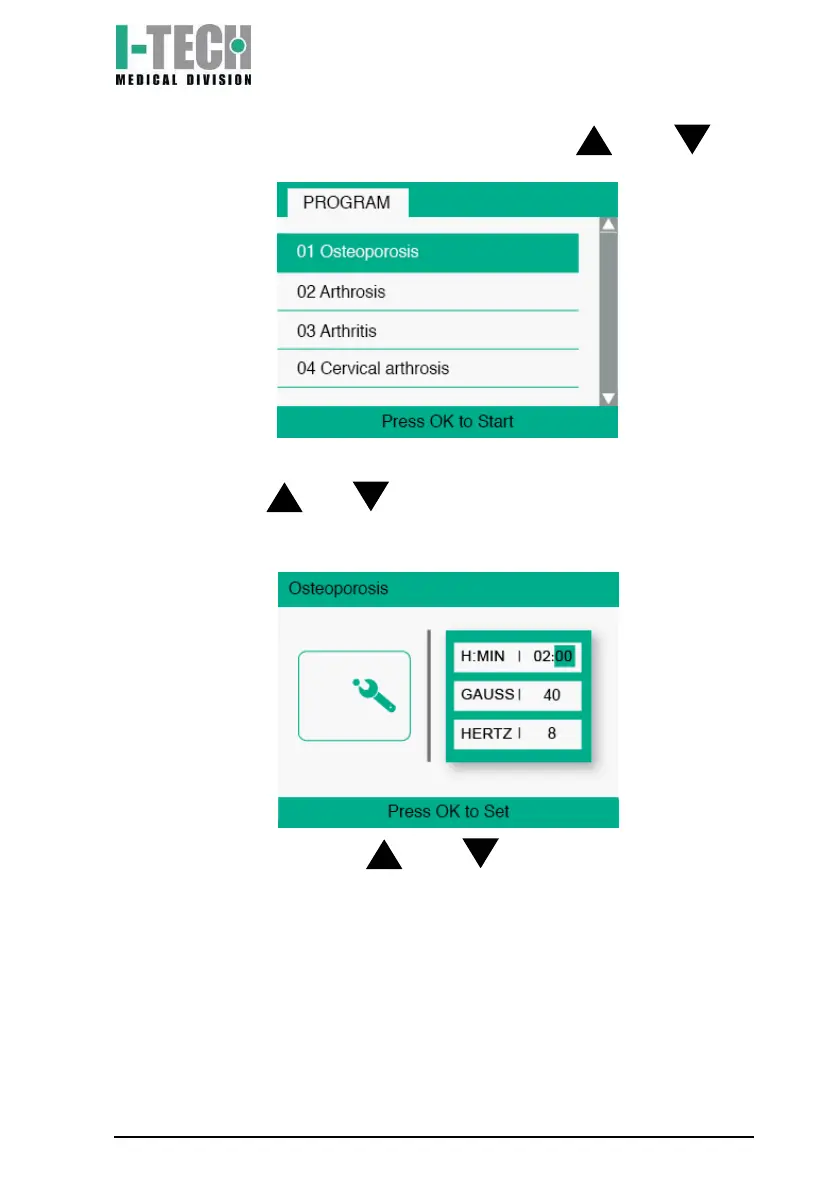
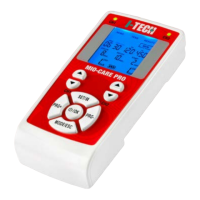
6. Scroll through the programs using the buttons and and
select the desired program;
Choose the desired settings:
a) Use the and buttons to set the desired therapy hours
(from 0 to 24) and confirm by pressing the OK button. The
display will highlight the minutes of therapy;
b) Use the buttons and to set the desired therapy
minutes (from 0 to 59) and confirm by pressing the OK button.
The display will highlight the intensity of the treatment;


 To Next Page