11
Accessories & Maintenance
IMPORTANT! Turn off the cleaner and remove the battery before conducting
any maintenance tasks. It is recommended to clean the dust bin after each use or
when dust reaches the max ll line.
Emptying the dust bin
Press the dust bin lid release button to open the bottom cover of
the vacuum cleaner and empty the dust bin.
Maintenance
Storage
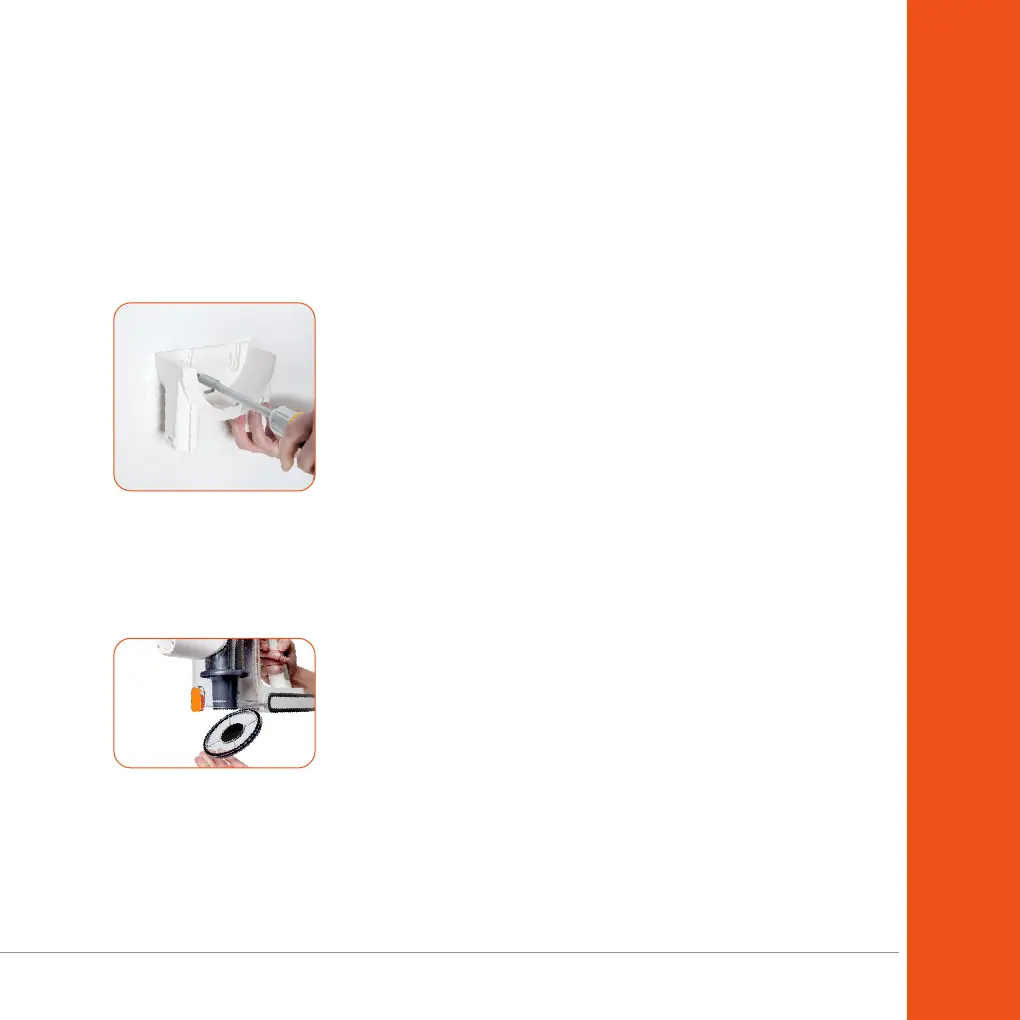
1. Install the wall storage bracket onto the wall using wall
mounting screws (not included).
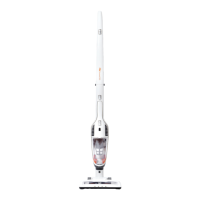
2. Insert the vacuum cleaner into the wall storage bracket,
ensuring it is securely in place.
3. Place the accessories into the corresponding slots on the
wall storage bracket.
NOTE: If you are not going to use the machine for a
long period of time, it is recommended to remove the
battery from the machine during storage to maintain
the battery life.


 To Next Page