7
IMPORTANT! Always remove the battery from the appliance before tting or
removing accessories.
Assembly
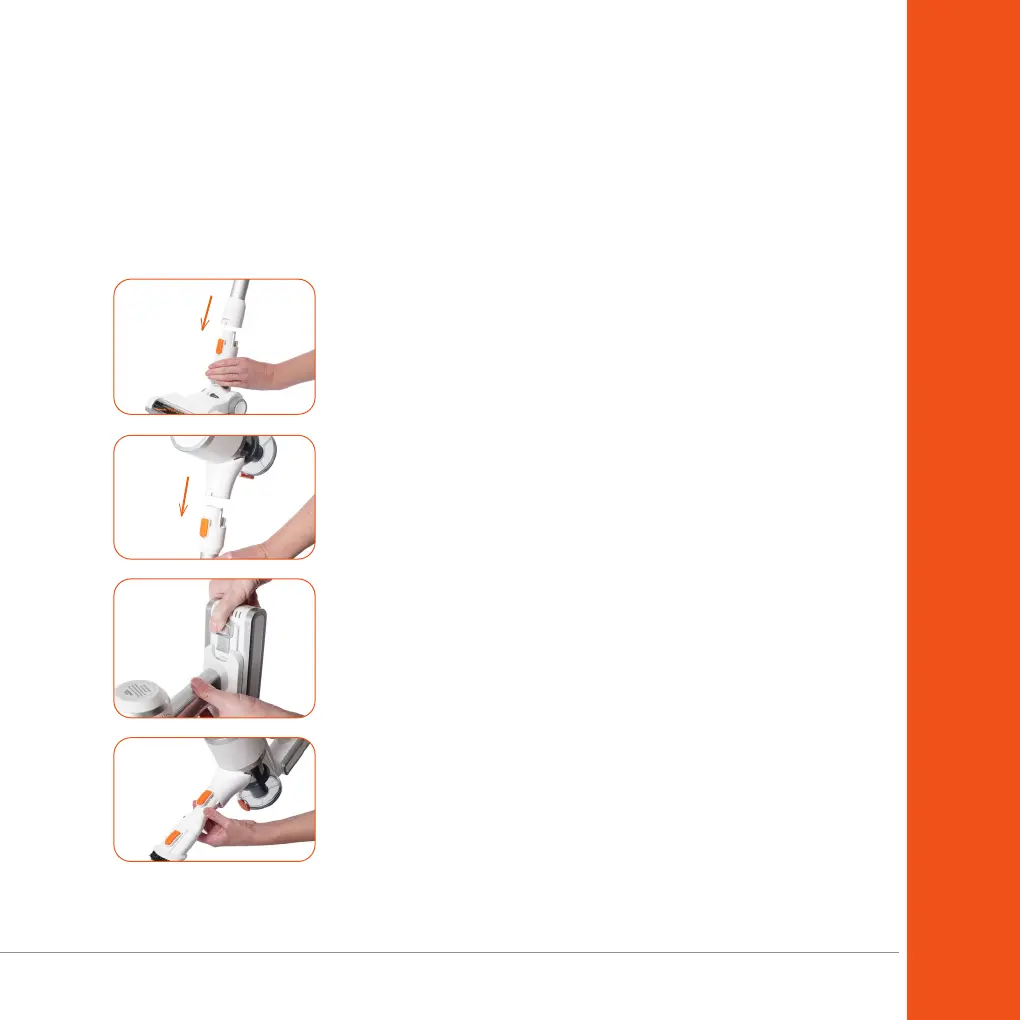
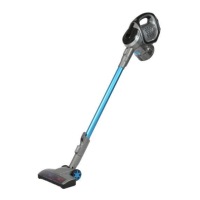
1. Insert the power head into the rod. You will hear a “click”
sound when it is securely in place.
Warnings & Assembly
2. To install the rod, insert the plug end of the rod into the air
inlet of the cleaner. Once it is securely in place, you will hear
a “click” sound.
Inserting the battery
1. Slide the battery into the main unit of the vacuum cleaner.
Once it is in place, you will hear a “click” sound.
2. To remove the battery, press the battery release button and
gently pull the battery from the vacuum cleaner.
Connecting accessories to the unit
1. Insert accessories into the air inlet of the cleaner. You will
hear a “click” sound when each is securely in place.
2. To disassemble, press the rod release button on the cleaner
and then pull the accessory out from the air inlet.


 To Next Page