3
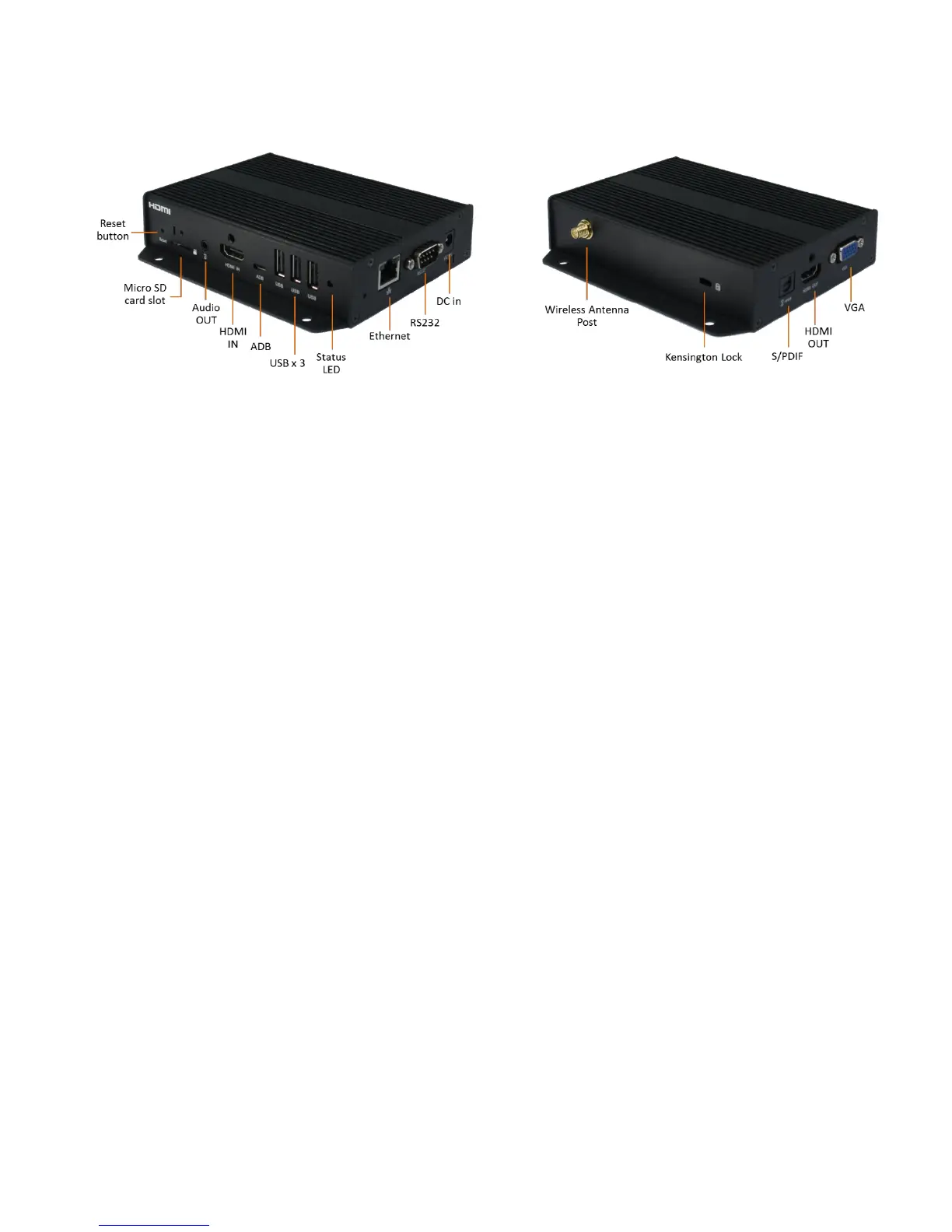
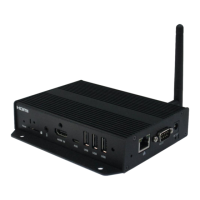
1.3. Physical view
Physical features (left to right in above illustration)
Reset button to perform factory reset
Micro SD card slot
3.5mm Audio out
HDMI connector for digital video and audio combined INPUT
Micro USB for ADB , Android debug console port
3 x USB ports for USB content update and configuration
Power(green) and Status(orange) LED indicator
Ethernet port for network content update
RS232 port for display control
DC input port
Wireless antenna post
Kensington lock
S/PDIF Audio out
HDMI connector for digital video and audio combined OUTPUT
VGA out


 To Next Page