7
ENGLISH
Names and Function on Each Part
Front Panel
1.POWER/CLIPINDICATOR:This“POWER/CLIP”LEDshowspre-
ampstatus.WhenthisLEDlightsred,thepre-ampisclipping.The
LEDwilllightgreenwhenthereisnoclippingatthepre-amp.
2. INPUT: 1/4” phone jack input.
3. COMPRESSOR: Compresses the signal deeply.
4. GAIN: Controls the pre-amp gain.
5. DISTORTION: Engages the amplifiers internal distortion.
6.ENVELOPE FILTER: Detects dynamics of the input signal, and
creates wah-wah sound.
7. 4 BAND EQ: Refer to the spec sheet at the end of this manual for
frequencies and levels.
8. SHAPE: Delivers enhanced bottom and high-end by scooping mid-
range frequencies.
9.ROLLOFF:Cutsouttweeterrange.
10.VOLUME: Controls the output level from this amplifier. Doesn’t
workforLINEOUTandAUXINsignal.
11.LINEOUT:Monaural1/4”phonejackwithalineleveloutput.You
can connect to an external mixing console or similar equipment.
12. FOOTSWITCH: IFS2 footswitch (sold separately) can be connect-
edhere,andusedtoswitchDISTORTIONandENVELOPEFIL-
TER. *Remark: While the footswitch is connected, the amp’s DIS-
TORTIONandENVELOPEFILTERswitchwillnotfunction.
13. PHONES: 3.5mm stereo mini output jack for stereo headphones.
The sound is not reproduced through the built-in speaker when
headphonesareinuse.Meanwhile,LINEOUTsignalstilloutputs.
Warning:
This phones output produces a large volume of sound. Ensure that
theVOLUMEandAUXVOLUMEhasbeenturneddownbefore
beginning to play using the headphones, and then slowly increase
the volume until it has reached the desired level. Note that the
noise and distorted sound signals produced when inserting or re-
moving the headphone plug at high volume levels will result in
damage to the headphones and to the user’s hearing.
14.AUXIN:3.5mmstereominijack.Thisjackisdesignedtobecon-
nected to the headphone output of a portable CD or MP3 player, or
similar device. Use the volume control of your portable player along
with the volume control on the amp to adjust the desired volume.
15.AUXVOLUME:ControlsthesignallevelofAUXIN.
Rear Panel
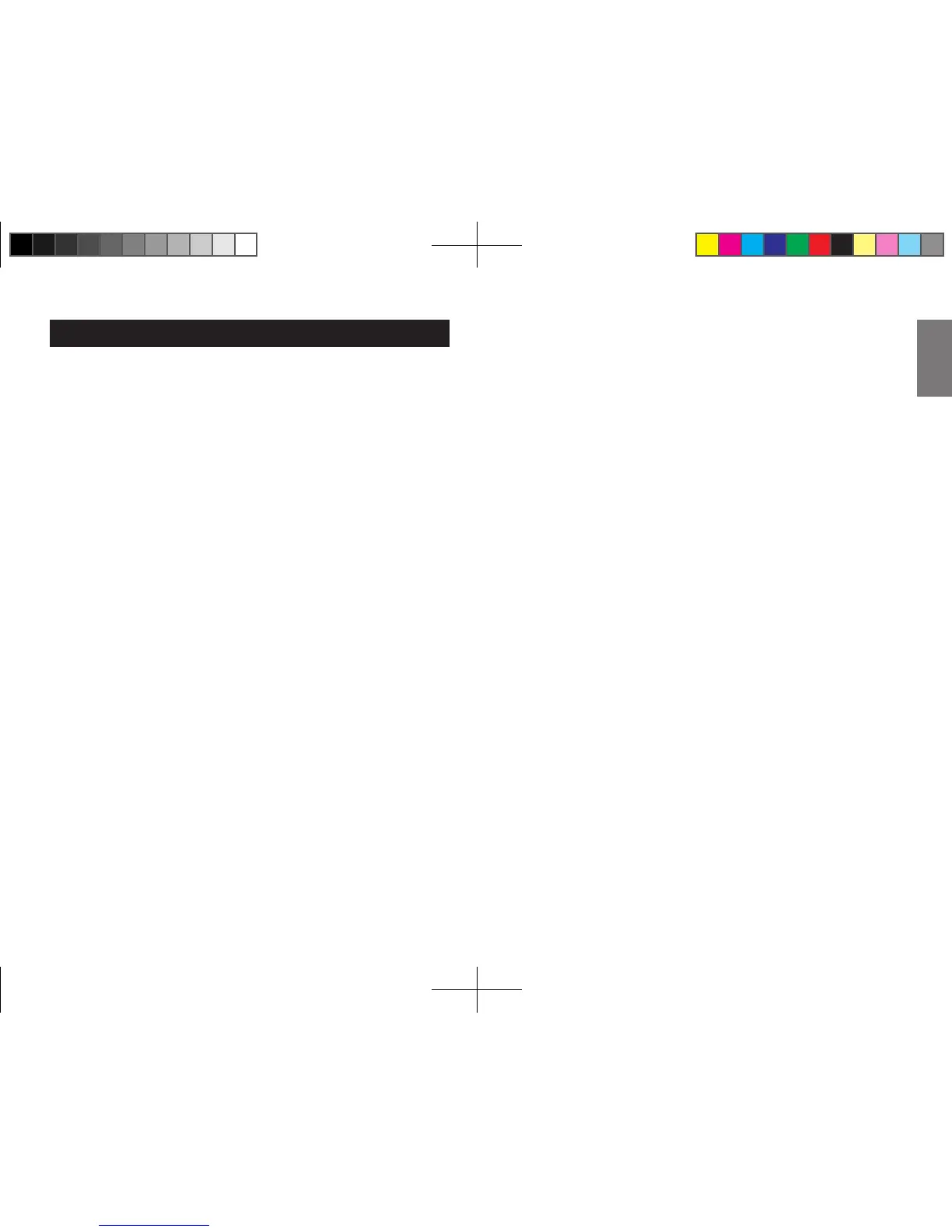
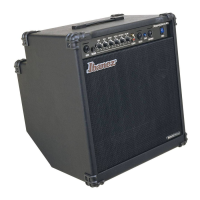
SW80
A.ACINLET:ConnecttheincludedACpowercabletothisconnector.
Use this amp only with he input the voltage indicated on the panel.
B. POWER SWITCH: This switch turns the power on/off. When you
are not using the amp, please leave it turned off.
SW35
A.ACINLET:Usethisamponlywithheinputthevoltageindicatedon
the panel.
B. POWER SWITCH: This switch turns the power on/off. When you
are not using the amp, please leave it turned off.



 To Next Page