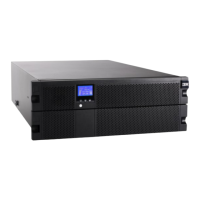
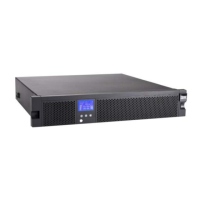
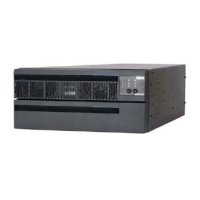
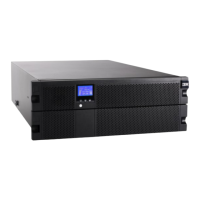
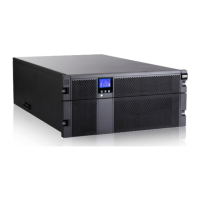
IBM 11000VA LCD 5U Rack Uninterruptible Power Supply 8
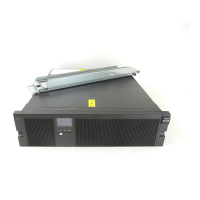
The following functions are available on the control panel:
System status: Displays the battery status, load percentage, output power, output voltage and
z
frequency, mode, notice, or alarm status
Alarm history: Displays the alarm history for the 50 most recent events
z
Meters: Displays the output watts VA, current, power factor, voltage, frequency, input voltage, input
z
frequency, battery voltage, and percentage charged
Control screens: Displays the battery test, reset error state, configure load segments, and restore
z
settings
Model information: Displays the machine type, model, and serial number of the unit, as well as the
z
firmware level of the UPS, including the optional Network Management Card’s firmware level and IP
address, if installed
Configuration: Allows you to change up to 17 user settings with minimal navigation
z
The buttons have the following functions:
Escape (X): Press this button to return to the previous menu without running a command or saving
z
any changes.
Down (
): Press this button to scroll down to the next menu option.
z
OK: Press this button to select the current menu or option.
z
On/off: Press this button to turn on the UPS. Press and hold this button for 3 seconds to turn off the
z
UPS.
On some screens, the OK button has an additional function if you press and hold the button longer than 1
second:
On the User Setting screens, to save the displayed setting.
z
On the Meter and Notice/Alarm screens, to lock the screen (prevent the screen from returning to its
z
default after timeout). A locked screen displays a small key image near the status icon. To unlock the
screen, press any button to perform its usual function.


 To Next Page