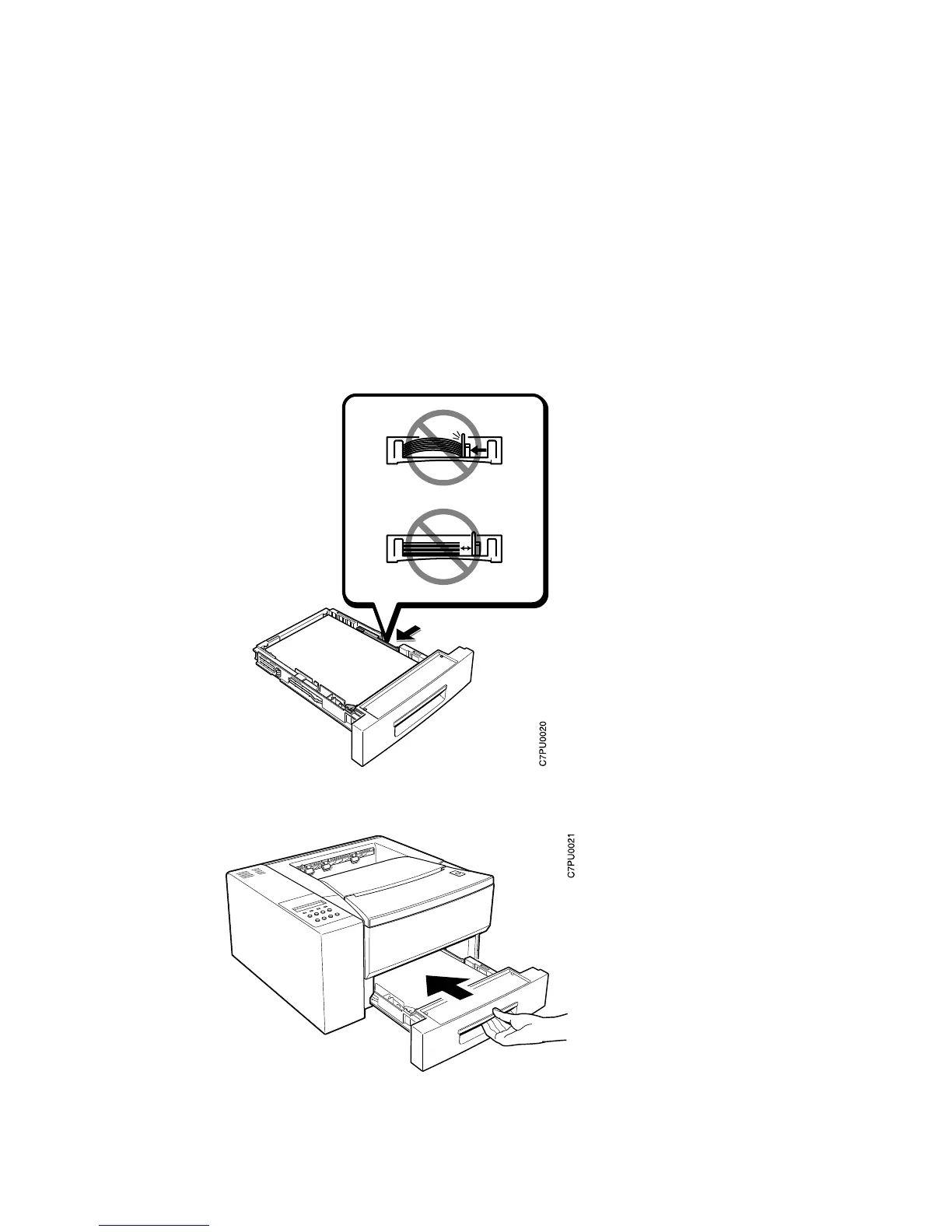
5. If the paper is narrower than the tray, adjust the side guide so that it presses lightly
against the side of the paper stack.
Note: The paper should lay flat in the tray; it should not be bowed.
6. Slide the paper tray into the printer until it clicks into place.
10 Network Printer 12 Quick Setup













 To Next Page