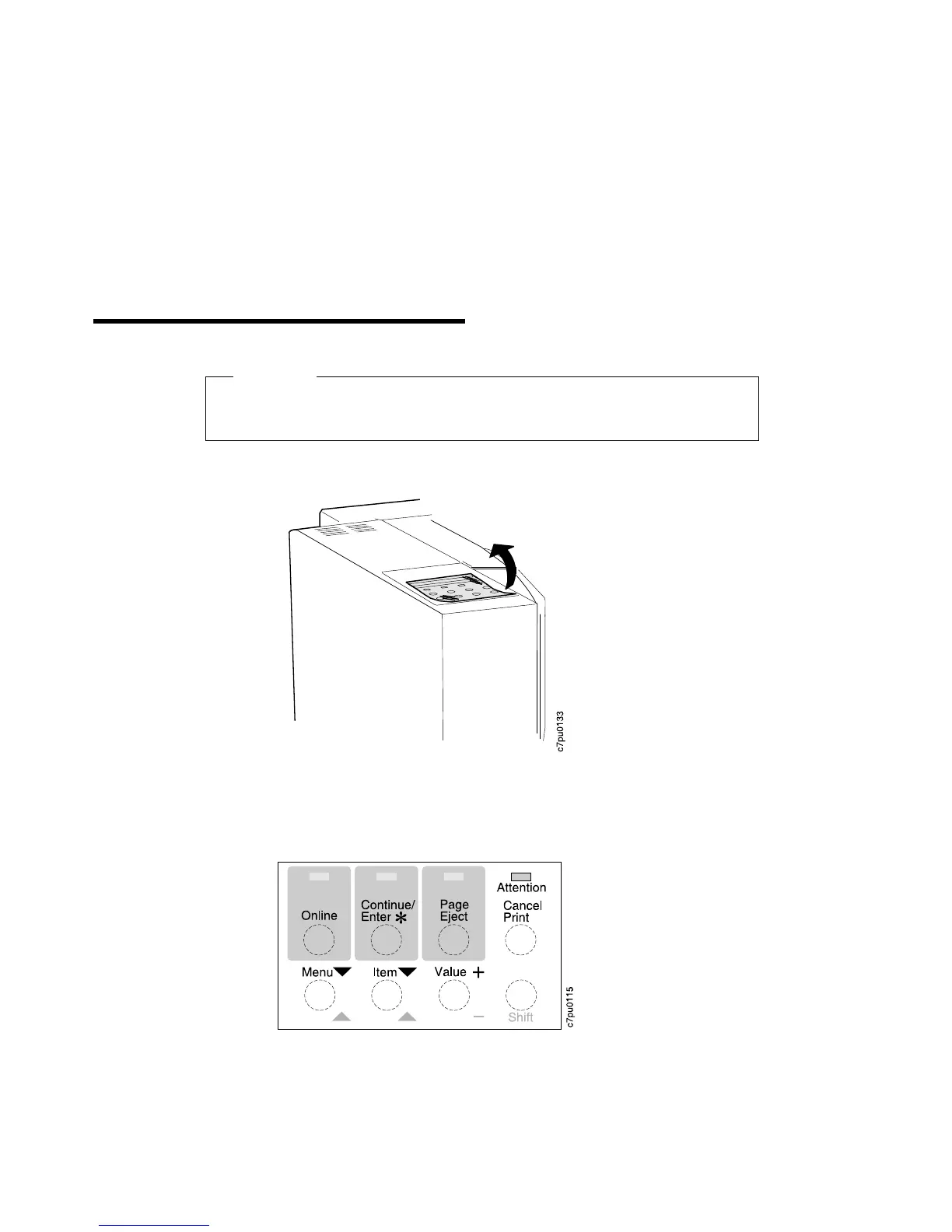
Applying the Operator Panel Template
Important!
Some printers may have the template installed already. If yours does, skip this
procedure and go to “Powering On the Printer” on page 13.
1. Peel the thin layer of protective plastic off the message display area.
2. Use a dry cloth or towel to remove dust from the operator panel.
3. Locate the template. The template lists the names of the keys on the operator
panel.
Note: When you complete the printer setup, see the
IBM Network Printer 12:
User's Guide
for a complete description of how to use the keys on the operator
panel.
Copyright IBM Corp. 1996 11













 To Next Page