Selecting a Language
Important!
English is the default language for messages and menus. If you use English, you
can skip this step and go to “Printing the Printer Configuration Page” on page 18.
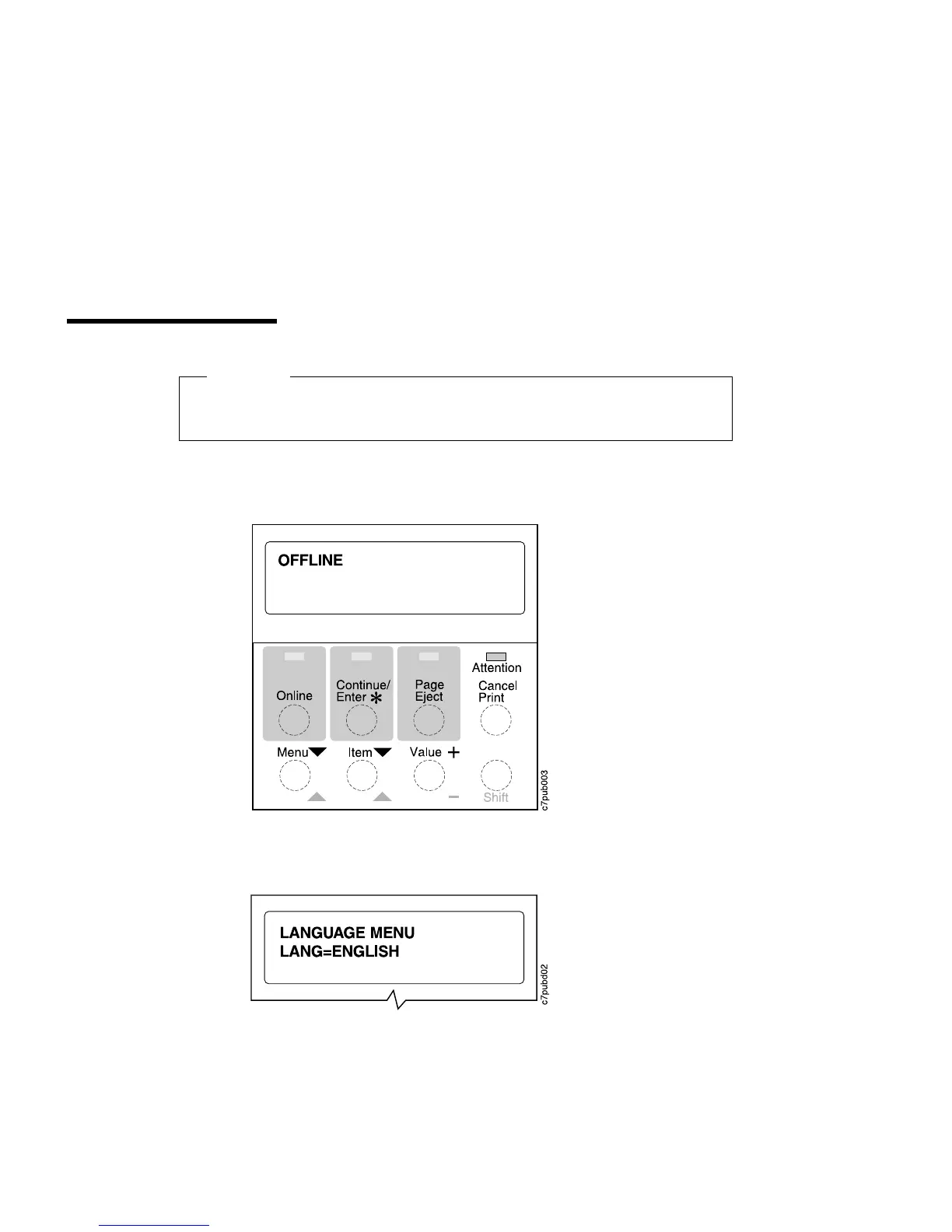
To display messages and menus in a language other than English, do the following:
1. Press the Online key once; you see OFFLINE in the message display area.
2. Press the Shift and the Menu key. You see LANGUAGE MENU in the message
display area. Then press the Item key. You see LANG=ENGLISH.
16 Copyright IBM Corp. 1996













 To Next Page