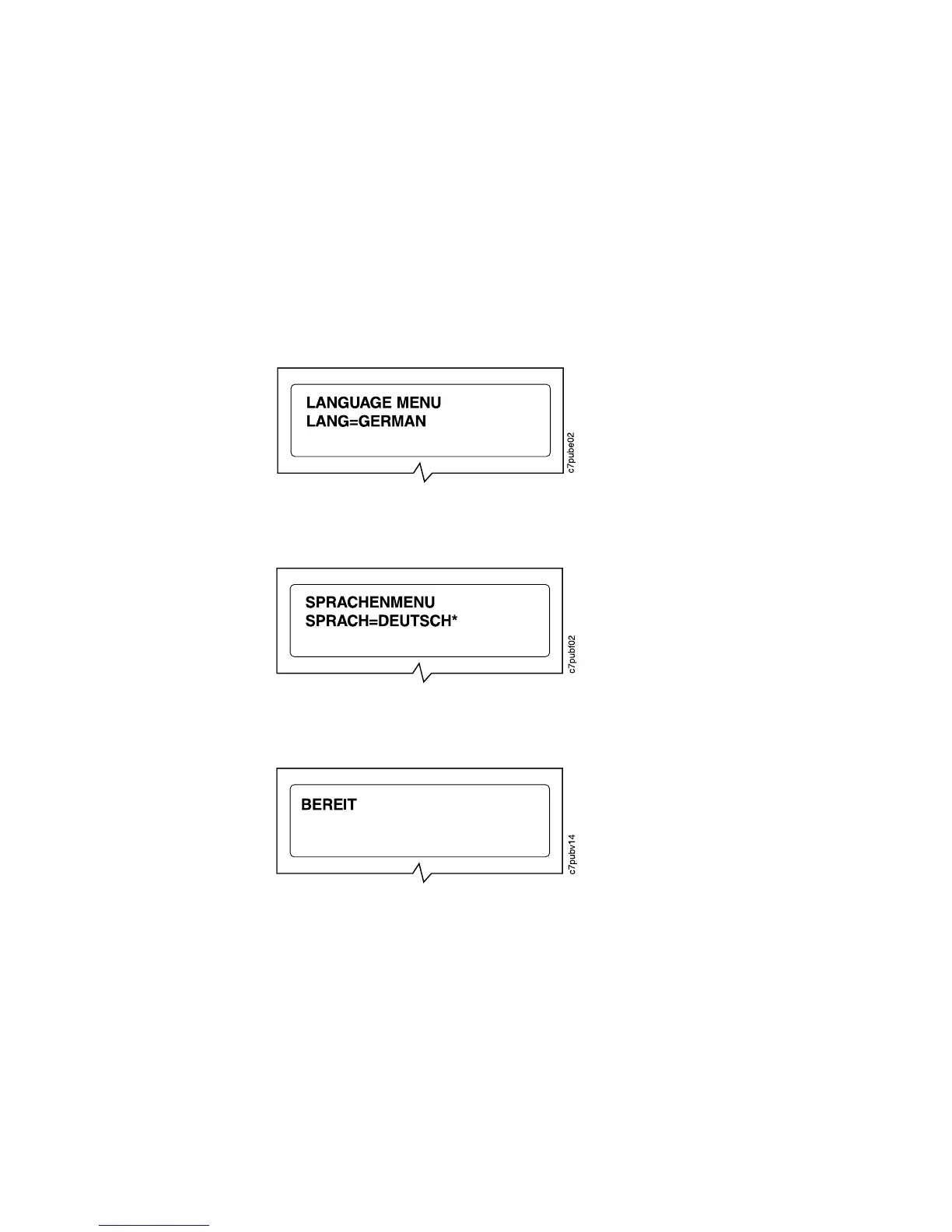
3. Press the Value key until you see the language you want to select. In this
example, we select GERMAN.
4. To change the value, press the Continue/Enter key. An asterisk appears next to
the language you select, indicating that it is now active.
5. Press the Online key to make the printer ready. You see the READY message in
the language you selected.
Selecting a Language 17













 To Next Page