Choosing a Mode of Operation
Traditional Adapter Mode Configuration
SystemBus
Net2
Net6
Net5
Net8
Net4
Net1
Protocol
Router
LANDriver
Adapter1 Adapter2
Port1
Port2
Port3
Port4
LANDriver
Port1
Port2
Port3
Port4
10BaseT
HUB
10BaseT
HUB
10BaseT
HUB
10BaseT
HUB
10BaseT
HUB
10BaseT
HUB
10BaseT
HUB
10BaseT
HUB
Net7
Net3
.
.
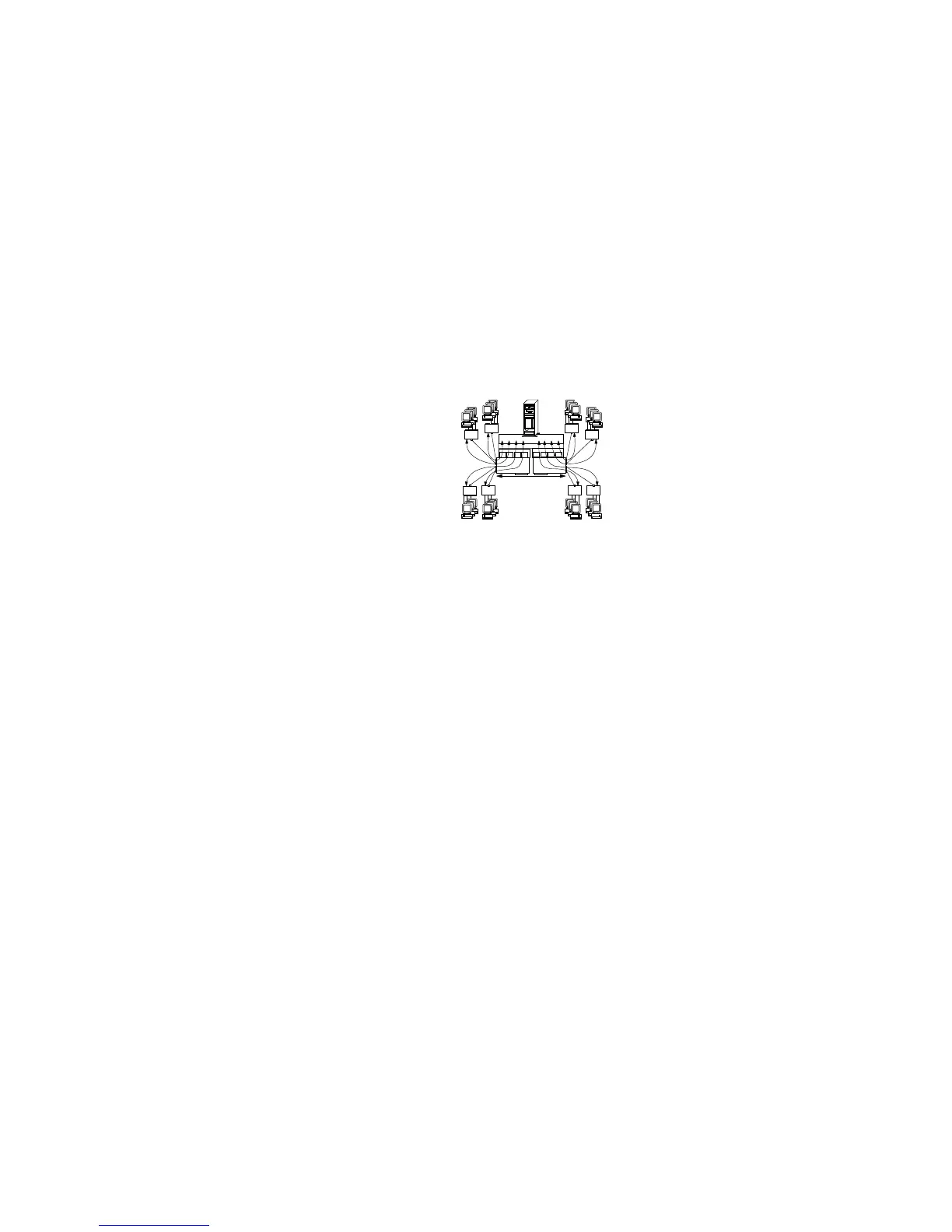
The example in the preceding figure shows:
A server with two PeerMaster adapters configured in the
traditional adapter mode. Within this mode each of the eight
network segments is registered with the protocol as a unique
subnet network. Clients on all ports have direct access to the
server.
An 80 Mbps (Mb equals 1000000 bits) network composed of
eight subnetworks.
A server-based software router, above the protocol, that is
required to provide cross-segment connectivity.
The advantage of the traditional adapter mode is that the internal
router can be used to selectively restrict cross-segment traffic
throughout the multisegment network. The disadvantage of this
mode is that server responsiveness might be heavily impaired due
to the burden of internal routing. Use this mode only when little or
no cross-segment traffic is expected.
VNET Switch Mode Configurations
The following three configurations show examples of using the
PeerMaster adapter in the VNET switch mode.
VNET Switch Mode - Single VNET
VNET Switch Mode - Multiple VNETs
VNET Switch Mode - Combined VNETs and Traditional Nets
Chapter 4. Configuring the PeerMaster Adapter 141








 To Next Page