Attaching Network Cables to Your Adapter
Attaching Network Cables to Your Adapter
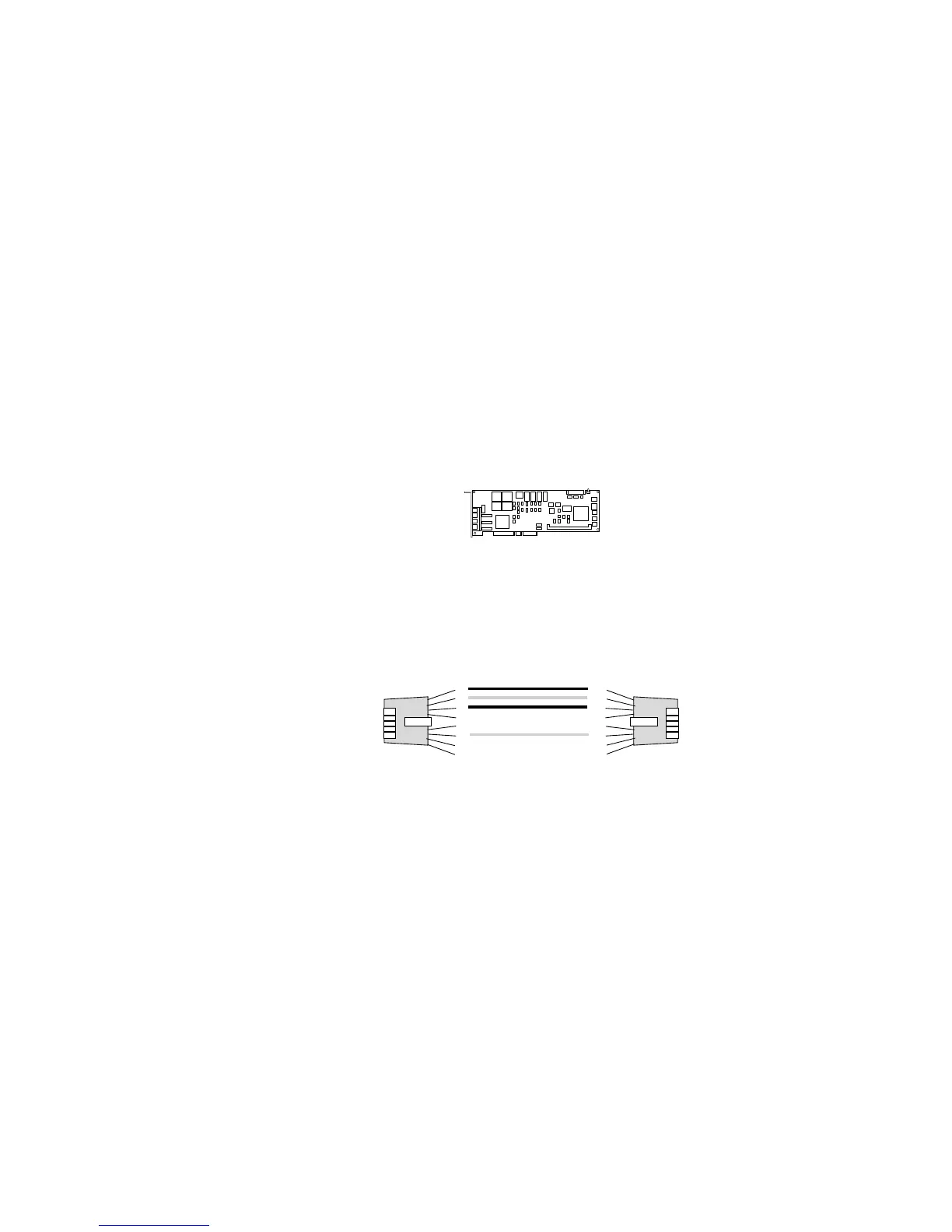
The following figure identifies the location of the four Ethernet
connectors on the PeerMaster adapter. The top connector of each
PeerMaster adapter is port 1; the bottom is port 4.
Port 1
Port 2
Port 3
Port 4
.
.
You can connect two types of network cables to a PeerMaster
adapter: straight-through and crossover.
Use straight-through cables when connecting a PeerMaster adapter
to an external 10Base-T concentrator hub.
1
2
3
4
5
6
7
8
1
2
3
4
5
6
7
8
Straight-through
Chapter 4. Configuring the PeerMaster Adapter 155








 To Next Page