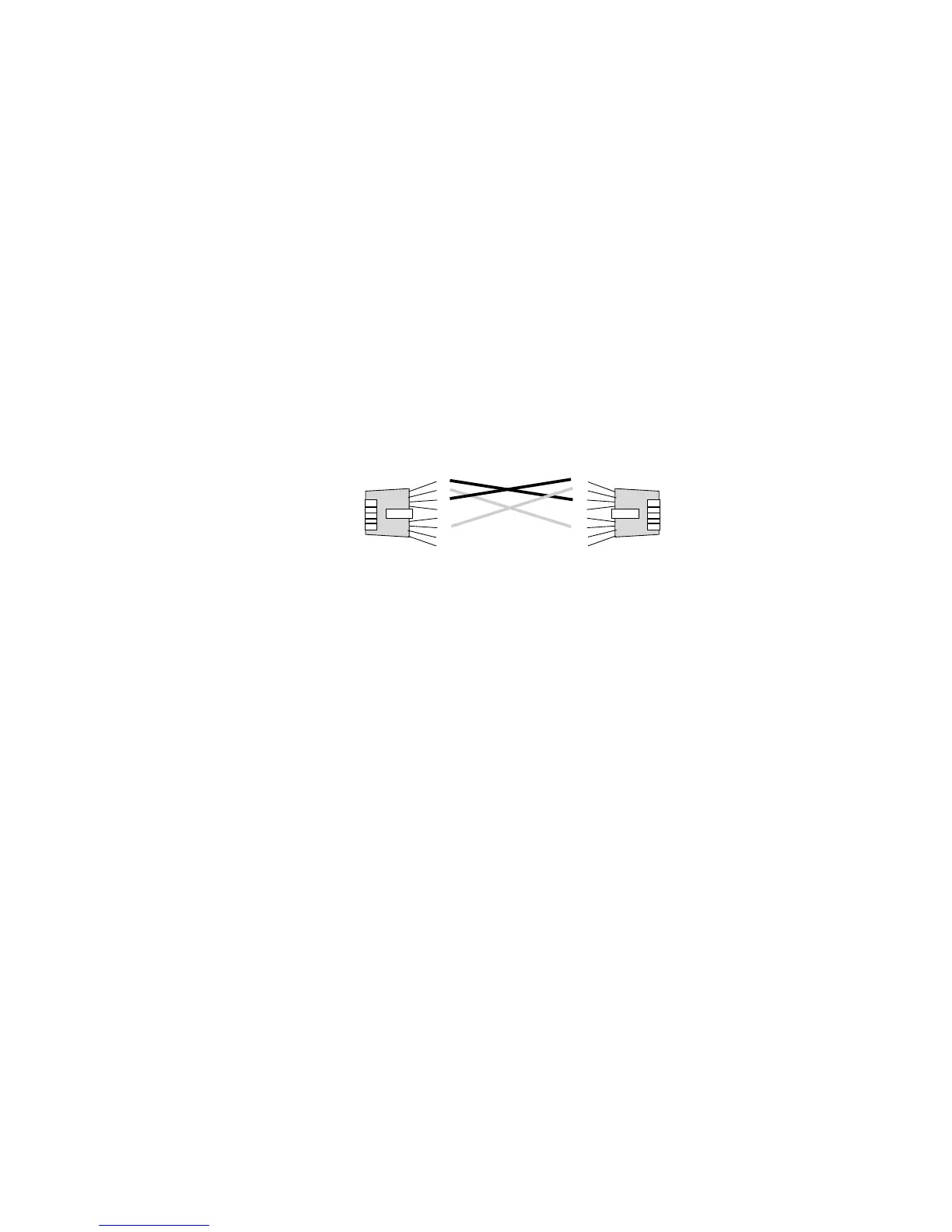
Attaching Network Cables to Your Adapter
Use crossover cables to connect your PeerMaster adapter directly to
another 10Base-T device, such as a workstation, server, or another
adapter. Crossover cables create dedicated segments. A dedicated
segment consists of two point-to-point devices connected to a
dedicated link.
1
2
3
4
5
6
7
8
1
2
3
4
5
6
7
8
Crossover
Attention:
To ensure proper operation of the PeerMaster adapter, do not
externally join ports of PeerMaster adapters (using bridges, switches,
or concentrators).
156 PC Server 520 User's Handbook for PCI/EISA








 To Next Page