Installing Internal Drives
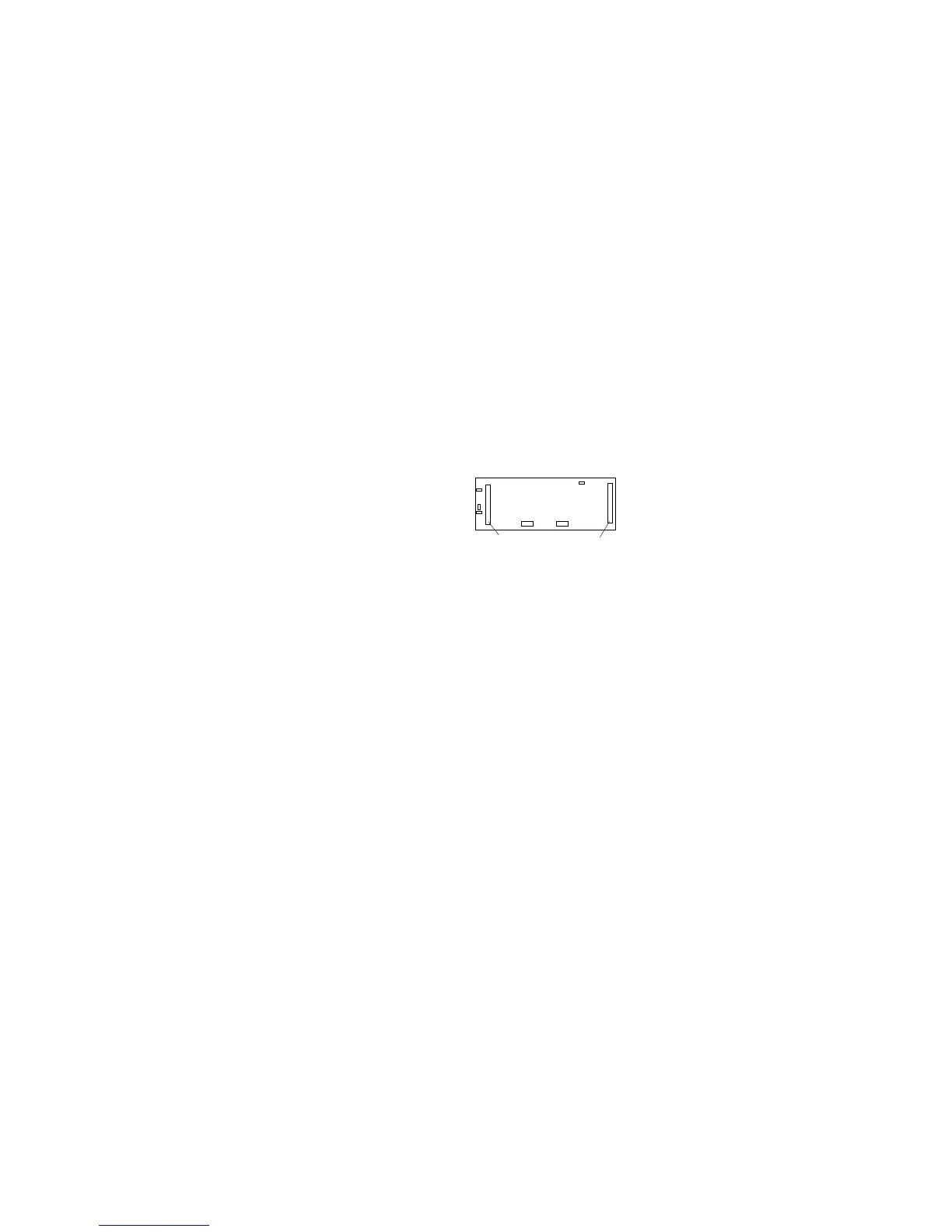
The SCSI-2 cable connectors on the rear of the backplane are
shown in the following illustration. The SCSI ID address
jumper on the backplane determines the SCSI IDs for the
hot-swap drives in Bank D. See “Setting Backplane SCSI ID
Jumpers (J12)” on page 252 for more information.
SCSI-2 Input
Connector
SCSI-2 Output
(Daisy-Chain)
Connector
6. If your server is a disk-array model, go to step 10 on page 226
for cabling instructions. If your server is a non-disk-array
model, continue with step 7.
7. If your server is a non-disk-array model, you might need to
install an additional SCSI-2 adapter. If this is the case, refer to
“Installing Adapters” on page 180 for installation instructions;
otherwise, then, continue with step 8.
8. Refer to the following information for help in connecting the
cables properly.
Example 1: In the original cable routing in a non-disk-array
model, a cable connects the CD-ROM drive to the SCSI-2
output connector on the bank C backplane. The SCSI-2
input connector on the bank C backplane connects to the
internal 16-bit connector on the SCSI-2 adapter. A DASD
status cable (also known as a system status cable) connects
the adapter to the backplane in bank C.
Example 2: A backplane is installed in bank D in a
non-disk-array model; two SCSI-2 adapters are installed in
PCI slots. A SCSI cable connects the CD-ROM drive to the
SCSI-2 output connector on the bank C backplane. Separate
SCSI cables connect the SCSI-2 input connectors on the
backplanes in banks C and D to the internal 16-bit SCSI-2
connectors on the SCSI-2 adapters. In this example, you can
also connect external devices to the external connectors on
the SCSI-2 adapters. A DASD status cable (also known as a
system status cable) connects the adapter to the backplanes
in banks C and D.
Chapter 5. Installing Options 225








 To Next Page