Installing Internal Drives
9. Go to step 13 on page 227.
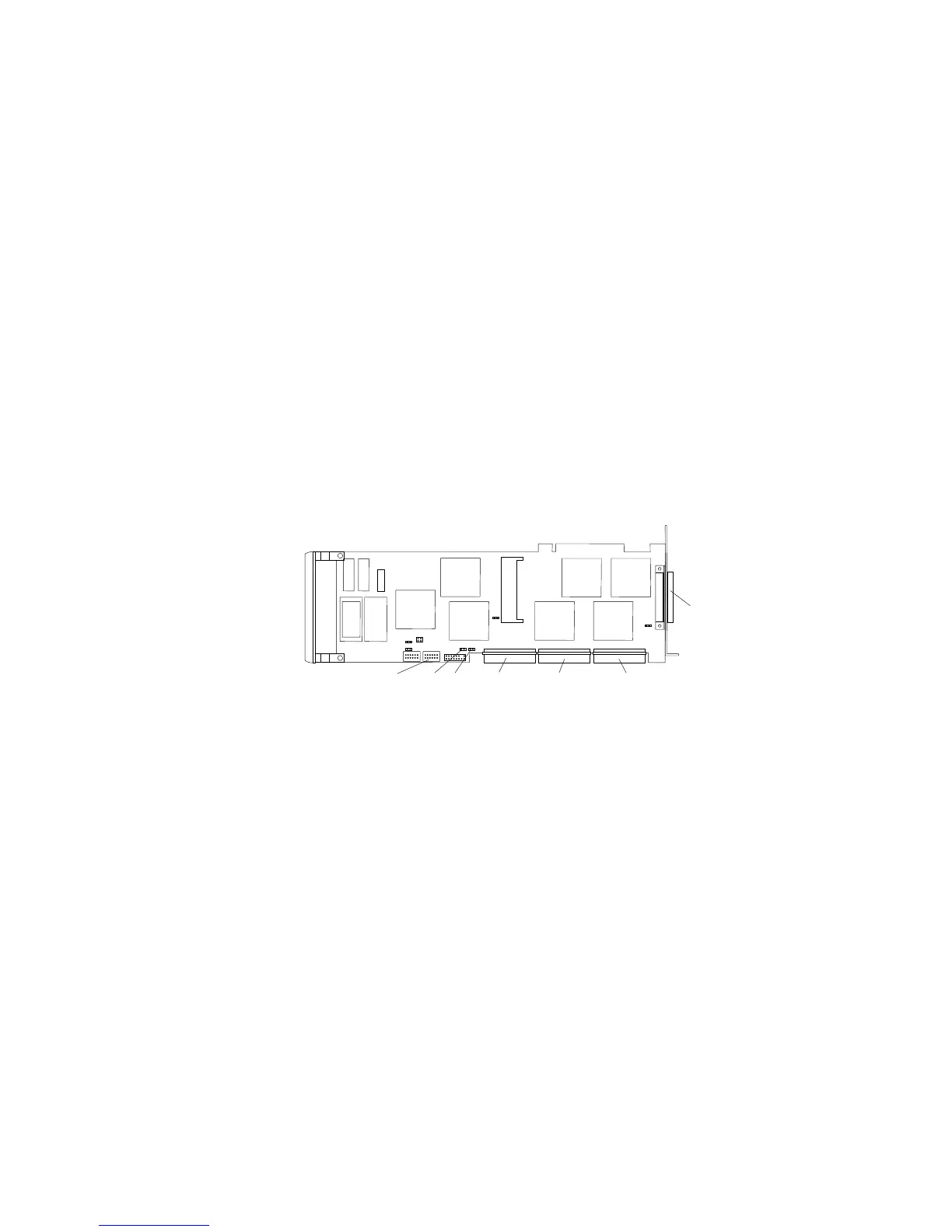
10. If you have a disk-array model, an IBM PC ServeRAID Adapter
is installed in your server. You can connect internal SCSI drives
to the Channel 1, Channel 2, or Channel 3 connector on the top
of the adapter. By default, the SCSI cable connects the SCSI-2
input connector on the bank C backplane to the Channel 3
connector on the ServeRAID adapter.
External
Channel 1
Internal
Channel 1
Internal
Channel 2
Internal
Channel 3
J1DASD Status
Connector
J4
11. If you are connecting bank C serially to bank D in the server
(daisy-chaining banks C and D), attach a SCSI-2 cable from the
daisy-chain connector on bank C to the SCSI-2 connector on
bank D.
Notes:
Bank C can connect to either bay B or to the
backplane in bank D. If bank C is connected to bay
B, it cannot be connected to bank D.
When you daisy chain two banks in a disk-array
model, you must start the ServeRAID configuration
program and specify which channel the banks are
connected to. You must also define the SCSI IDs for
each bank as LO or HI. (See “Changing the
ServeRAID Adapter Parameters” on page 130 for
more information.)
226 PC Server 520 User's Handbook for PCI/EISA








 To Next Page