Input/Output Connectors
Power Connector: The power cable connects here.
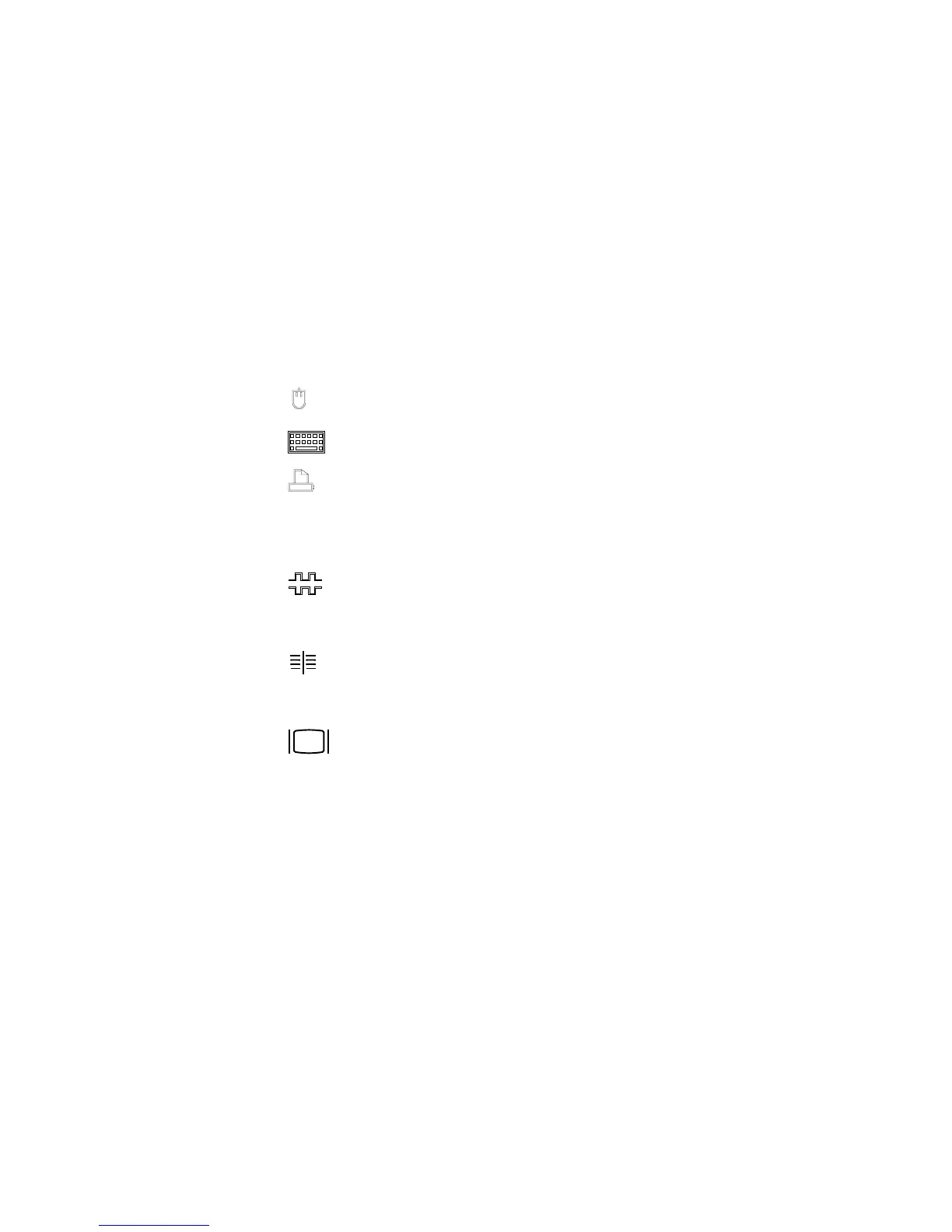
Mouse Connector: The mouse cable connects here. This port also is
called an auxiliary-device or pointing-device port.
Keyboard Connector: The keyboard cable connects here.
Parallel Connector: One 25-pin parallel connector is provided. This
is where the signal cable for a parallel printer or other parallel
device connects to your server.
SCSI Connector Knockout: This knockout allows access to the
internal connector on a second SCSI-2 adapter.
Serial Connectors: Two 9-pin serial connectors (A and B) are
provided. The serial signal cable for a modem or other serial device
usually connects here. If you are using a 25-pin signal cable, you
need a 9-pin-to-25-pin adapter cable.
SCSI-2 Connector: For non-disk-array models, external small
computer system interface (SCSI) devices attach here. For disk-array
models, the SCSI-2 connector is located in the bottom PCI adapter
slot.
Monitor Connector: The monitor signal cable attaches to the
connector on this adapter.
Chapter 1. Introducing the PC Server 520 7








 To Next Page