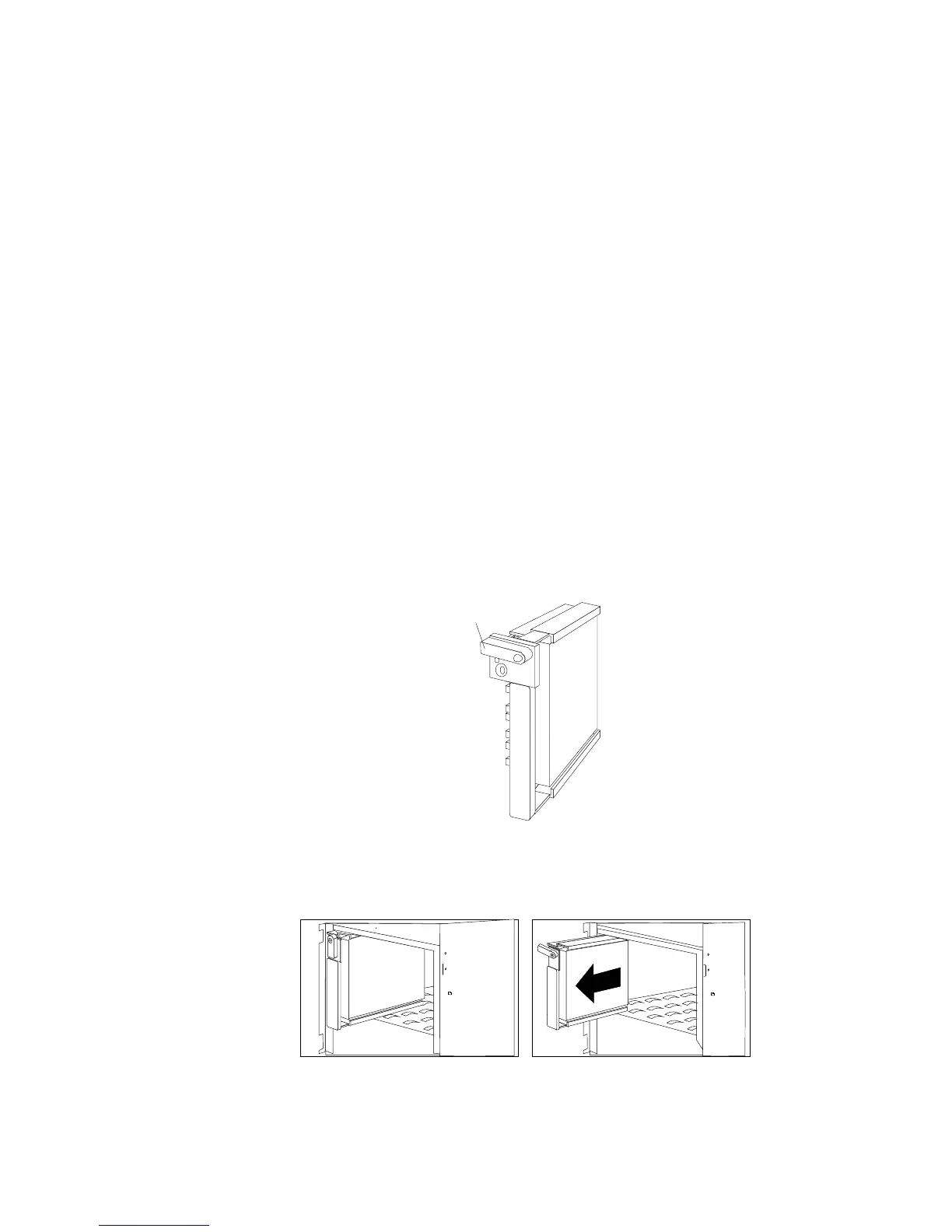
Removing Internal Drives
To remove a drive from bank C, D, or E, do the following steps:
1. Find the defective drive that you plan to remove.
2. Ensure that you have selected the correct drive for removal.
Attention: Before you hot-swap a drive, make sure it is
defective. If you partially or completely remove a good drive
instead of a defective one, your server might lose valuable data.
3. Press the power-off switch on the drive tray. When the green
LED begins to blink, it is safe to remove the drive.
4. Unlock the drive by turning the knob clockwise 90 degrees.
Unlocked
Position
5. Disconnect the drive from the connector on the backplane, by
grasping the handle on the drive tray and pulling the drive out
of the server. Store the drive in a safe place.
246 PC Server 520 User's Handbook for PCI/EISA








 To Next Page