Installing a Microprocessor
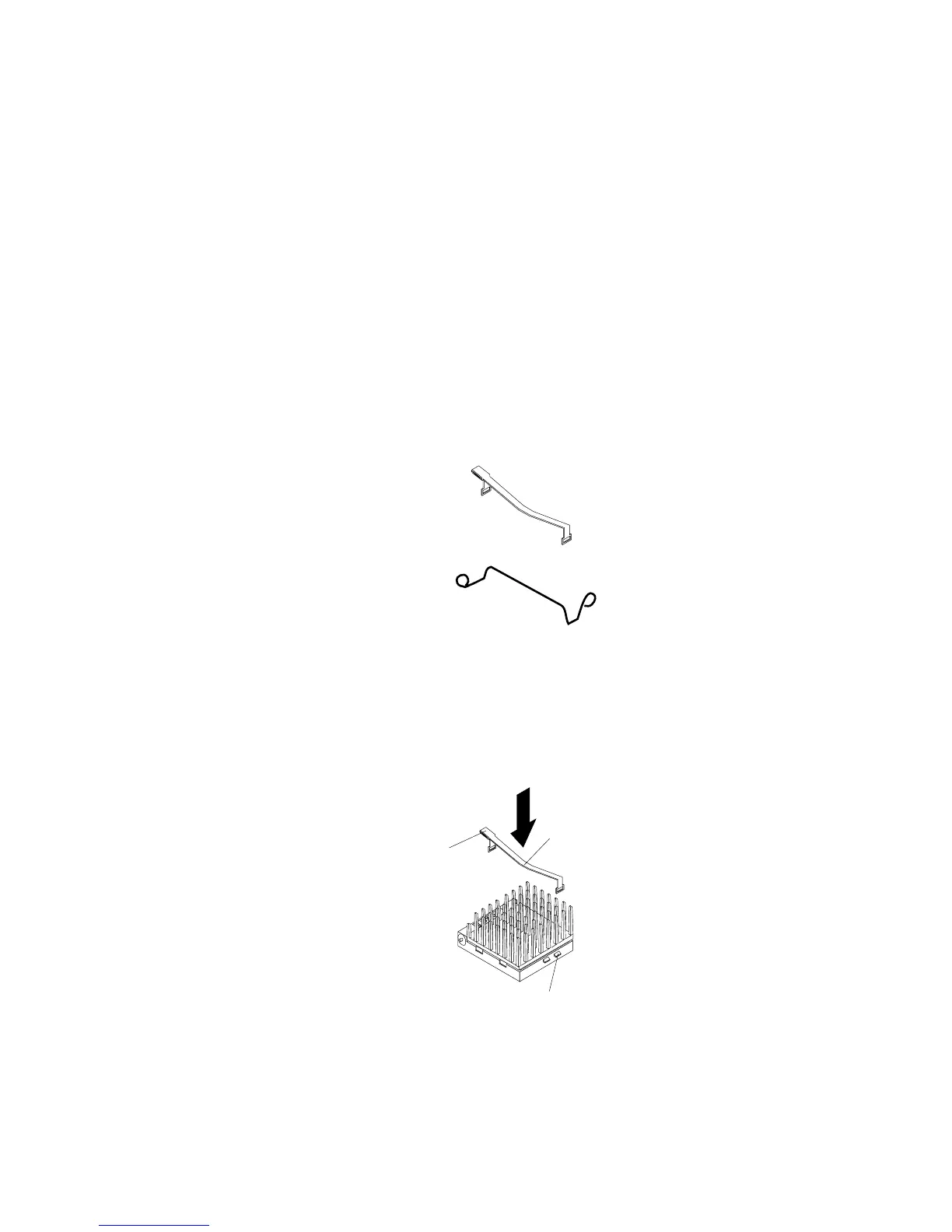
7. Note the heat-sink clip that comes with the microprocessor, and
match it to one of the following figures.
If it is the top clip, go to step 8.
If it is the bottom clip, go to step 12 on page 259.
8. Move the latch downward until the microprocessor is
completely locked into the socket. Make sure the latch is in the
fully closed position.
9. Position the heat-sink clip over the flange, as shown.
Note: Make sure that the tab on the heat-sink clip faces away
from the middle of the two sockets.
Socket 5
Heat-sink clip
Tab
Flange
258 PC Server 520 User's Handbook for PCI/EISA








 To Next Page